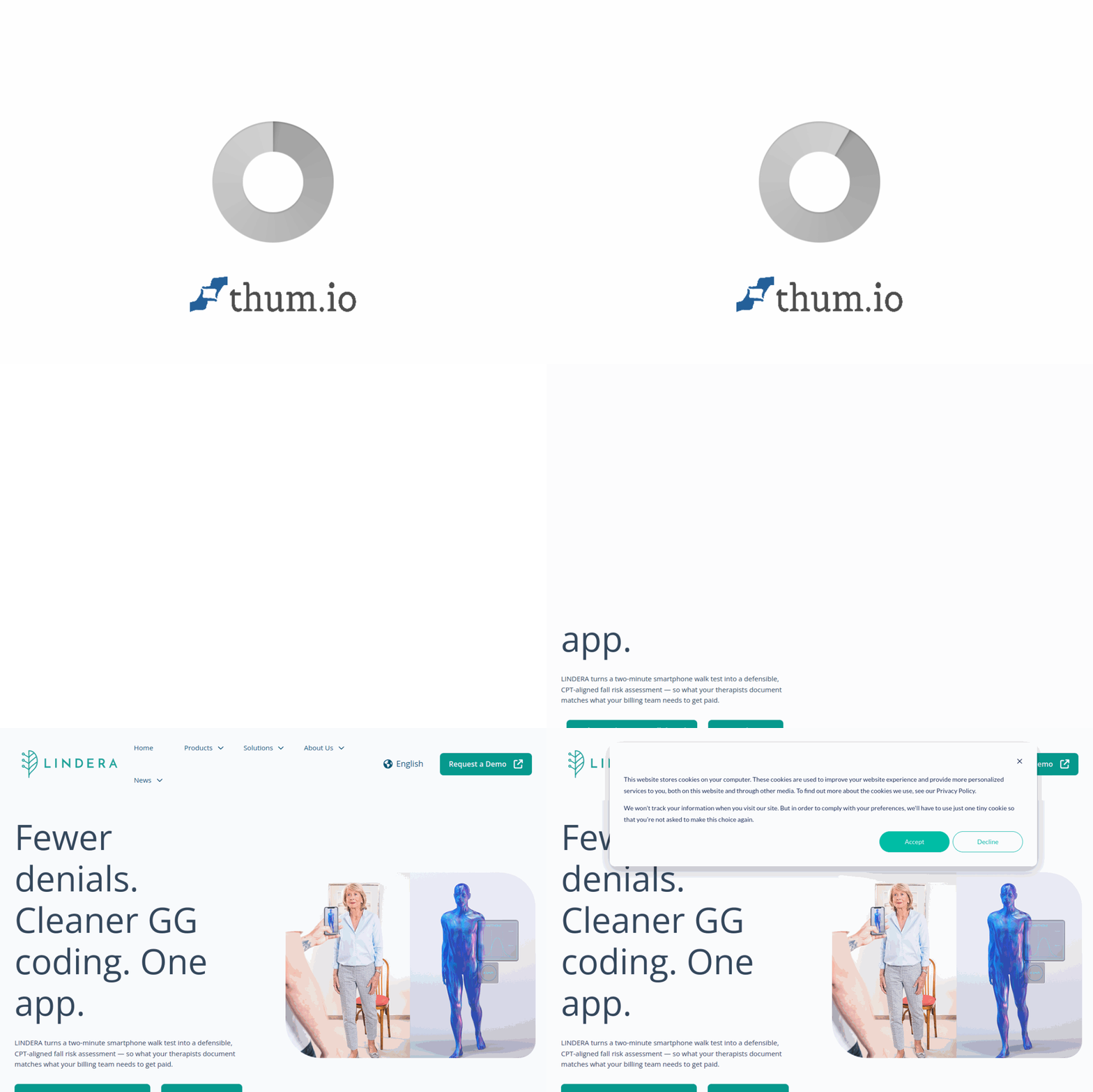
Introduction to LINDERA Fall Risk Analysis
Falls are one of the most significant patient safety concerns in healthcare settings, affecting millions of individuals each year and leading to serious injuries, extended hospital stays, and substantial financial burdens. For healthcare providers, accurately assessing and documenting fall risk is not only a clinical necessity but also a critical factor in securing proper reimbursement from insurance providers and government payers. This is where LINDERA enters the picture as a transformative AI-powered solution.
LINDERA Fall Risk Analysis is an innovative artificial intelligence tool designed to help healthcare professionals—including physicians, physical therapists, nurses, and rehabilitation specialists—evaluate patient fall risk with unprecedented accuracy and efficiency. By leveraging advanced machine learning algorithms and data-driven insights, LINDERA goes beyond traditional fall risk assessments that often rely on subjective clinical judgment or basic screening tools. Instead, it provides objective, quantifiable analysis that supports clinical decision-making and significantly reduces the likelihood of therapy denials from insurance companies.
The platform is accessible online at https://lindera.ai/ and integrates seamlessly into existing healthcare workflows. Whether you work in a hospital, outpatient clinic, skilled nursing facility, or home health setting, LINDERA offers a practical, evidence-based approach to fall risk management that can improve patient outcomes and strengthen your reimbursement strategy.
In this comprehensive tutorial, we will walk you through everything you need to know about LINDERA Fall Risk Analysis—from initial setup and key features to step-by-step usage instructions and expert tips for maximizing its benefits. By the end of this guide, you will have a clear understanding of how to incorporate this powerful AI tool into your daily practice.
Getting Started with LINDERA
System Requirements and Access
Before you begin using LINDERA, it is important to ensure that your environment meets the basic requirements. LINDERA is a cloud-based platform, which means you do not need to install any heavy software on your local machine. However, you will need the following:
- A stable internet connection (broadband recommended for video analysis features)
- A modern web browser such as Google Chrome, Mozilla Firefox, Safari, or Microsoft Edge (updated to the latest version)
- A device with a camera if you plan to use the motion analysis feature (smartphone, tablet, or laptop webcam)
- A LINDERA account (individual or institutional)
Creating Your Account
To get started with LINDERA Fall Risk Analysis, follow these simple steps:
- Navigate to https://lindera.ai/ using your preferred web browser.
- Look for the “Sign Up” or “Get Started” button, typically located in the top-right corner of the homepage.
- You will be prompted to enter your professional information, including your name, email address, healthcare facility name, and professional credentials. LINDERA is designed for healthcare providers, so you may need to verify your licensure or affiliation.
- Choose a strong password and agree to the terms of service and privacy policy.
- Check your email inbox for a verification link and click it to activate your account.
- Once verified, log in to the platform using your credentials.
Navigating the Dashboard
Upon logging in, you will be greeted by the LINDERA dashboard. The interface is designed with simplicity in mind, even for users who may not be tech-savvy. Key elements of the dashboard include:
- Patient Management Panel: A list or search bar where you can add, select, or manage patient profiles.
- Assessment Module: The central area where you initiate and conduct fall risk analyses.
- Reports and Analytics: A section where you can view historical data, trends, and generated reports.
- Integration Settings: Options to connect LINDERA with your Electronic Health Record (EHR) system or other practice management software.
- Help and Support: Access to tutorials, FAQs, and customer support.
Take a few minutes to explore the dashboard and familiarize yourself with the layout. The platform is intuitive, but understanding where everything is located will save you time during patient care.
Key Features of LINDERA Fall Risk Analysis
Understanding the core features of LINDERA will help you appreciate how it can transform your fall risk assessment process. Below are the standout capabilities that make this tool indispensable for healthcare providers.
1. AI-Powered Fall Risk Assessment
At the heart of LINDERA is its proprietary artificial intelligence engine. Unlike traditional fall risk tools that rely on static questionnaires (such as the Morse Fall Scale or the Hendrich II model), LINDERA uses deep learning algorithms to analyze multiple data points simultaneously. These include patient demographics, medical history, medication lists, gait patterns, balance metrics, and even video-based movement analysis. The AI continuously learns from new data, improving its predictive accuracy over time. This results in a fall risk score that is both highly personalized and evidence-based.
2. Reduction of Therapy Denials
One of the most frustrating challenges for healthcare providers is having therapy services denied by insurance companies due to insufficient documentation of medical necessity. LINDERA directly addresses this problem. By generating objective, quantifiable fall risk data, the tool provides the concrete evidence that payers require to approve therapy sessions. The AI-generated reports include clear risk stratification, clinical rationale, and supporting data that align with Medicare and private insurance guidelines. Providers who use LINDERA consistently report a significant decrease in denial rates, leading to improved revenue cycle management.
3. Data-Driven Clinical Insights
LINDERA does not just give you a score; it provides actionable insights. The platform analyzes trends over time, allowing you to see how a patient’s fall risk changes in response to interventions. For example, if a patient begins a balance training program, LINDERA can show you measurable improvements in stability and risk reduction. These insights help you tailor treatment plans, adjust therapy intensity, and communicate progress to patients and their families with confidence.
4. Seamless Integration with Healthcare Workflows
LINDERA understands that healthcare providers are busy and cannot afford to waste time on clunky software. The platform offers robust integration capabilities with major Electronic Health Record (EHR) systems, including Epic, Cerner, and others. This means that fall risk assessments can be automatically documented in the patient’s chart without manual data entry. Additionally, LINDERA supports HL7 and FHIR standards, making it compatible with most modern healthcare IT infrastructures. The tool also offers mobile compatibility, allowing assessments to be conducted at the bedside or in outpatient settings using a tablet or smartphone.
5. Video-Based Gait and Balance Analysis
A particularly innovative feature of LINDERA is its ability to analyze patient movement using standard video recordings. With the patient’s consent, you can record a short video of them performing simple tasks such as walking, standing from a seated position, or turning around. The AI analyzes this video frame by frame, identifying subtle abnormalities in gait speed, stride length, sway, and postural control that may indicate elevated fall risk. This feature is non-invasive, quick, and provides objective data that is difficult to capture through observation alone.
How to Use LINDERA: A Step-by-Step Guide
Now that you are familiar with the features, let us walk through the practical process of using LINDERA for a fall risk assessment. We will cover the most common workflow from start to finish.
Step 1: Add a New Patient
From the dashboard, click on the “Add Patient” button. Enter the patient’s basic information including name, date of birth, gender, and medical record number (if applicable). You can also import patient data directly from your EHR if the integration is set up. Once the patient profile is created, it will be saved for future assessments.
Step 2: Initiate a Fall Risk Assessment
Select the patient from your list and click “New Assessment”. You will be presented with several input options:
- Manual Data Entry: Enter clinical information such as age, history of falls, medications (especially sedatives, antihypertensives, or diuretics), comorbidities (e.g., Parkinson’s disease, stroke, arthritis), and cognitive status.
- Video Recording: If you choose to use the video analysis feature, click the camera icon. Position the patient in a well-lit area with a clear background. Instruct them to walk a short distance (e.g., 10 feet) at their normal pace, turn around, and walk back. The AI will analyze the recording automatically. Ensure you have obtained proper consent before recording.
- Sensor Data (if available): Some healthcare settings use wearable sensors or pressure mats. LINDERA can ingest this data if integrated.
Step 3: Review the AI Analysis
After submitting the data, LINDERA will process the information within seconds. You will be presented with a comprehensive report that includes:
- Fall Risk Score: A numerical value (e.g., 0-100) with a risk category (Low, Moderate, High).
- Key Risk Factors: Specific elements contributing to the score, such as gait instability, medication side effects, or environmental hazards.
- Comparative Data: How the patient’s risk compares to age-matched norms or previous assessments.
- Recommendations: Suggested interventions, such as physical therapy, medication review, or home safety modifications.
Step 4: Generate Documentation
One of the most important steps for reimbursement is proper documentation. LINDERA allows you to generate a PDF report or direct EHR note with a single click. This report includes all the clinical data, the AI analysis, and your professional interpretation. It is formatted to meet the requirements of Medicare and private insurers, reducing the risk of denials. Save the report in the patient’s chart or submit it directly to the payer if required.
Step 5: Track Progress Over Time
Fall risk is not static. To monitor changes, schedule follow-up assessments at regular intervals (e.g., weekly, monthly, or after a change in medication or therapy). LINDERA will display trend lines and graphs showing improvement or deterioration. Use this data to adjust care plans and demonstrate the effectiveness of your interventions to patients and payers.
Tips for Getting the Most Out of LINDERA
To maximize the benefits of LINDERA Fall Risk Analysis, consider the following practical tips gathered from experienced users and clinical experts.
Tip 1: Standardize Your Assessment Protocol
Consistency is key when using AI tools. Develop a standard protocol for when and how you conduct fall risk assessments. For example, perform an assessment on every new patient admission, after any fall incident, when medications are changed, and at regular intervals (e.g., every 30 days for long-term care patients). This ensures that your data is comparable over time and that you never miss a critical change in risk status.
Tip 2: Combine AI with Clinical Judgment
LINDERA is a powerful tool, but it is not a replacement for your professional expertise. Always interpret the AI-generated scores in the context of the whole patient. For instance, a patient might have a low fall risk score but exhibit significant fear of falling that limits their activity. In such cases, your clinical judgment should guide the care plan. Use LINDERA as a decision support tool, not a decision maker.
Tip 3: Use Video Analysis Consistently
The video-based gait and balance analysis is one of LINDERA’s most valuable features. To get the most accurate results, follow these best practices:
- Ensure the patient wears comfortable, non-restrictive clothing and their usual footwear.
- Use consistent lighting and background conditions for each assessment.
- Record from the same angle each time (e.g., sagittal or frontal plane).
- Provide clear instructions to the patient before recording.
- If the patient uses a mobility aid (cane, walker), include it in the video as it reflects their real-world function.
Tip 4: Educate Your Team
LINDERA is most effective when the entire care team is on board. Train nurses, therapists, and medical assistants on how to use the tool. Designate a “champion” who can troubleshoot issues and keep everyone updated on new features. When the whole team understands the value of data-driven fall risk assessment, adoption rates and consistency improve dramatically.
Tip 5: Leverage Reports for Reimbursement
When submitting claims for therapy services, attach the LINDERA-generated report to your documentation. Highlight the objective data points that justify the medical necessity of your interventions. For example, if a patient’s fall risk score decreased from 85 (High) to 45 (Moderate) after four weeks of therapy, include that trend in your progress notes. Payers are more likely to approve continued therapy when they see quantifiable improvement supported by AI analysis.
Tip 6: Keep Data Privacy in Mind
LINDERA is designed to comply with HIPAA and other data protection regulations, but you must still follow your facility’s policies for patient data handling. Ensure that video recordings are stored securely, access is limited to authorized personnel, and patient consent is documented. Regularly review your integration settings to confirm that data sharing with your EHR is encrypted and compliant.
Tip 7: Explore Integration Options Early
If your facility uses an EHR, set up the integration during the initial implementation phase. This will save countless hours of duplicate data entry. Contact LINDERA’s support team for guidance on API keys, authentication, and mapping fields. A well-integrated system means that fall risk data flows seamlessly into the patient’s chart, reducing administrative burden and minimizing errors.
Tip 8: Use the Analytics Dashboard for Population Health
Beyond individual patient care, LINDERA’s analytics dashboard can help you identify trends across your entire patient population. For example, you might discover that patients on a particular class of medication have a higher average fall risk score. This insight could lead to a quality improvement initiative, such as a medication review protocol. Population-level data is also valuable for reporting to accreditation bodies or for research purposes.
Conclusion
LINDERA Fall Risk Analysis represents a significant leap forward in how healthcare providers assess and manage fall risk. By combining the power of artificial intelligence with practical clinical workflows, this tool helps you deliver safer care, reduce therapy denials, and make data-informed decisions that benefit both your patients and your practice. Whether you are a seasoned clinician or new to AI-driven healthcare tools, LINDERA’s intuitive interface and comprehensive features make it accessible and valuable from day one.
We encourage you to visit https://lindera.ai/ to sign up for a trial or request a demonstration. As you begin using LINDERA, remember that the goal is not to replace your expertise but to enhance it. With consistent use, attention to best practices, and a commitment to patient-centered care, you will find that LINDERA becomes an indispensable part of your clinical toolkit.
Start your journey toward smarter fall risk management today—your patients and your bottom line will thank you.

LINDERA Fall Risk Analysis
AI-powered fall risk analysis to reduce therapy denials.