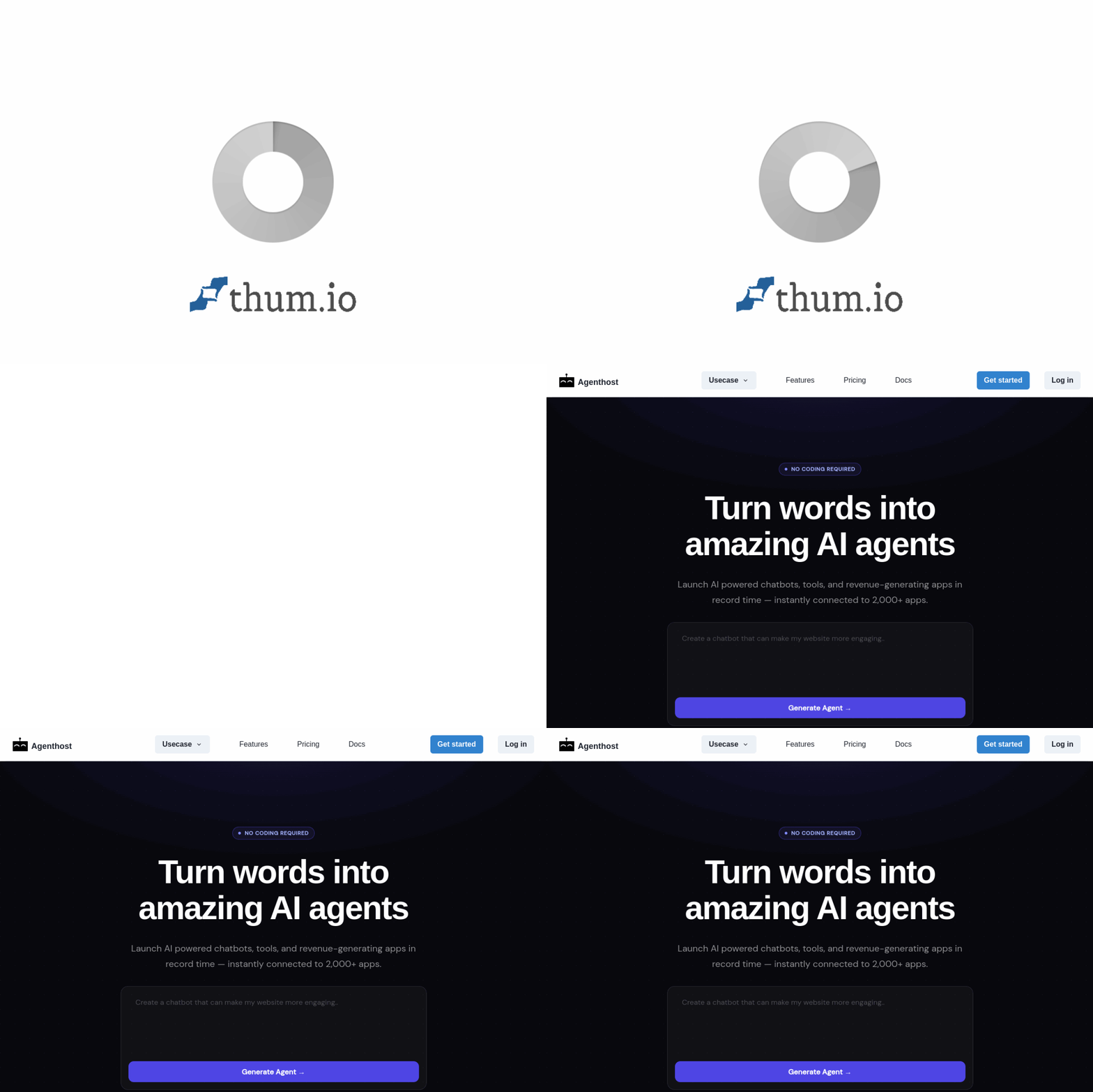
Introduction to Agenthost: Your No-Code AI Agent Builder
Artificial Intelligence is no longer a futuristic concept reserved for large corporations with dedicated data science teams. Today, tools like Agenthost are democratizing AI by allowing anyone—from small business owners to marketing professionals—to create powerful, custom AI agents in minutes. Agenthost is a platform designed specifically for users who want to build AI assistants without writing a single line of code. Whether you need a chatbot for customer support, a lead qualification bot for your sales funnel, or an automation agent for repetitive tasks, Agenthost provides a visual, drag-and-drop environment to bring your ideas to life.
This tutorial will walk you through everything you need to know about Agenthost, from your first login to deploying a fully functional AI agent. We will explore the platform’s core features, provide a step-by-step guide on building your first agent, and share practical tips to maximize your results. By the end of this guide, you will be equipped to create AI agents that save time, improve customer interactions, and streamline your workflows.
Getting Started with Agenthost
Creating Your Account
Before you can build your first AI agent, you need to set up an account. Visit the official website at https://agenthost.ai/. You will find a prominent “Get Started” or “Sign Up” button on the homepage. Click it and you will be prompted to enter your email address and create a password. Alternatively, you may have the option to sign up using your Google or Microsoft account for faster onboarding. After confirming your email address (if required), you will be logged into the Agenthost dashboard.
Navigating the Dashboard
The Agenthost dashboard is designed with simplicity in mind. Upon your first login, you will see a clean interface with a sidebar menu. Key sections include:
- My Agents: This is where all your created agents are listed. From here, you can edit, duplicate, or delete agents.
- Create New Agent: A button that launches the no-code builder.
- Templates: A library of pre-built agent templates for common use cases like customer support, FAQ bots, and lead capture.
- Integrations: A section where you can connect your agent to external platforms such as Slack, WhatsApp, Telegram, or your website.
- Settings: Manage your account details, billing, and API keys if you plan to use advanced features.
Take a moment to explore these sections. The platform is highly intuitive, and most actions are just a click away.
Key Features of Agenthost
Understanding the features of Agenthost will help you appreciate its capabilities and use it effectively. Below are the standout features that make this tool a game-changer for non-technical users.
Create AI Agents in Seconds
Agenthost is built for speed. You can have a basic AI agent up and running in under 60 seconds. The platform uses pre-trained language models that require minimal configuration. Simply give your agent a name, define its purpose, and it is ready to respond to queries. This instant creation feature is perfect for testing ideas or deploying temporary agents for short-term projects.
No-Code Builder
The core of Agenthost is its visual, no-code builder. Instead of writing complex Python scripts or configuring JSON files, you use a point-and-click interface. The builder consists of modular blocks that you can arrange to define your agent’s behavior. For example, you can add a “Greeting” block, a “Question” block, and a “Response” block. This visual approach makes AI agent creation accessible to anyone, regardless of technical background.
Customizable Agent Behaviors
While the default settings work well, Agenthost allows deep customization. You can set the tone of your agent (friendly, professional, formal), define specific knowledge bases (by uploading PDFs or text documents), and create conditional logic. For instance, you can program your agent to ask for the user’s email address only if they express interest in a product. This level of control ensures your agent behaves exactly as you need it to.
Deploy Agents for Various Tasks
Agenthost agents are not limited to one use case. You can deploy them for:
- Customer Support: Answer FAQs, troubleshoot issues, and escalate complex problems to human agents.
- Lead Generation: Qualify leads by asking pre-defined questions and capturing contact information.
- Task Automation: Automate repetitive tasks like data entry, appointment scheduling, or order status checks.
- Internal Knowledge Base: Create an agent that helps employees find company policies, HR information, or IT guides.
Integrate with Popular Platforms
An AI agent is only useful if it reaches your audience. Agenthost offers seamless integration with popular communication channels. You can embed your agent on your website using a simple JavaScript snippet, connect it to your Slack workspace for internal use, or deploy it on messaging apps like WhatsApp and Telegram. The integrations are handled through the dashboard with clear instructions, so you do not need to be a developer to set them up.
How to Use Agenthost: A Step-by-Step Guide
Now that you are familiar with the features, let us build a practical AI agent from start to finish. For this tutorial, we will create a Customer Support Agent for an online store that sells eco-friendly products.
Step 1: Create a New Agent
From the dashboard, click on the “Create New Agent” button. A pop-up window will appear asking for the agent’s name and description. Name your agent “EcoSupport Bot” and write a short description: “Helps customers with product information, order status, and returns.” Click “Create.”
Step 2: Choose a Template or Start from Scratch
Agenthost will ask if you want to use a template. For beginners, templates are highly recommended. Browse the template library and select “Customer Support.” This will pre-populate your agent with common conversation flows, such as greeting, product inquiry, and issue resolution. If you prefer to build from scratch, select the blank canvas option.
Step 3: Customize Your Agent’s Knowledge
Your agent needs information to answer questions. In the builder interface, look for the “Knowledge Base” section. Here, you can upload files that contain information about your products, return policies, and shipping details. For our eco-store, upload a PDF with product descriptions and a text file with your return policy. The AI will automatically learn from these documents. You can also add specific Q&A pairs manually, such as:
- Question: “What is your return policy?”
- Answer: “We accept returns within 30 days of purchase. Items must be unused and in original packaging.”
Step 4: Define the Conversation Flow
Using the no-code builder, you can now design how your agent interacts with users. The builder uses a flowchart-like interface. Start with a “Greeting” block. Set the message to: “Hello! Welcome to EcoStore. How can I help you today? You can ask about products, orders, or returns.”
Next, add a “Condition” block. This block checks what the user says. For example, if the user mentions “order,” the agent should ask for their order number. If the user mentions “return,” the agent should explain the return policy. You can add as many conditions as needed. Connect each condition to a “Response” block that provides the appropriate answer. The visual nature of the builder makes it easy to see the logic flow.
Step 5: Set the Agent’s Personality
In the “Settings” tab of the builder, you can adjust the personality. For a customer support bot, a friendly and helpful tone works best. Choose “Friendly” from the tone dropdown. You can also set a maximum response length and decide whether the agent should ask clarifying questions when it does not understand a query.
Step 6: Test Your Agent
Before deploying, it is crucial to test your agent. Agenthost provides a built-in “Test Chat” panel on the right side of the builder. Type sample questions like “What is your shipping cost?” or “I want to return a product.” Observe how your agent responds. If the answers are incorrect or incomplete, go back to your knowledge base and add more information or refine your conversation flow. Testing ensures your agent provides accurate and helpful responses.
Step 7: Deploy Your Agent
Once you are satisfied with the test results, click the “Publish” button. Agenthost will generate an embed code and provide integration options. To add the agent to your website, copy the JavaScript snippet and paste it into the HTML of your site, just before the closing </body> tag. If you want to use it on Slack, follow the instructions in the “Integrations” section to authorize the connection. Your agent is now live and ready to interact with users.
Step 8: Monitor and Improve
After deployment, Agenthost provides analytics. In the dashboard, you can view metrics such as the number of conversations, user satisfaction scores, and common questions. Use this data to improve your agent. For example, if many users ask about a topic that your agent answers poorly, add more information to the knowledge base. Continuous improvement is key to maintaining a high-quality AI agent.
Tips for Getting the Most Out of Agenthost
To ensure your AI agents are effective and efficient, consider the following practical tips.
Start with a Clear Goal
Before you begin building, define exactly what you want your agent to achieve. A vague goal like “help customers” is less effective than a specific goal like “answer questions about shipping times and return policies.” A clear goal helps you design a focused conversation flow and select the right knowledge base content.
Use Templates as a Foundation
Even if you have a specific use case, starting with a template can save significant time. Templates are designed by experts and include best practices for conversation design. You can always modify the template to suit your needs. This approach is especially helpful for beginners who are not yet familiar with all the builder’s features.
Keep Your Knowledge Base Updated
An AI agent is only as good as the information it has access to. If your business policies, product prices, or contact details change, update your knowledge base immediately. Outdated information can frustrate users and damage your brand’s credibility. Schedule regular reviews of your agent’s content, perhaps once a month.
Add a Fallback Option
No AI agent is perfect. There will be times when your agent does not understand a user’s query or cannot provide a satisfactory answer. In your builder, include a “Fallback” block that triggers when the agent is unsure. The fallback message should politely say something like: “I am sorry, I did not understand that. Let me connect you with a human agent.” Then, set up an email notification or a Slack message to alert your team so they can take over.
Test with Real Users
While the built-in test panel is useful, nothing beats testing with real users. Ask a few colleagues or friends to interact with your agent and provide feedback. Pay attention to where users get stuck or confused. Their insights will help you refine the conversation flow and improve the overall user experience.
Leverage Integrations for Broader Reach
Do not limit your agent to just your website. If your customers use WhatsApp or Facebook Messenger, integrate your agent there as well. Agenthost makes multi-channel deployment straightforward. A single agent can be active on multiple platforms simultaneously, ensuring consistent support wherever your audience prefers to communicate.
Monitor Performance Regularly
Use the analytics dashboard to track key metrics. Look for trends, such as a sudden increase in questions about a specific topic. This could indicate a new issue or a change in customer behavior. By monitoring performance, you can proactively update your agent and maintain high levels of customer satisfaction.
Do Not Overcomplicate the Flow
It is tempting to add many branches and conditions to your conversation flow, but simplicity often works best. A straightforward flow with clear options reduces user confusion and improves completion rates. If you find your flow becoming too complex, consider splitting your agent into multiple specialized agents (e.g., one for sales and one for support).
Conclusion
Agenthost is a powerful yet accessible tool that puts the ability to create AI agents into the hands of everyone. Its no-code builder, customizable behaviors, and wide range of integrations make it an ideal choice for businesses and individuals who want to leverage AI without hiring developers. By following the steps outlined in this tutorial—from account creation to deployment and optimization—you can build AI agents that enhance customer experiences, automate tedious tasks, and drive growth. Remember to start simple, test thoroughly, and iterate based on real-world feedback. With Agenthost, the future of AI is not just for experts; it is for you.
