📤 Share
📝 Summary
A simple teleprompter tool for reading scripts on screen.
⭐ Rating
📝 About This Tool
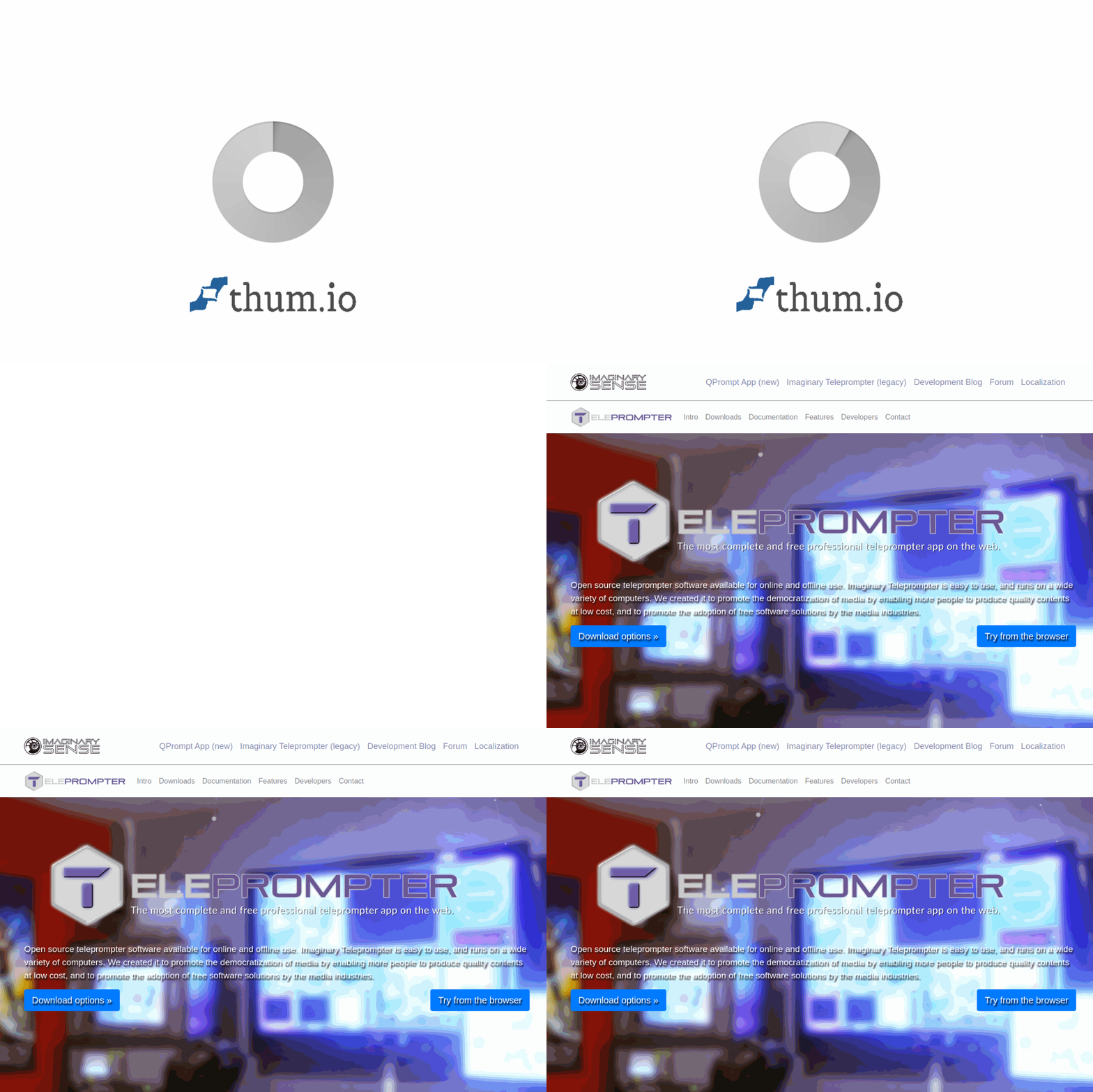
•Imaginary Teleprompter is a web-based tool that allows users to display scrolling text on their screen for reading scripts, speeches, or presentations. It provides a straightforward interface for adjusting speed and text size, making it easy to follow along while recording videos or delivering live talks.
⚡ Key Features
•Adjustable scrolling speed
•Customizable text size
•Full-screen mode
•Simple text input
•Responsive design
✨ Why Choose It
•Lightweight and easy to use
•No installation required
•Works directly in the browser
👥 Who Is It For
•Video creators
•Public speakers
•Content producers
•YouTubers
❓ FAQ
Q: Is this tool free to use?
A: Yes, the teleprompter is free to use.
Q: Can I adjust the scroll speed?
A: Yes, you can adjust the speed to your preference.
Q: Does it work on mobile devices?
A: Yes, it is responsive and works on mobile browsers.