📤 Share
📝 Summary
Convert video/audio to text and edit media via transcription.
🏷 Tags
⭐ Rating
📖 Tutorials

Revoldiv
📝 About This Tool
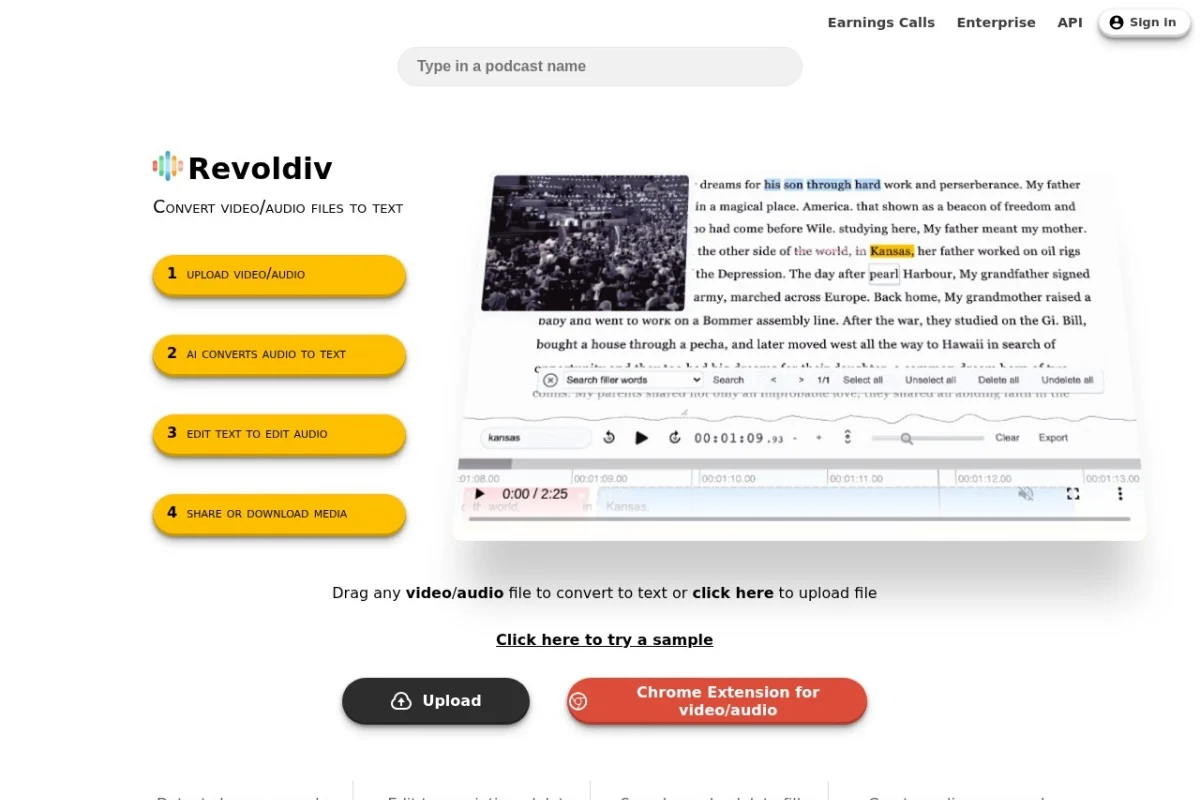
•Revoldiv is an AI-powered tool that converts video and audio files into accurate text transcriptions. Users can edit the transcription to edit the underlying audio/video, remove filler words, create audiograms, and export subtitles or media in various formats. It also supports speaker detection, chapter creation, and commenting for collaborative workflows.
⚡ Key Features
•Transcribe video/audio to text with high accuracy
•Edit transcription to edit audio/video
•Remove filler words like 'um' and 'like'
•Create audiograms from snippets
•Export subtitles (SRT, VTT) and plain text
•Detect speakers and cheers/applause
•Search and filter words in transcription
✨ Why Choose It
•Edit video by editing text for streamlined workflow
•One-click filler word removal
•Supports Chrome extension for direct podcast transcription
•Confidence levels for transcription accuracy
👥 Who Is It For
•Content creators
•Podcasters
•Video editors
•Journalists
•Transcriptionists
❓ FAQ
Q: What file formats does Revoldiv support?
A: It supports video and audio files, with a limit of two hours per file.
Q: Can I edit the video by editing the text?
A: Yes, editing the transcription simultaneously edits the corresponding audio/video.
Q: Is there a browser extension?
A: Yes, Revoldiv offers a Chrome extension for transcribing video/audio from web pages.