📤 Share
📝 Summary
An all-in-one doc platform combining docs, spreadsheets, and apps.
⭐ Rating
📖 Tutorials

Coda
📝 About This Tool
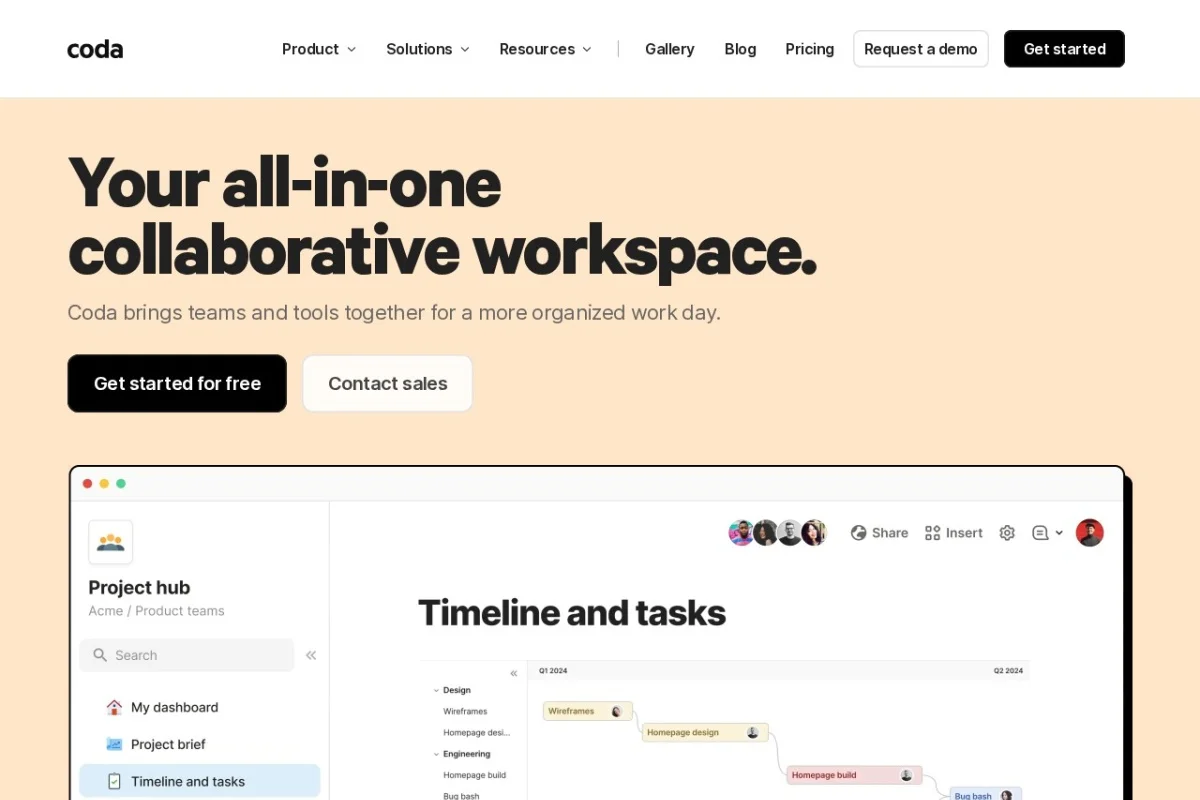
•Coda is a collaborative document platform that blends the flexibility of documents, the power of spreadsheets, and the functionality of applications. It allows teams to create custom workflows, databases, and interactive content without coding. Users can build tables, forms, automations, and integrations to streamline projects and decision-making.
⚡ Key Features
•Create interactive docs with tables and buttons
•Build custom databases and forms
•Automate workflows with no-code actions
•Integrate with Slack, Google, and more
•Collaborate in real-time with teams
✨ Why Choose It
•Combines docs, spreadsheets, and apps in one tool
•Highly customizable with no-code building blocks
•Strong integration ecosystem for team workflows
👥 Who Is It For
•Project managers
•Remote teams
•Product managers
•Operations teams
❓ FAQ
Q: Is Coda free to use?
A: Yes, Coda offers a free plan with core features.
Q: Can I integrate Coda with other tools?
A: Yes, it integrates with Slack, Google Workspace, and many others.
Q: Do I need coding skills to use Coda?
A: No, Coda is designed for no-code creation.