📤 Share
📝 Summary
One-click audio cleaning tool for clear recordings.
🏷 Tags
⭐ Rating
📖 Tutorials

Audo Studio
📝 About This Tool
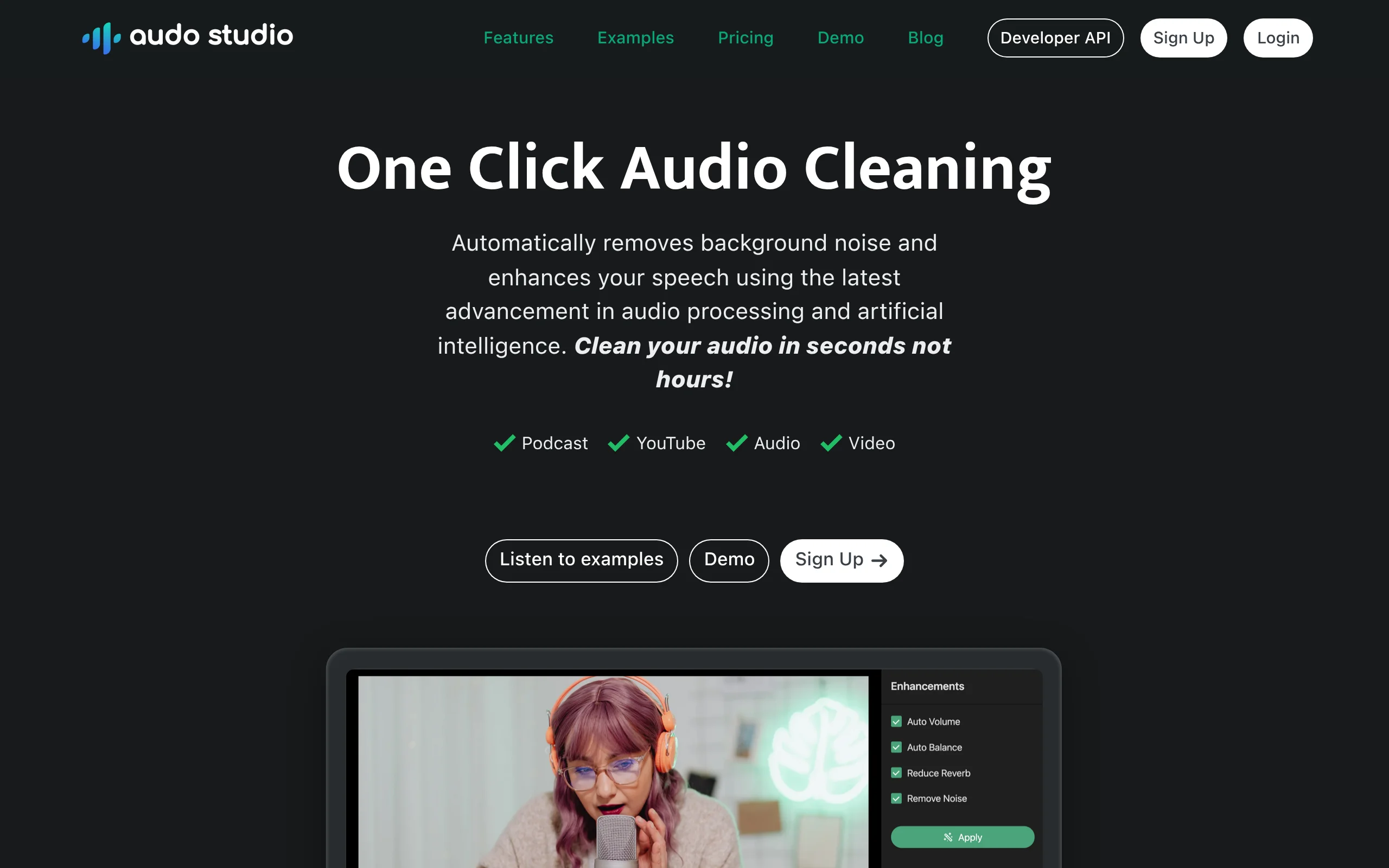
•Audo Studio is an AI-powered audio cleaning tool that removes background noise, echoes, and distortions from audio files with a single click. It enhances voice clarity for podcasts, meetings, and recordings, making professional-quality audio accessible to everyone.
⚡ Key Features
•One-click noise removal
•Echo and reverb reduction
•Voice clarity enhancement
•Supports multiple audio formats
•Real-time audio processing
✨ Why Choose It
•Simple one-click operation
•No technical audio expertise required
•Fast processing compared to manual editing
👥 Who Is It For
•Podcasters
•Content creators
•Remote workers and meeting participants
•Journalists and interviewers
❓ FAQ
Q: What file formats does Audo support?
A: Audo supports common audio formats like MP3, WAV, and more.
Q: Is Audo free to use?
A: Audo offers a free plan with limited usage and paid plans for more features.
Q: Can I use Audo for live recordings?
A: Yes, Audo can process pre-recorded files; real-time processing may require specific plans.