📤 Share
📝 Summary
Intelligent diagramming application for teams.
⭐ Rating
📖 Tutorials

Lucidchart
📝 About This Tool
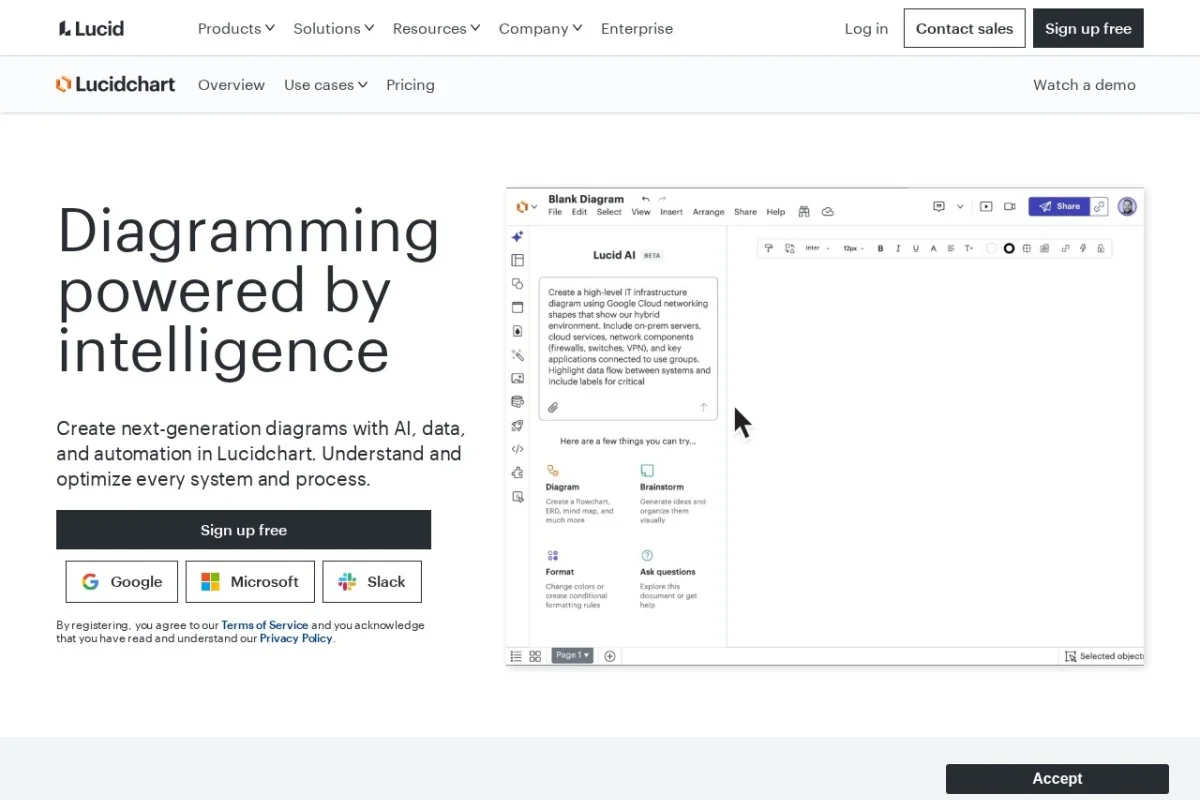
•Lucidchart is a cloud-based diagramming platform that helps teams visualize processes, systems, and organizational structures. It offers intelligent diagramming powered by AI, enabling users to create flowcharts, wireframes, UML diagrams, network diagrams, and more. The tool supports real-time collaboration, integrates with popular apps like Google Workspace, Microsoft Office, and Slack, and provides templates and shapes to accelerate diagram creation.
⚡ Key Features
•AI-powered diagram generation
•Real-time collaboration
•Extensive template library
•Integration with Google Workspace, Microsoft, Slack
•Drag-and-drop interface
•Version history and commenting
✨ Why Choose It
•Combines AI intelligence with professional diagramming
•Seamless integration with major productivity suites
•Enterprise-grade security and compliance
👥 Who Is It For
•Product managers
•Software engineers
•Business analysts
•Educators and students
•Project managers
❓ FAQ
Q: Is Lucidchart free to use?
A: Lucidchart offers a free plan with limited features and paid plans for more functionality.
Q: Can I collaborate with my team in real time?
A: Yes, Lucidchart supports real-time collaboration with comments and chat.
Q: Does Lucidchart integrate with other tools?
A: Yes, it integrates with Google Workspace, Microsoft Office, Slack, Jira, and more.














