Your Complete Guide to CodeConvert AI: Effortless Code Translation
In the diverse world of software development, working with multiple programming languages is a common reality. You might be migrating a legacy system, integrating a module from a different tech stack, or simply learning a new language by comparing it to one you know. Manually rewriting code from one language to another is a tedious, error-prone, and time-consuming task. This is where CodeConvert AI comes to the rescue. This detailed tutorial will walk you through everything you need to know about this powerful, web-based tool that acts as your personal AI-powered code translator.
Introduction: What is CodeConvert AI?
CodeConvert AI is an innovative online platform designed to automatically translate or convert source code from one programming language to another. Think of it as Google Translate, but specifically engineered for programming syntax, semantics, and structures. Instead of spending hours manually rewriting a Python script into Java or a C++ function into Go, you can use CodeConvert AI to generate the initial converted code in seconds.
The tool leverages advanced artificial intelligence models trained on vast amounts of code from across the internet. This allows it to understand the intent and logic of your original code and produce a functionally equivalent version in your chosen target language. It supports an impressive array of over 50 programming languages, covering everything from popular ones like JavaScript, Python, and Java to more niche or legacy languages.
Best of all, it’s entirely web-based. There is no software to download or install. You simply visit their website, paste your code, and get results. This makes it incredibly accessible for developers of all levels, from beginners looking to understand language differences to seasoned professionals needing to accelerate project migrations.
Getting Started with CodeConvert AI
Starting your code conversion journey is straightforward. You don’t need to create an account to try the basic functionality, which makes it easy to test.
Step 1: Access the Tool
Open your preferred web browser and navigate to the official CodeConvert AI website: https://www.codeconvert.ai. The homepage is clean and intuitive, putting the conversion interface front and center.
Step 2: Understand the Interface
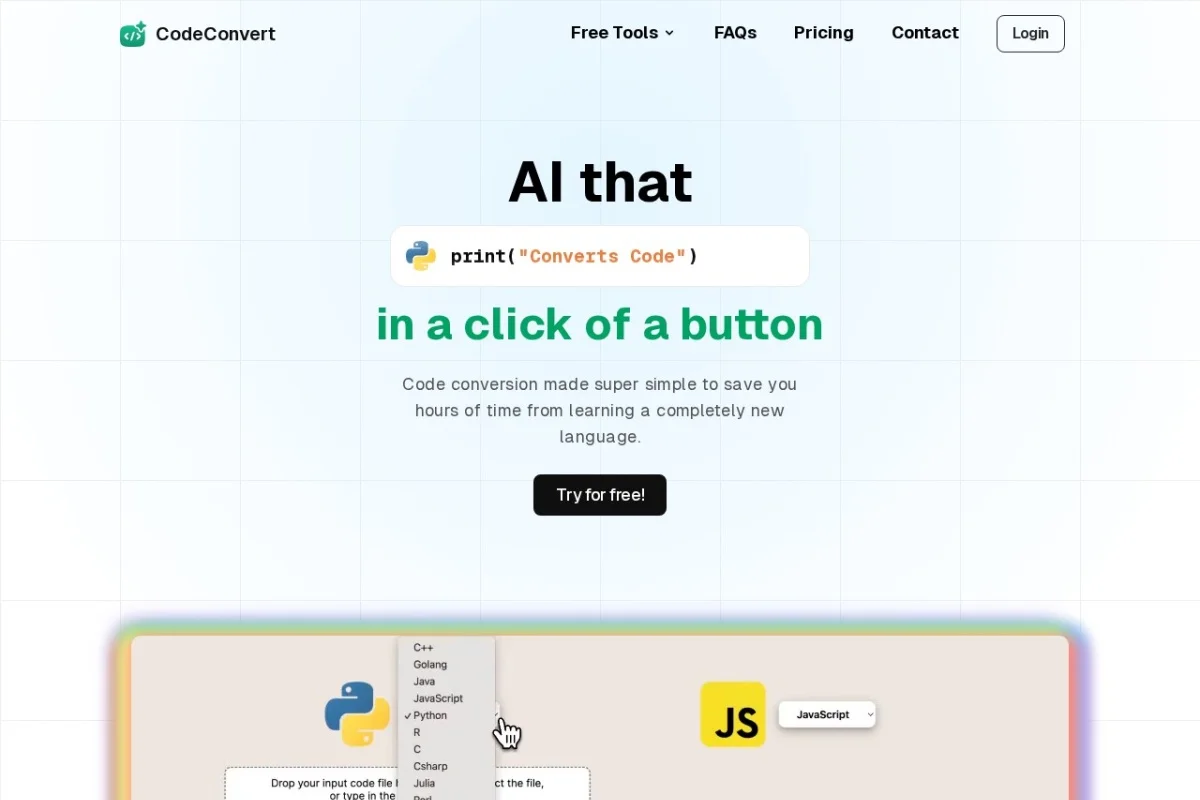
You will immediately see a two-panel layout. The left panel is where you will input your source code. Above it, there are dropdown menus to select your source language (the language of the code you’re pasting) and your target language (the language you want it converted into). The right panel is where the magically converted code will appear. There’s a prominent “Convert” button to initiate the process.
Step 3: Choose Your Plan
CodeConvert AI operates on a freemium model:
- Free Tier: Perfect for occasional use. It allows a limited number of conversions per day and may have constraints on code length. It’s ideal for testing and small snippets.
- Paid Plans: For developers or teams who need to convert large volumes of code or lengthy files, paid subscriptions offer unlimited usage, higher conversion limits, priority processing, and sometimes access to more advanced features or API endpoints.
For this tutorial, we’ll focus on using the free, web-based interface that anyone can access.
Key Features and Benefits
CodeConvert AI stands out due to its powerful feature set designed for practicality and ease of use.
Extensive Language Support
With support for 50+ languages, it handles most common conversion scenarios. Whether you’re moving from:
- Frontend to Frontend: JavaScript to TypeScript or vice-versa.
- Backend to Backend: Python (Django/Flask) to Node.js (Express) or PHP to Java.
- Scripting to System Language: Python to C++ or Rust.
- Data Science Contexts: Converting R analysis scripts to Python for integration into a larger PyData ecosystem.
AI-Powered High Accuracy
Unlike simple regex-based find-and-replace tools, CodeConvert AI uses sophisticated AI models. This means it tries to understand what your code does and then writes the equivalent in the new language. It handles:
- Syntax translation (e.g., a Python `for` loop becomes a Java `for` loop).
- Library and API mapping (suggesting similar libraries or functions in the target language).
- Structural changes (converting a Python script with a `__main__` block into a Java class with a `main` method).
Zero-Installation, Web-Based Convenience
Being a cloud tool means you can use it on any device with a browser—Windows PC, Mac, Linux machine, or even a tablet. Your development environment stays clean, and you don’t have to worry about updates; the latest AI models are always available on the website.
Simple and Intuitive Paste-and-Click Workflow
The user experience is designed for speed. The process is literally: Copy, Paste, Select, Click. You get results in a matter of seconds, saving potentially hours of manual work.
How to Use CodeConvert AI: A Step-by-Step Walkthrough
Let’s go through a concrete example to see the tool in action. We’ll convert a simple Python function that calculates factorial into JavaScript.
Step 1: Prepare Your Source Code
First, have your code ready. For our example, here’s the Python code:
- def factorial(n):
if n == 0:
return 1
else:
return n * factorial(n-1)
Step 2: Input and Language Selection
On the CodeConvert AI website:
- Click inside the left panel (the source code editor).
- Paste the Python code from above.
- In the dropdown menu above the left panel, select “Python” as the source language.
- In the target language dropdown (usually next to the source dropdown), select “JavaScript”.
Step 3: Initiate the Conversion
Click the large “Convert” button. The AI will now process your request. You might see a brief loading indicator.
Step 4: Analyze the Output
Within seconds, the converted JavaScript code will appear in the right panel. For our example, you might get something like:
- function factorial(n) {
if (n === 0) {
return 1;
} else {
return n * factorial(n – 1);
}
}
Notice how the AI correctly translated the `def` keyword to `function`, changed the Python `==` to JavaScript’s strict equality `===`, added parentheses for the `if` condition, and included the necessary semicolons. The core recursive logic remains perfectly intact.
Step 5: Copy and Refine
You can now click a “Copy” button (typically provided in the output panel) to copy the new JavaScript code to your clipboard. The final, crucial step is to always review and test the converted code. Paste it into your project or a sandbox environment and run it to ensure it works as expected.
Pro Tips for Best Results with CodeConvert AI
To get the highest quality conversions and integrate the tool effectively into your workflow, follow these practical tips.
1. Start with Clean, Working Code: The AI can only work with what you give it. If your source code has bugs or uses obscure libraries, the output will be less reliable. Convert code that you know functions correctly in its original language.
2. Break Down Large Files: For very long files or complex projects, convert logical modules or functions one at a time. This makes the AI’s job easier and allows you to verify the output in manageable chunks.
3. Understand the “Spirit” of the Conversion: The tool aims for functional equivalence, not a line-by-line mirror. The structure, variable names, and even loop types might change to fit the conventions and best practices of the target language. This is a feature, not a bug.
4. Manual Review is Non-Negotiable: Never deploy converted code without a thorough review. Treat the AI’s output as an excellent first draft. You must:
- Check for syntax errors specific to your new environment.
- Verify that imported libraries or suggested alternatives are correct and installed.
- Test edge cases to ensure the logic holds up.
- Refactor for performance or style to match your project’s standards.
5. Use it as a Learning Aid: If you’re learning a new language, try converting snippets from a language you know well. Comparing the input and output is a fantastic way to see how common patterns (like loops, conditionals, or class definitions) are implemented differently.
6. Manage Sensitive Code with Care: Avoid converting code containing API keys, passwords, or proprietary business logic you cannot risk exposing. While reputable tools have privacy policies, it’s best to err on the side of caution with sensitive information.
By following this guide, you are now equipped to use CodeConvert AI to dramatically speed up your cross-language coding tasks. Remember, it’s a powerful assistant designed to handle the boilerplate of translation, freeing you to focus on the more creative and complex aspects of software development. Happy converting!

CodeConvert AI
AI-powered tool to instantly convert code between 50+ programming languages.