Mastering STEM Through Interactive Discovery: A Complete Guide to Brilliant.org
In a world overflowing with information, truly understanding complex subjects like mathematics, computer science, and physics remains a challenge. Traditional learning often relies on passive consumption—watching lectures or reading dense texts—which can leave gaps in intuition and practical skill. Brilliant.org emerges as a powerful antidote to this problem. It is an online interactive learning platform built on a simple but profound principle: you learn best by doing. Brilliant transforms abstract STEM concepts into engaging, hands-on puzzles and visual stories, guiding you to build deep understanding through active problem-solving. This tutorial will serve as your comprehensive guide to navigating and mastering this innovative platform, whether you’re a curious beginner, a student looking to solidify your knowledge, or a professional aiming to sharpen your analytical skills.
Getting Started with Brilliant
Beginning your learning journey on Brilliant is a straightforward process designed to get you solving problems within minutes.
Creating Your Account
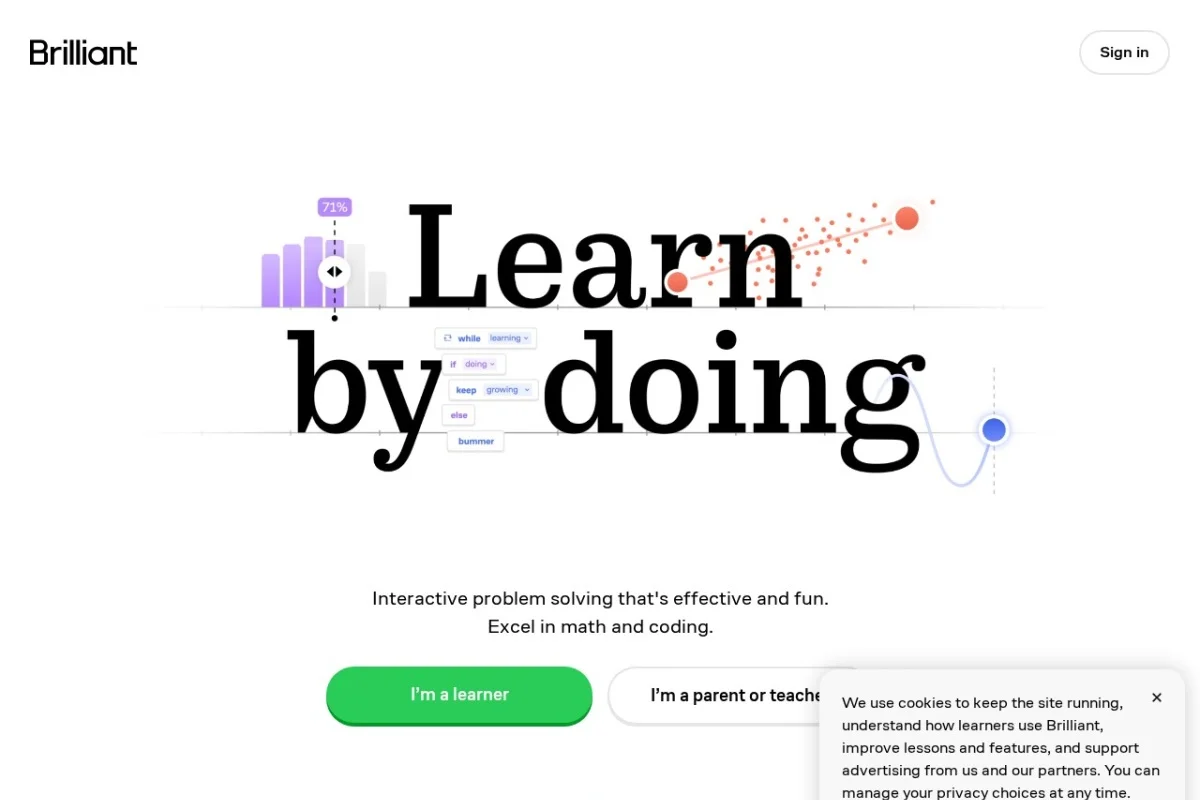
First, navigate to https://brilliant.org. You will be greeted by a clean, inviting homepage showcasing featured courses and daily challenges. To sign up, click the “Get started” or “Log in” button, typically found in the top-right corner. You can create an account using your email address, or through convenient single-sign-on options like Google or Apple. Choose a username and password, and you’re ready to proceed.
Initial Assessment and Goal Setting
Upon your first login, Brilliant will likely prompt you with a few questions to personalize your experience. This isn’t a stressful test, but a helpful tool for the platform.
- Subject Interest: You’ll be asked which areas you’re most excited about—such as Foundational Math, Computer Science, Data Science, or Physics.
- Skill Level: You may indicate your comfort level (beginner, intermediate, etc.) in these areas. Be honest; this helps Brilliant recommend appropriate starting points.
- Learning Goals: You might share whether you’re learning for school, career, or pure curiosity.
This short process helps tailor your homepage and course recommendations, but you are never locked into these choices. Your learning path is always fully under your control.
Understanding the Interface
The Brilliant interface is clean and intuitive. Key areas include:
- The Top Navigation Bar: Here you’ll find links to “Today” (Daily Challenges), “Courses,” “Practice,” and your profile.
- The Homepage (“Today”): This is your learning hub. It features the Daily Challenge, your active course progress, and personalized recommendations.
- The Courses Library: The heart of the platform. Courses are organized by category (Math, Science & Engineering, Computer Science, Data Science).
- Your Profile: Access your statistics, streak count, completed courses, and account settings here.
Key Features of Brilliant
Brilliant’s power lies in its unique feature set, all engineered to promote active, intuitive learning.
Interactive, Story-Driven Lessons
Forget hour-long video lectures. Brilliant courses are composed of short, interactive modules. Each module feels like a story or a puzzle game. Concepts are introduced with clear, visual animations and analogies, followed immediately by an interactive element—a slider to adjust, a shape to rotate, or a graph to plot. You don’t just hear about a concept; you manipulate it firsthand, seeing the cause and effect in real-time. This story-driven approach provides context and makes even the most abstract topics feel tangible and relevant.
Daily Challenges
Consistency is key to learning. Brilliant’s Daily Challenge is a single, intriguing problem delivered to your homepage each day. These challenges span all STEM fields and are designed to be solved in a few minutes. They serve as a perfect brain warm-up, reinforce past learning, and expose you to new ideas in a low-pressure way. Maintaining a “streak” by solving the daily challenge provides a satisfying gamified incentive to build a lasting learning habit.
Visual and Intuitive Explanations
Brilliant excels at visualizing the invisible. Whether it’s representing probability through area models, demonstrating calculus concepts with moving graphs, or illustrating logic gates with interactive circuits, the platform turns symbolic notation into visual intuition. This approach helps you develop a “feel” for the topic, which is often more valuable than memorizing formulas.
Hands-On Problem-Solving with Immediate Feedback
This is the core of the “learning by doing” method. After a brief explanatory setup, you are presented with a problem. You interact directly with the lesson to find the solution. The instant you submit an answer or adjust a parameter, you receive feedback. If you’re correct, you get a satisfying confirmation and an explanation of why it’s right. If you’re incorrect, the platform often provides a gentle hint or breaks the problem down further, guiding you to the “Aha!” moment without simply giving away the answer. This iterative process builds robust problem-solving skills.
Progress Tracking and Personalized Recommendations
Your profile page tracks your accomplishments in detail. You can see the courses you’ve started and completed, your daily streak, and sometimes even statistics on the types of problems you’ve solved. Based on your activity and performance, Brilliant’s algorithm suggests new courses or practice areas that might interest you, helping you discover your next learning adventure organically.
How to Use Brilliant Effectively: A Learning Workflow
To get the maximum benefit from Brilliant, follow this practical workflow for engaging with courses and challenges.
Step 1: Choosing Your First Course
Browse the Courses library. Don’t feel pressured to start with advanced material. Many learners benefit immensely from foundational courses like Logic and Deduction or Mathematical Fundamentals, even if they have prior experience, as they teach the “Brilliant way” of thinking. Look for courses marked “Beginner” or “Foundational.” Click on a course to see a detailed description, its modules, and an estimated time to completion.
Step 2: Working Through a Module
Once you start a course, you’ll proceed module by module. Here’s how to tackle each one:
- Read and Interact Slowly: Don’t rush. Engage with every interactive widget. Drag the sliders, click the buttons, and observe what happens. This exploration is the learning.
- Attempt Every Problem: When a question appears, give it your genuine best effort before clicking for a hint. The struggle is where deep learning occurs.
- Learn from Feedback: Whether you get it right or wrong, read the explanation that follows. If you were wrong, understand precisely why. The explanation often reveals a new perspective.
- Don’t Fear the Hint System: If you’re stuck, use the hint button. Hints are progressive, starting with a nudge and gradually revealing more. They are a tool for learning, not cheating.
Step 3: Incorporating Daily Challenges
Make the Daily Challenge part of your routine, perhaps with your morning coffee or as an afternoon break. Even if the topic seems unfamiliar, try it. The challenge will include all necessary context. Use it as an opportunity to think flexibly and learn something completely new in just a few minutes.
Step 4: Using the Practice Feature
The “Practice” section is a fantastic tool for spaced repetition and reinforcement. Brilliant will generate practice problems based on courses you’ve completed or topics you’ve struggled with. Schedule short, regular practice sessions (e.g., 10 minutes, twice a week) to move knowledge from your short-term to your long-term memory.
Step 5: Reviewing and Exploring
Periodically check your profile to review your progress. Feel free to jump between courses if your interests shift. Brilliant is designed for curious exploration. Saw a cool concept in a Daily Challenge? Dive into the related course! The interconnected nature of the platform encourages this kind of organic, interest-driven learning.
Pro Tips for Maximizing Your Learning on Brilliant
To go from a user to a power user, keep these advanced strategies in mind.
Embrace the Struggle
On Brilliant, frustration is a feature, not a bug. If you instantly know every answer, you’re probably not challenging yourself enough. The moments of confusion are where your brain is building new connections. Sit with the discomfort of not knowing, and use the interactive elements to experiment your way to a solution.
Take Notes the Old-Fashioned Way
While Brilliant is interactive, supplementing it with a physical notebook or a digital note-taking app can dramatically improve retention. When you have a major breakthrough, jot down the core idea in your own words. Sketch the visual explanation. This act of synthesis solidifies understanding.
Connect to the Real World
As you learn, actively look for connections outside the platform. If you’re learning about probability, think about weather forecasts or game shows. If you’re studying logic, notice it in everyday arguments or software conditions. Brilliant gives you the framework; you build the wisdom by applying it to the world around you.
Balance Depth and Breadth
It’s tempting to skim many courses. Instead, try to deeply complete one or two foundational courses first. This builds a strong mental framework. Once you have that foundation, you can more effectively branch out into broader topics, as you’ll have the tools to understand them.
Join the Community (Indirectly)
While Brilliant isn’t a forum-based platform, you can engage with the community spirit. Discuss problems you found interesting with friends or colleagues. Explaining a Brilliant concept to someone else is one of the best ways to master it. Look for external study groups or online communities where people discuss problem-solving approaches.
Make it a Habit, Not a Marathon
Consistent, short sessions are far more effective than occasional multi-hour binges. Aim for 15-30 minutes most days. Use the Daily Challenge and streak counter as your motivator. This steady drip of learning is how complex topics become second nature.
Brilliant.org is more than just a collection of STEM lessons; it’s a gym for your mind. It trains you not just to know facts, but to think critically, solve creatively, and approach the world with analytical curiosity. By following this guide, you are now equipped to navigate its features, integrate it into your life, and unlock a deeper, more intuitive understanding of the logical universe we live in. Your journey of interactive discovery starts now.

Brilliant: Interactive STEM Learning Platform
An interactive platform for mastering math, science, and computer science through hands-on problem-solving.