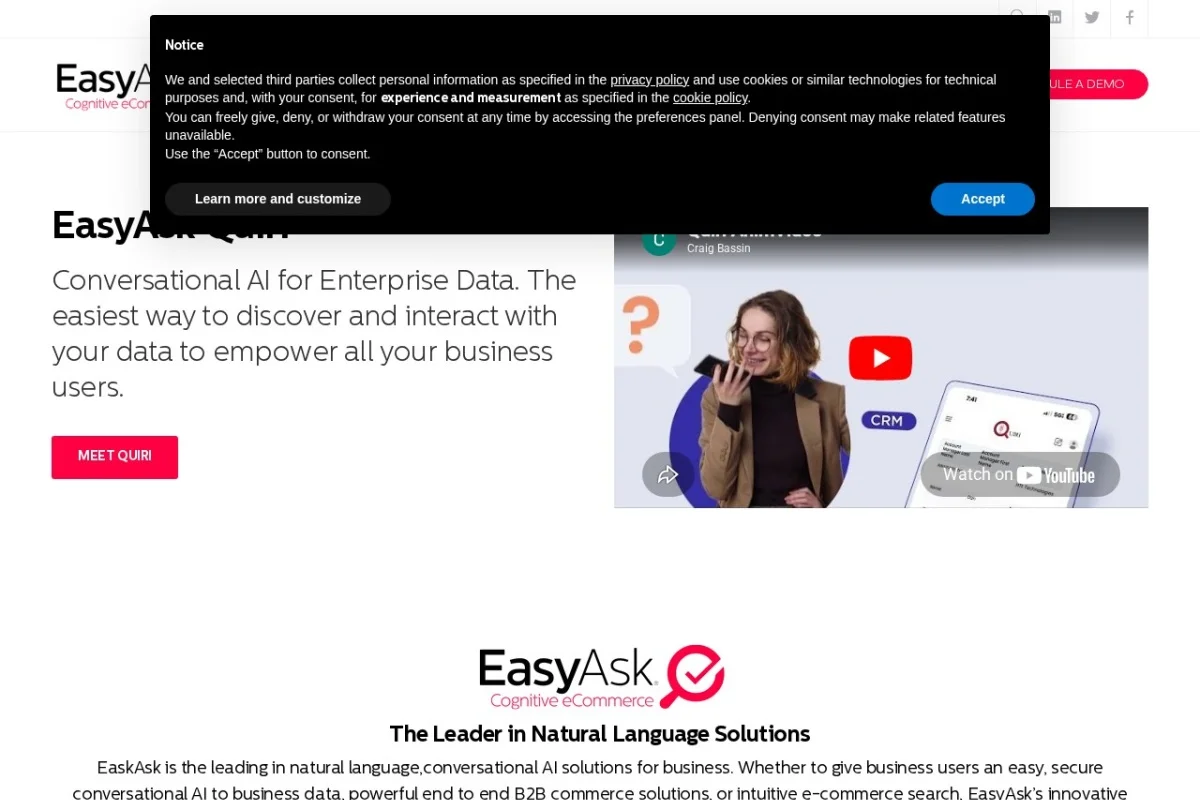
Mastering Your Online Store’s Search: A Beginner’s Guide to EasyAsk eCommerce Site Search
In the fast-paced world of online shopping, a customer’s first interaction with your store is often the search bar. If they can’t find what they’re looking for quickly and intuitively, they’re likely to leave, resulting in lost sales and frustrated potential buyers. This is where EasyAsk eCommerce Site Search comes in. It’s not just another search box; it’s an AI-powered product discovery platform designed to understand your customers, showcase your products intelligently, and ultimately, drive more revenue. This tutorial will guide you, the online store owner or manager, through everything you need to know to get started with EasyAsk and transform your site’s search from a basic tool into a powerful sales engine.
What is EasyAsk and Why Does It Matter?
EasyAsk is a sophisticated search solution built specifically for eCommerce websites. Its core intelligence lies in its ability to understand natural language queries. This means shoppers don’t need to use perfect keywords or know your exact product names. They can type phrases like “comfortable red running shoes for women under $100” and get accurate, relevant results. By interpreting intent and context, EasyAsk bridges the gap between how customers naturally express their needs and how your product catalog is structured.
The platform boasts seamless integration with virtually any eCommerce system, whether you use a popular platform like Shopify or Magento, or have a custom-built store. Its primary goal is to increase your website’s conversion rate—the percentage of visitors who make a purchase. By guiding shoppers directly to the products they want (and even ones they didn’t know they wanted), EasyAsk helps turn browsers into buyers, directly boosting your bottom line.
Getting Started with EasyAsk
Implementing EasyAsk is a structured process designed to be smooth, regardless of your technical expertise. Here’s a step-by-step breakdown of how to begin.
Step 1: Initial Contact and Discovery
Your journey starts on the EasyAsk website. Here, you can request a demo or contact their sales team. This initial phase is crucial. You’ll discuss your specific business needs, current challenges with site search, and your revenue goals. EasyAsk will likely ask about your eCommerce platform, catalog size, and average traffic to tailor their proposal.
Step 2: Integration and Data Feed Setup
Once you become a customer, the technical integration begins. EasyAsk’s team works with you to connect their platform to your store. This typically involves one of two methods:
- API Integration: For real-time synchronization, EasyAsk can connect directly to your eCommerce platform’s backend APIs. This ensures search results, inventory, and pricing are always up-to-date.
- Product Feed Submission: You can provide a regularly updated data feed (often in XML or CSV format) containing all your product information, including titles, descriptions, SKUs, prices, categories, and image URLs.
Don’t worry if this sounds technical—EasyAsk provides extensive support and documentation to guide you or your development team through this process.
Step 3: Indexing and AI Training
After receiving your product data, EasyAsk’s AI engine gets to work. It indexes all your information, meaning it organizes and processes every product detail to make it instantly searchable. More importantly, its natural language processing models learn the specifics of your catalog—your brand’s terminology, product attributes, and category structure. This training period is what allows it to understand that “athleisure wear” in a query should include yoga pants and hoodies from specific brands in your store.
Step 4: Frontend Implementation
Finally, you’ll replace your existing site search bar with the EasyAsk search widget. This usually involves adding a few lines of JavaScript code to your website’s template. The EasyAsk team provides this snippet and instructions. Once implemented, the new, intelligent search bar will be live for your customers.
Key Features of EasyAsk Explained
To truly leverage EasyAsk, you need to understand the powerful tools at your disposal within its dashboard.
Natural Language Search Understanding
This is the heart of EasyAsk. The AI doesn’t just match keywords; it comprehends meaning. It handles synonyms (“sneakers” = “trainers”), colloquialisms (“pop socket”), descriptive phrases (“office chair with lumbar support”), and even queries with typos. This dramatically reduces “zero results” pages and keeps shoppers engaged.
Seamless Integration with Any Platform
Whether you’re on BigCommerce, WooCommerce, Salesforce Commerce Cloud, or a bespoke system, EasyAsk is built to connect. This flexibility ensures you can benefit from advanced search without the monumental cost of rebuilding your entire store.
Merchandising and Business Rule Controls
This is where you take direct control. The dashboard allows you to create rules to influence search and category results. For example:
- Boost/Pin Products: Promote a new collection or a best-selling item to the top of relevant searches.
- Business Rules: Create “if-then” scenarios. IF a user searches for “printer,” THEN always show printer ink at the top of the results.
- Synonyms & Redirects: Define that “cell phone” should also show results for “mobile phone,” or that a search for an old brand name redirects to the new product line.
Advanced Analytics and Reporting Dashboard
Knowledge is power. EasyAsk provides deep insights into how customers use your search.
- Top Queries: See what people are searching for most often.
- Zero-Result Queries: Identify gaps in your inventory or where your product titles/descriptions need improvement.
- Conversion Metrics: Track which searches lead to the highest add-to-cart and purchase rates.
- Query Trends: Spot seasonal trends or emerging customer interests.
This data is invaluable for making informed decisions about inventory, marketing, and content.
Personalized Product Recommendations
EasyAsk extends beyond the search bar. It can power “Related Products,” “Customers Also Bought,” and “Recommended For You” widgets throughout your site. These recommendations are based on real-time user behavior and aggregate data, creating a personalized shopping experience that increases average order value.
How to Use EasyAsk: A Practical Walkthrough
Let’s move from theory to practice. Here’s how you’ll typically interact with EasyAsk on a day-to-day basis.
1. Accessing the Dashboard
Log in to your secure EasyAsk merchant dashboard via the provided URL. The homepage usually presents a high-level analytics snapshot.
2. Reviewing Search Analytics
Navigate to the Analytics or Reports section. Start by checking the “Top Searches” report to understand customer demand. Then, regularly review the “Zero Result” report. For each problematic query, ask yourself: Do I need to add this product? Or do I need to adjust a product title, description, or create a synonym rule to guide users to an existing item?
3. Managing Merchandising Rules
Go to the Merchandising or Business Rules section. To create a new rule:
- Click “Create New Rule.”
- Define the trigger (e.g., Query contains “gift card”).
- Define the action (e.g., Pin Product SKU #GC100 to position 1).
- Set any scheduling (e.g., run this rule only during the holiday season).
- Save and activate the rule. The change is typically live within minutes.
4. Configuring Synonyms and Redirects
In the Synonyms area, you can add broad mappings. For example, add “TV” as a synonym for “television.” In the Redirects area, you can create a direct path. For instance, redirect the search “old model X200” directly to the product page for “new model X250.”
5. Testing the Search Experience
Always use the Search Preview or Simulator tool in your dashboard. Before setting a new rule live, test various queries to see exactly how the results will appear to a customer. This allows you to fine-tune your configurations without affecting your live site.
Pro Tips for Maximizing EasyAsk’s Impact
To go from basic user to power user, implement these strategic tips.
Tip 1: Be Proactive with Your Merchandising Calendar
Plan your merchandising rules around your business calendar. Before a major sale, promotional event, or new product launch, set up rules to boost those relevant items. Schedule them to go live and expire automatically to save time.
Tip 2: Let Data Drive Your Decisions
Don’t guess what customers want. Use the Zero-Result report as a direct line to customer intent. If you see a frequent, specific search with no results, it’s a strong candidate for a new product to source. If it’s a variant of an existing product, add those terms as synonyms.
Tip 3: Personalize Through Segmentation
Work with EasyAsk to explore advanced personalization. Can search results be influenced by a customer’s past browsing history or location? For example, a search for “jacket” could prioritize raincoats for a customer in Seattle and winter parkas for a customer in Minnesota.
Tip 4: Optimize Your Product Data
AI is only as good as the data it reads. Ensure your product feeds are rich with detailed, descriptive information. Use clear titles, bullet-point features, and comprehensive descriptions. This gives EasyAsk more “fuel” to understand and match products to complex queries.
Tip 5: Integrate Search with the Full Journey
Use EasyAsk’s capabilities beyond the main search bar. Implement its recommendation engines on category pages, the shopping cart page, and the post-purchase thank-you page to create a cohesive, guided shopping experience that consistently drives revenue.
By following this tutorial, you are well on your way to deploying EasyAsk not just as a search tool, but as a central pillar of your eCommerce strategy. Its combination of AI-powered understanding, merchant control, and deep analytics makes it a formidable asset for any online store aiming to reduce friction, delight customers, and significantly increase sales.

EasyAsk eCommerce Site Search
An AI-powered search platform that boosts online store conversion and revenue.