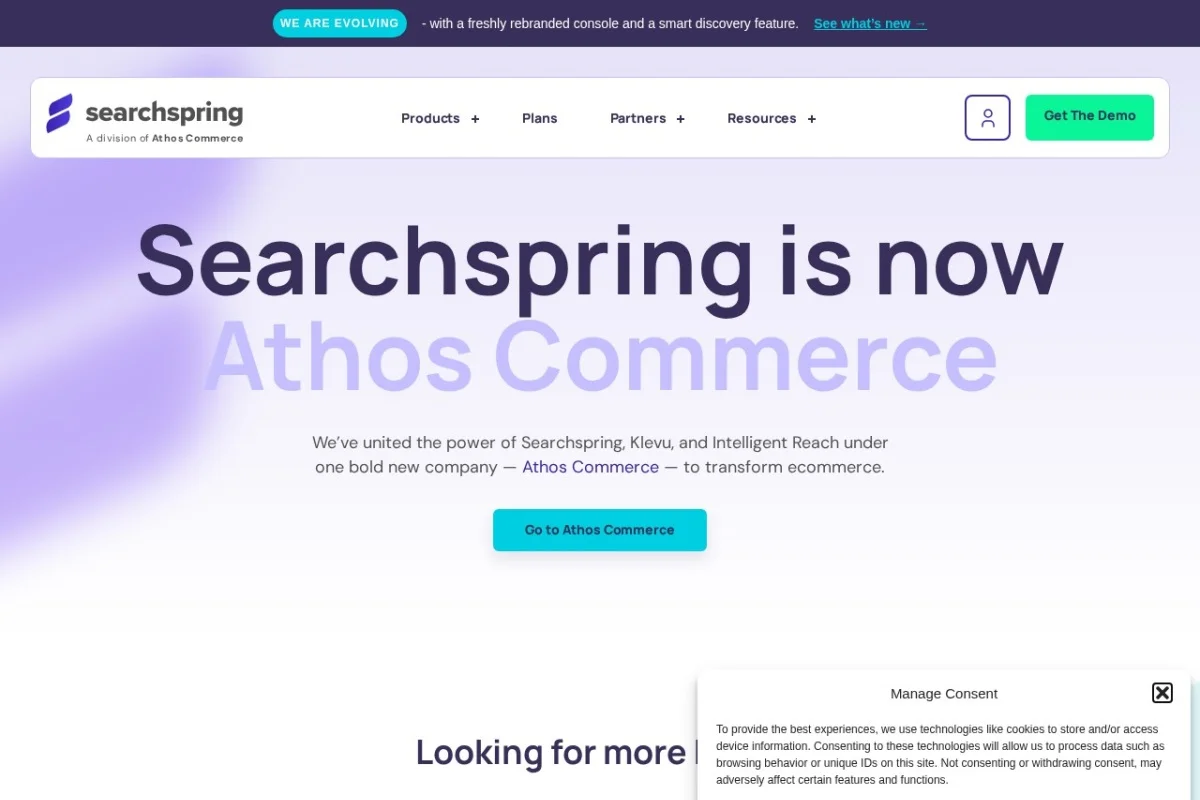
Mastering Your E-commerce Store with Searchspring AI: A Complete Beginner’s Guide
In the competitive world of online retail, the difference between a sale and an abandoned cart often comes down to one thing: findability. If shoppers can’t find what they’re looking for quickly and intuitively, they’ll leave. This is where traditional, basic search bars fail and AI-powered solutions shine. Searchspring is a leading AI E-commerce Search Platform designed to transform your online store from a static catalog into a dynamic, intelligent shopping assistant. This tutorial will guide you, the store owner or manager, through everything you need to know to get started with Searchspring and leverage its powerful features to boost sales, engagement, and customer satisfaction.
What is Searchspring AI?
Searchspring is a specialized software platform that replaces your online store’s default search and discovery functions with an AI-driven engine. Think of it as the brain for your product catalog. It goes beyond simple keyword matching to understand the intent and context behind a shopper’s query. For example, if a customer searches for “comfortable running shoes for flat feet,” Searchspring’s natural language processing understands concepts like “comfortable,” “running,” and the specific need “for flat feet,” returning precisely relevant products instead of just any shoe containing those words. It’s not just a search bar; it’s a comprehensive suite for merchandising, personalization, and gaining actionable insights into how customers shop on your site.
Getting Started with Searchspring
Implementing Searchspring is a structured process designed to be as seamless as possible, even for those without technical expertise. Here’s your step-by-step roadmap.
Step 1: Sign Up and Platform Integration
Your journey begins on the Searchspring website. You’ll request a demo or sign up for a plan that fits your store’s size and needs. The most critical initial step is integration. Searchspring boasts seamless integration with all major e-commerce platforms like Shopify, Shopify Plus, BigCommerce, Magento, Salesforce Commerce Cloud, and WooCommerce.
- For hosted platforms (Shopify, BigCommerce): Integration is often as simple as installing a dedicated app from the platform’s marketplace. Searchspring provides clear instructions, and much of the setup is automated.
- For open-source platforms (Magento, WooCommerce): You will typically install a plugin or extension. Your development team or a Searchspring specialist will help with any custom code snippets needed to fully connect your product data feed and theme.
The key here is to ensure your entire product catalog—including SKUs, titles, descriptions, prices, images, variants, and categories—is accurately synced to Searchspring’s servers.
Step 2: Initial Configuration & Data Sync
Once connected, Searchspring will begin ingesting your product data. This is a backend process where the AI learns your entire inventory. You don’t need to do much here except verify that the sync is complete and all products are appearing correctly in the Searchspring management dashboard. This is also the time to configure basic settings like currency, language, and default search behavior.
Step 3: Styling and Frontend Placement
Now, you’ll make Searchspring visible and beautiful on your store. Using the dashboard or your platform’s theme editor, you will:
- Replace your old search bar with the new Searchspring search bar.
- Configure the look and feel of the search results page and autocomplete suggestions (often called “Instant Search” or “Typeahead”) to match your site’s branding.
- Decide where to place recommendation widgets (e.g., “Related Products,” “Recently Viewed”) on product pages, the cart page, and the homepage.
Searchspring provides customizable CSS and templates, making this a visual, drag-and-drop process in many cases.
Key Features and How to Use Them
With Searchspring installed, the real power lies in its feature set. Let’s break down the core functionalities and how you can actively manage them.
1. AI-Powered Site Search with Natural Language Understanding
This is the heart of the platform. Unlike basic search that requires exact matches, Searchspring’s AI interprets meaning.
- How to Use It: Your primary job is to monitor search analytics (covered later). The AI works automatically from day one. For instance, it will handle synonyms—ensuring a search for “sofa” also returns products tagged as “couch.” It understands plurals, misspellings (“blak dress” finds “black dress”), and even long-tail, conversational queries.
- Practical Action: Review the “Search Terms” report weekly. If you see a specific niche term (e.g., “non-toxic toddler toys”) that isn’t yielding good results, you can manually boost that phrase to prioritize certain products in the Searchspring dashboard.
2. Smart Product Merchandising and Ranking
You are no longer at the mercy of a simple “relevance” algorithm. Searchspring gives you granular control over what products appear at the top of search results and category pages.
- How to Use It: Inside the Searchspring dashboard, navigate to the Merchandising rules section. Here you can create “Pin,” “Boost,” “Bury,” or “Hide” rules based on almost any criteria.
- Pin: Force a specific product to the #1 spot for a specific search term (e.g., pin your best-selling blender for “smoothie blender”).
- Boost: Increase the ranking weight of products with certain attributes (e.g., boost products with high profit margin, or items on sale).
- Bury/Hide: Temporarily demote or hide out-of-stock or low-performing items.
- Practical Action: Create merchandising rules for seasonal campaigns, promotional events, or to clear old inventory. For example, as Valentine’s Day approaches, create a rule to boost all red jewelry and accessories for searches like “gift,” “jewelry,” or “for her.”
3. Personalized Product Recommendations
Searchspring uses collective and individual shopper behavior to suggest products, creating a unique experience for each visitor.
- How to Use It: In the dashboard, you can set up and place different recommendation widgets:
- Related Products: “Customers who viewed this also viewed…”
- Complementary Products: “Frequently bought together…”
- Recently Viewed: A carousel of items a shopper has looked at.
- Personalized For You: Based on the user’s entire browsing history on your site.
- Practical Action: Strategically place these widgets on high-impact pages. The most critical location is the product page. A “Frequently bought together” widget on the product page can significantly increase average order value. Test placing a “Recently viewed” widget on the cart page to recover potentially abandoned items.
4. Real-Time Search Analytics and Performance Insights
This is your command center. Searchspring provides detailed data on what customers are searching for, what they’re finding, and where they’re failing.
- How to Use It: Regularly check these key reports:
- Search Terms Report: See the most popular searches, clicks, and conversion rates for each term. Identify “zero-result” searches that indicate gaps in your inventory or product tagging.
- Merchandising Performance: Measure the impact of your Pin/Boost rules on conversion and revenue.
- Recommendations Performance: See which widgets are driving the most clicks and sales.
- Practical Action: Use “zero-result” searches to inform your product sourcing or content strategy. If many people search for “blue ceramic vase” and find nothing, you know there’s demand. Also, use high-volume, low-conversion search terms as opportunities to create curated landing pages or improve product descriptions.
Pro Tips for Maximizing Searchspring
Go beyond the basics with these strategic tips to extract maximum value from your investment.
Tip 1: Feed the AI with Rich, Structured Data
The AI is only as good as the data it eats. Ensure your product feed is impeccable.
- Use detailed, benefit-driven product titles and descriptions.
- Populate all available attributes (color, size, material, brand, etc.) consistently. This allows the AI to filter and understand products with precision.
- Use high-quality images with accurate alt-text.
Tip 2: Merchandise Proactively, Not Reactively
Don’t just set rules and forget them. Build a merchandising calendar.
- Plan rules for holidays, sales events, new collection launches, and even weather changes (e.g., boost rain gear if a storm is forecast in your key delivery areas).
- Use rules to guide customers through complex product lines (e.g., for a search like “laptop,” boost items by attributes like “best for students” or “best for gaming”).
Tip 3: Leverage Synonyms and Redirects Extensively
Bridge the gap between how you describe products and how customers search for them.
- Add common acronyms, slang, regional terms, and common misspellings as synonyms in the dashboard.
- For discontinued products or permanently changed terms, use search redirects to send users directly to a relevant category or new product page.
Tip 4: Treat Search Analytics as a Goldmine for Business Intelligence
The search bar is a direct line to customer intent.
- Analyze trending search terms to spot emerging trends before they peak.
- Share “zero-result” reports with your buying/planning team to identify inventory opportunities.
- Use low-conversion terms on high-traffic searches to identify potential issues with pricing, imagery, or availability.
Tip 5: Continuously Test and Optimize
Your setup is not “set and forget.” E-commerce is dynamic.
- A/B test the placement and styling of your recommendation widgets.
- Experiment with different ranking rules (e.g., test boosting by “best seller” vs. “highest margin” during a sale).
- Regularly review and prune old merchandising rules to keep the system clean and effective.
Conclusion
Implementing Searchspring is one of the highest-impact investments you can make in your e-commerce store’s technology stack. It directly addresses the core customer journey of finding and discovering products. By moving from a dumb search bar to an intelligent, merchandisable, and insightful AI platform, you empower your business to serve customers better, increase sales, and make data-driven decisions. Start with a solid integration, master the merchandising dashboard, become obsessed with your search analytics, and continuously refine your strategy. With Searchspring as your partner, you’re not just running an online store—you’re curating a personalized shopping experience that converts visitors into loyal customers.

Searchspring AI E-commerce Search Platform
AI-powered site search, merchandising, and personalization platform for online stores.