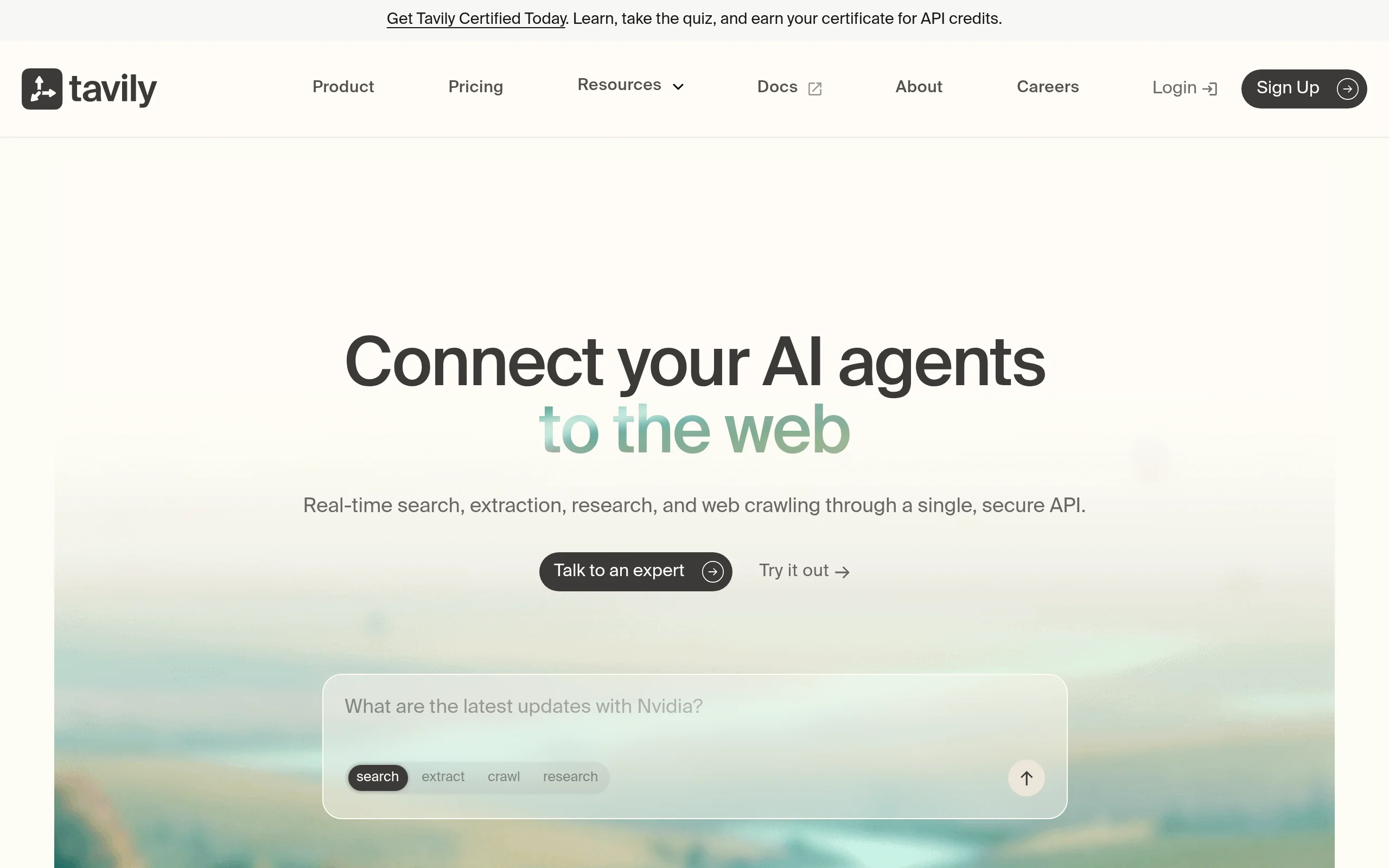
Introduction to Tavily: The Search API Built for AI Agents
In the rapidly evolving landscape of artificial intelligence, one of the biggest challenges developers face is grounding AI models with accurate, real-world information. Large Language Models (LLMs) are powerful, but they are often limited by their training data, which can be months or years old. This leads to hallucinations, outdated responses, and lack of factual accuracy. Tavily is a purpose-built solution to this problem. It is a single, secure API that provides real-time web search, content extraction, crawling, and deep research capabilities, specifically designed for AI agents and Retrieval-Augmented Generation (RAG) workflows.
Unlike traditional search APIs that return a list of links, Tavily is optimized for machine consumption. It returns structured, chunked content that your AI can immediately understand and use. This tutorial will walk you through everything you need to know to integrate Tavily into your projects, from basic setup to advanced usage. Whether you are building a customer support chatbot, a research assistant, or a data aggregation tool, Tavily gives your AI the ability to browse the live web intelligently.
Getting Started with Tavily
Before you can start querying the web, you need to set up your environment and obtain an API key. The process is straightforward and designed to get you coding in minutes.
Step 1: Create an Account and Get Your API Key
Navigate to the Tavily website (https://tavily.com/). Click on the “Get Started” or “Sign Up” button. You can usually sign up using your Google account or email. Once you have logged in, navigate to your dashboard. Here, you will find your unique API key. This key is your authentication token for all API requests. Keep it secure. Do not expose it in client-side code or public repositories.
Step 2: Install the Tavily Python Package
Tavily offers an official Python client library that simplifies integration. Open your terminal or command prompt and install it using pip:
pip install tavily-python
If you are using a different language like JavaScript or Go, Tavily also provides REST API endpoints that you can call directly. However, for this tutorial, we will focus on the Python library as it is the most common choice for AI agent development.
Step 3: Your First Search Query
With the library installed, you can now perform your first search. Create a new Python file (e.g., test_tavily.py) and add the following code:
from tavily import TavilyClient
# Initialize the client with your API key

client = Tavily_client(api_key="YOUR_API_KEY")
# Perform a simple search

response = client.search(query="What is the latest news on AI regulation?")
# Print the results

print(response)
Replace "YOUR_API_KEY" with the actual key from your dashboard. Run the script. The response will be a dictionary containing structured data, including the answer, search results, and source URLs. This is your first step into real-time AI grounding.
Key Features of Tavily
Understanding the core features of Tavily will help you leverage its full potential. Each feature is designed to solve a specific problem in the AI development workflow.
Real-Time Web Search API
This is the foundation of Tavily. Unlike static datasets, Tavily queries the live internet. When your AI agent needs to answer a question about current events, stock prices, or recent research papers, it uses this API to fetch the most recent information available. The API supports advanced query parameters, including:
- Search depth: Choose between “basic” for speed or “advanced” for deeper, more comprehensive results.
- Domain filtering: Include or exclude specific websites (e.g.,
include_domains=["wikipedia.org"]). - Time range: Limit results to the last day, week, month, or year.
Content Extraction and Chunking
When you search the web, you often get back a messy HTML page. Tavily automatically extracts the main content from the webpage, removing navigation bars, ads, and footers. More importantly, it chunks this content into smaller, semantically meaningful pieces. This is critical for RAG workflows because LLMs have a limited context window. By providing chunked text, you can feed only the most relevant parts of a document to your model, improving accuracy and reducing token costs.
Web Crawling and Site Mapping
For more complex tasks, you might need to analyze an entire website. Tavily’s crawling feature allows you to start from a single URL and recursively follow links to map out the site structure. This is useful for building knowledge bases, monitoring competitor websites, or creating comprehensive documentation indexes. The API returns a sitemap containing all discovered URLs and their relationships.
Deep Research Capabilities
This is Tavily’s most advanced feature. Instead of just returning a list of links, the Deep Research endpoint acts like a research assistant. You provide a complex question, and Tavily will:
- Break down the question into sub-queries.
- Search the web for each sub-query.
- Extract and synthesize the information.
- Return a comprehensive answer with citations.
This is ideal for use cases like market research, academic literature reviews, or due diligence reports.
Intelligent Caching and Indexing
To improve speed and reduce costs, Tavily caches frequently accessed content. If you search for the same query twice, the second request will be much faster because the data is already indexed. You can control cache behavior using the use_cache parameter. This feature also ensures that your API usage remains efficient, especially in production environments.
How to Use Tavily: A Practical Guide
Now that you understand the features, let’s look at practical code examples. We will cover the most common usage patterns for AI agents.
Basic Search for an AI Agent
This is the standard way to ground an AI model. You search the web, extract the answer, and feed it to your LLM.
from tavily import TavilyClient
client = TavilyClient(api_key="YOUR_API_KEY")
query = "What are the effects of climate change on agriculture?"

response = client.search(query=query, search_depth="advanced")
# Extract the AI-generated answer

answer = response.get("answer")

print("AI Summary:", answer)
# Get the raw search results

for result in response.get("results", []):

    print(f"Title: {result['title']}")

    print(f"URL: {result['url']}")

    print(f"Content: {result['content'][:200]}...")
The answer field is a concise summary generated by Tavily’s own AI, which can be directly passed to your application.
Content Extraction and Chunking for RAG
If you want to use the content for a RAG pipeline, you need clean, chunked text. Use the extract method:
# Extract content from a specific URL

extracted = client.extract(urls=["https://en.wikipedia.org/wiki/Artificial_intelligence"], extract_depth="advanced")
for result in extracted.get("results", []):

    print(f"URL: {result['url']}")

    for chunk in result.get("chunks", []):

        print(f"Chunk: {chunk[:150]}...")
The chunks list contains smaller pieces of text. You can then embed these chunks using a tool like OpenAI’s embeddings API and store them in a vector database like Pinecone or Weaviate.
Deep Research for Complex Questions
When you need a thorough analysis, use the qna_search method (short for Question and Answer search):
# Perform deep research

research_response = client.qna_search(query="Compare the business models of Tesla and Ford in 2024")
print("Deep Research Answer:", research_response)
This returns a single, well-researched string that synthesizes information from multiple sources. It is perfect for generating reports or answering multi-faceted questions.
Web Crawling for Site Mapping
To crawl a website and get a list of all its pages, use the crawl method:
# Crawl a site starting from the homepage

crawl_response = client.crawl(url="https://docs.tavily.com", max_depth=2, max_pages=10)
for page in crawl_response.get("results", []):

    print(f"URL: {page['url']}")
This is extremely useful for building a local knowledge base from a documentation site or a blog.
Tips for Getting the Most Out of Tavily
To ensure your integration is efficient, accurate, and cost-effective, follow these best practices.
1. Optimize Your Search Queries
Just like with Google, the quality of your output depends on the quality of your input. Be specific in your queries. Instead of asking “What is AI?”, ask “What are the latest breakthroughs in transformer neural networks in 2025?” Use the include_domains parameter to restrict searches to authoritative sources like .edu or .gov domains for higher factual accuracy.
2. Manage API Costs with Caching
Tavily charges per API call. To save money, enable caching by default. If you are building a chatbot that might ask the same question multiple times, the cached response will be served instantly and at no additional cost. You can disable caching only when you absolutely need fresh data (e.g., for stock prices).
# Disable cache for fresh data

response = client.search(query="Latest stock price of AAPL", use_cache=False)
3. Handle Rate Limits Gracefully
Every API has rate limits. Tavily provides headers in the response that tell you how many requests you have left. Implement exponential backoff in your code. If you get a 429 (Too Many Requests) error, wait a few seconds before retrying. The Python library handles basic retries, but for production, you should implement your own logic.
4. Use Chunking Strategically for RAG
When building a RAG system, the chunk size matters. Tavily’s default chunk size is about 500 tokens. If your LLM has a large context window (e.g., 128k tokens), you can request larger chunks by setting the chunk_size parameter in the extract method. Conversely, for smaller models, keep chunks small. Test different sizes to find what works best for your specific application.
5. Combine Tavily with Other Tools
Tavily is a piece of the puzzle. For a complete AI agent, combine it with:
- LangChain or LlamaIndex: Use Tavily as a tool within these frameworks to give your agent web search capabilities.
- Vector Databases: Store extracted chunks in a vector DB for long-term memory.
- LLM Orchestrators: Use Tavily’s responses as context for models like GPT-4 or Claude.
6. Respect Robots.txt and Ethical Use
Tavily automatically respects robots.txt files and ethical crawling standards. However, you should also be mindful of the data you extract. Do not use Tavily to scrape personal data without consent, and always comply with the website’s terms of service. Tavily’s built-in security safeguards help, but responsible use is your responsibility.
Conclusion
Tavily is more than just a search API; it is a comprehensive research engine designed for the age of AI. By providing real-time data, intelligent chunking, and deep research capabilities, it bridges the gap between static AI models and the dynamic, ever-changing web. This tutorial has covered the essentials: setting up your account, understanding key features, writing practical code, and following best practices.
Start by integrating the basic search into a simple script. Then, experiment with content extraction for RAG. Finally, explore the deep research features for complex queries. As you become more comfortable, you will find that Tavily becomes an indispensable tool in your AI development toolkit, enabling your agents to operate with current, accurate, and well-structured information. The future of AI is grounded in real-world data, and Tavily is the bridge to get you there.
