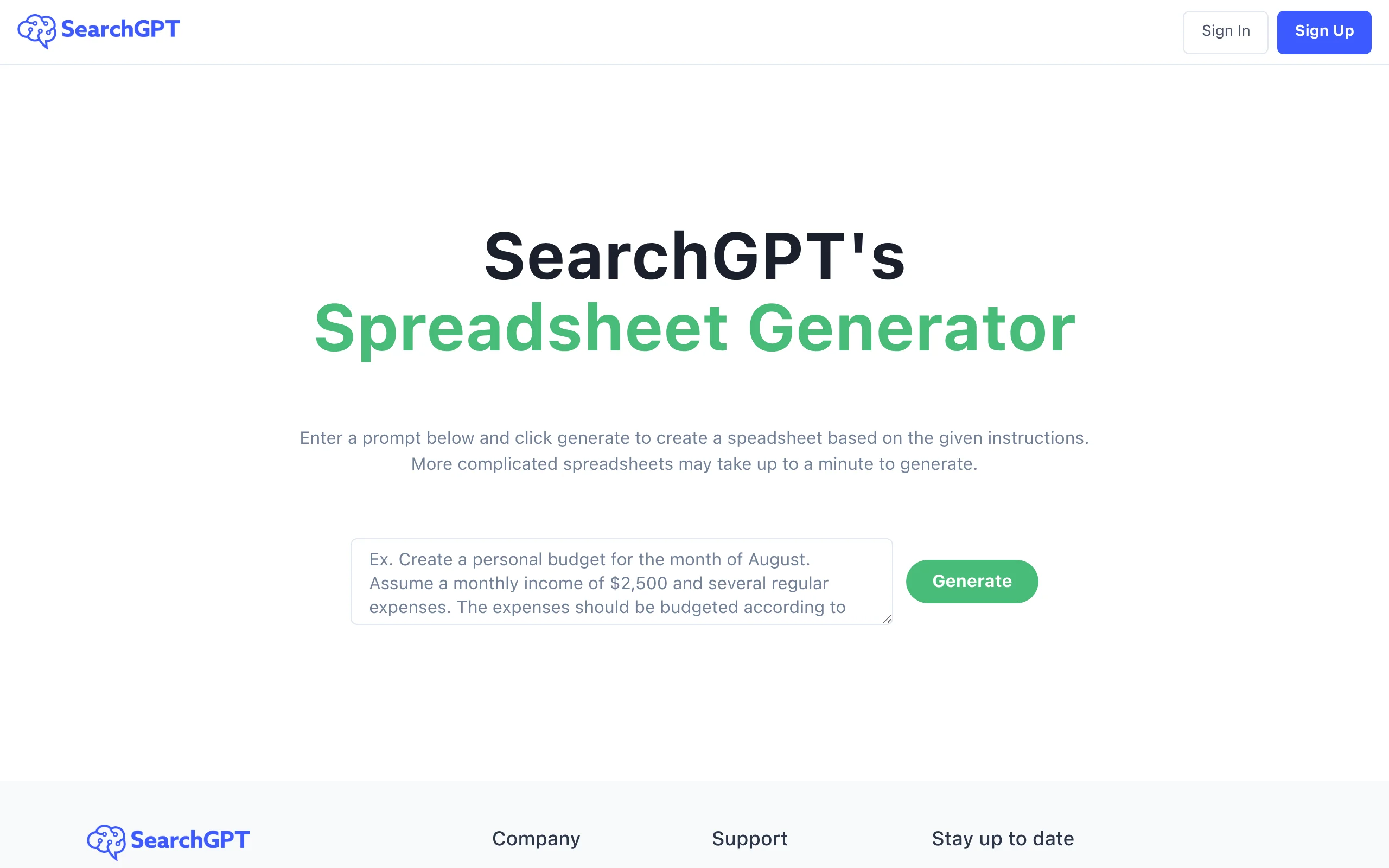
Introduction to SearchGPT
In an era where information is abundant but time is scarce, finding precise answers quickly has become a critical skill. SearchGPT (available at https://searchgpt.ai) is a revolutionary AI-driven search tool that transforms the way you retrieve information online. Unlike traditional search engines that present a list of links you must manually sift through, SearchGPT combines the power of advanced language models with real-time web search capabilities to deliver concise, conversational, and highly relevant answers directly to your questions.
Think of SearchGPT as your intelligent research assistant. It understands natural language, interprets the context behind your queries, and synthesizes information from multiple web sources into a clear, easy-to-read summary. Whether you are a student researching a complex topic, a professional looking for quick data points, or a curious individual exploring everyday questions, SearchGPT dramatically reduces the time and effort required to find trustworthy answers.
This tutorial is designed for absolute beginners. You do not need any technical background or prior experience with AI tools. By the end of this guide, you will know exactly what SearchGPT is, how to access it, how to use its core features, and practical tips to get the most out of every search.
Getting Started with SearchGPT
What You Need
To start using SearchGPT, you only need three things:
- A modern web browser – Chrome, Firefox, Safari, or Edge (all recent versions work perfectly).
- An internet connection – Since SearchGPT performs real-time web searches, a stable connection is essential.
- No account required – One of the best aspects of SearchGPT is that you can begin using it immediately without signing up or logging in.
Accessing the Tool
Follow these simple steps to get started:
- Open your web browser and go to https://searchgpt.ai.
- You will be greeted by a clean, minimalistic interface. At the center of the page, you will see a text input box (similar to a search bar) with a prompt like “Ask anything…”
- Below the input box, there may be a few example queries to inspire you. You can ignore them or click one to see how the tool works.
That is it. There is no installation, no registration, and no learning curve. You are ready to search.
Key Features of SearchGPT
Understanding the features of SearchGPT will help you use it more effectively. Here are the core capabilities that set it apart from traditional search engines:
1. AI-Powered Search with Natural Language Understanding
SearchGPT does not just match keywords. It understands the meaning behind your words. You can ask questions in a natural, conversational tone, just as you would ask a friend or a colleague. For example, instead of typing “weather New York”, you can ask “What is the weather like in New York this weekend?” The AI will parse your intent and provide a relevant answer.
2. Real-Time Web Search Integration
Unlike some AI chatbots that rely solely on pre-trained data (which may be outdated), SearchGPT connects to the live web. This means it can retrieve current news, stock prices, sports scores, recent scientific studies, and any other up-to-date information. The AI then combines this fresh data with its language understanding to generate a coherent response.
3. Concise Answer Summaries
One of the most time-saving features is the ability to get a direct answer without having to click through multiple websites. SearchGPT synthesizes information from various sources and presents it in a short, well-structured paragraph or bullet list. For instance, if you ask “What are the symptoms of the flu?”, you will not get a list of links; you will get a clear summary of common symptoms.
4. Conversational Query Handling
SearchGPT remembers the context of your conversation within a single session. This allows you to ask follow-up questions naturally. For example, you can first ask “Who wrote ‘1984’?” and then immediately ask “What other books did he write?” The AI understands that “he” refers to George Orwell, the author of ‘1984’. This makes research feel like a dialogue rather than a series of isolated searches.
5. Fast Response Times
Despite performing complex web searches and language processing in the background, SearchGPT delivers answers in just a few seconds. The interface is designed for speed, ensuring you spend less time waiting and more time acting on the information.
How to Use SearchGPT: A Step-by-Step Guide
This section will walk you through practical examples of using SearchGPT for different types of queries. Follow along to master the tool.
Step 1: Entering a Basic Query
Let us start with a simple question. In the input box, type:
“What is the capital of Australia?”
Press the Enter key or click the search icon (usually a magnifying glass or an arrow). Within seconds, SearchGPT will display an answer. It will likely say something like:
Response: “The capital of Australia is Canberra. While Sydney is the largest city and Melbourne is a major cultural hub, Canberra was chosen as the capital in 1908 as a compromise between the two rivals.”
Notice that the answer is not just a single word; it provides a little context, which is helpful for understanding.
Step 2: Asking for a Summary or Explanation
SearchGPT excels at explaining complex topics. Try asking:
“Explain quantum computing in simple terms.”
The AI will generate a beginner-friendly explanation, often using analogies. You might receive something like:
Response: “Quantum computing uses the principles of quantum mechanics to process information. Unlike traditional computers that use bits (0 or 1), quantum computers use qubits, which can be both 0 and 1 at the same time. This allows them to solve certain problems much faster, like simulating molecules for drug discovery.”
Step 3: Getting Real-Time Information
Because SearchGPT searches the live web, you can ask for current data. For example:
“What is the current stock price of Apple?”
The tool will retrieve the latest price from financial websites and display it along with a brief market update. Similarly, you can ask for news headlines, weather forecasts, or sports results.
Step 4: Conducting Research with Follow-Up Questions
This is where the conversational feature shines. Start with a broad question:
“What are the benefits of a Mediterranean diet?”
After reading the answer, you can ask a follow-up without repeating the topic:
“What foods are typically included?”
SearchGPT will understand you are still referring to the Mediterranean diet and will list foods like olive oil, fish, whole grains, and vegetables. You can then ask:
“Is it good for heart health?”
The AI will confirm and provide specific studies or reasons why the diet supports cardiovascular health. This back-and-forth is incredibly efficient for deep dives into any subject.
Step 5: Comparing Options or Products
SearchGPT can help you make decisions. Try asking:
“Compare electric cars vs. hybrid cars.”
The response will typically be a bullet-point list or a short paragraph highlighting key differences in fuel efficiency, environmental impact, cost, and maintenance. You can then ask for a recommendation based on your needs, such as:
“Which is better for city driving?”
Step 6: Getting Step-by-Step Instructions
Need to learn how to do something? Ask for a guide:
“How do I change a flat tire?”
SearchGPT will provide a numbered list of instructions, from finding a safe location to tightening the lug nuts. For technical tasks, it often includes safety warnings and tips.
Step 7: Fact-Checking and Verification
Use SearchGPT to quickly verify claims or facts. For example:
“Is it true that humans only use 10% of their brain?”
The AI will inform you that this is a myth and provide the scientific consensus that we use virtually all parts of our brain over the course of a day.
Tips for Getting the Best Results from SearchGPT
To maximize the accuracy and usefulness of SearchGPT, keep these practical tips in mind:
Tip 1: Be Specific and Clear
The more precise your query, the better the answer. Instead of “Tell me about the moon,” ask “What is the distance from Earth to the moon in kilometers?” Instead of “History of Rome,” ask “When was the Roman Empire founded and who was its first emperor?” Specificity helps the AI narrow down the most relevant information from the web.
Tip 2: Use Natural Language, Not Keywords
You do not need to use search engine tricks like quotation marks or plus signs. Write as you would speak. For example, “What are the best hiking trails near Denver for beginners?” works much better than “hiking trails Denver beginners.”
Tip 3: Ask for Sources When Needed
If you need to verify information or cite it for a project, you can ask SearchGPT to provide sources. After receiving an answer, type a follow-up like:
“Can you provide the sources for that information?”
Or you can ask upfront: “What are the latest statistics on global warming, and where did you find them?” The AI will often list the URLs or names of websites it used.
Tip 4: Break Down Complex Questions
If you have a multi-part question, break it into a series of smaller, conversational queries. For instance, instead of asking “What is the GDP of Japan and what are its main exports and population?” start with “What is the GDP of Japan?” Then ask “What are its main exports?” and finally “What is the population of Japan?” This approach yields more detailed and organized answers.
Tip 5: Use Follow-Ups to Refine Answers
If the first answer is too broad or not exactly what you wanted, refine it with a follow-up. For example, if you ask “Tell me about the French Revolution” and the answer is too long, you can say “Summarize it in three key events.” Or if you need a different angle, ask “What were the economic causes of the French Revolution?”
Tip 6: Verify Critical Information
While SearchGPT is highly accurate, no AI tool is perfect. For important decisions (medical advice, legal matters, financial investments), always cross-check the information with a primary source or a professional. Use SearchGPT as a starting point and a time-saver, not as your sole authority.
Tip 7: Experiment with Different Phrasings
If you do not get a satisfactory answer, try rephrasing your question. For instance, if “How to fix a leaky faucet” gives a generic answer, try “What are the steps to repair a dripping kitchen faucet with a cartridge?” Different phrasings can lead the AI to different web sources and more specific instructions.
Tip 8: Take Advantage of the Conversational Memory
Remember that SearchGPT keeps track of your current session. Use pronouns like “it,” “they,” or “that” to refer to previous topics. For example, after asking about “renewable energy sources,” you can follow up with “What are the disadvantages of it?” (meaning renewable energy). This saves you from typing the same subject repeatedly.
Tip 9: Use for Brainstorming and Creativity
SearchGPT is not just for facts. You can use it for creative tasks. Try prompts like:
- “Give me five ideas for a birthday party theme for a 10-year-old.”
- “Suggest a weekly meal plan for a vegetarian.”
- “What are some unique names for a fantasy novel character?”
The AI will generate creative, varied suggestions that you can refine further.
Tip 10: Clear the Conversation for a Fresh Start
If you finish one research topic and want to start a completely new one, refresh the page or look for a “New Chat” or “Clear” button on the interface. This resets the conversational memory, preventing the AI from mixing up contexts from your previous queries.
Conclusion
SearchGPT is a powerful ally in the age of information overload. By combining the breadth of the live web with the depth of AI-driven language understanding, it offers a faster, more intuitive way to find answers. Whether you are a student, a professional, a researcher, or just someone with a curious mind, this tool can save you hours of manual searching and reading.
Remember, the key to mastering SearchGPT is practice. Start with simple questions, gradually explore its conversational features, and apply the tips shared in this tutorial. Over time, you will develop an instinct for crafting queries that yield the most precise and valuable responses. Visit SearchGPT today and experience the future of search—one conversation at a time.