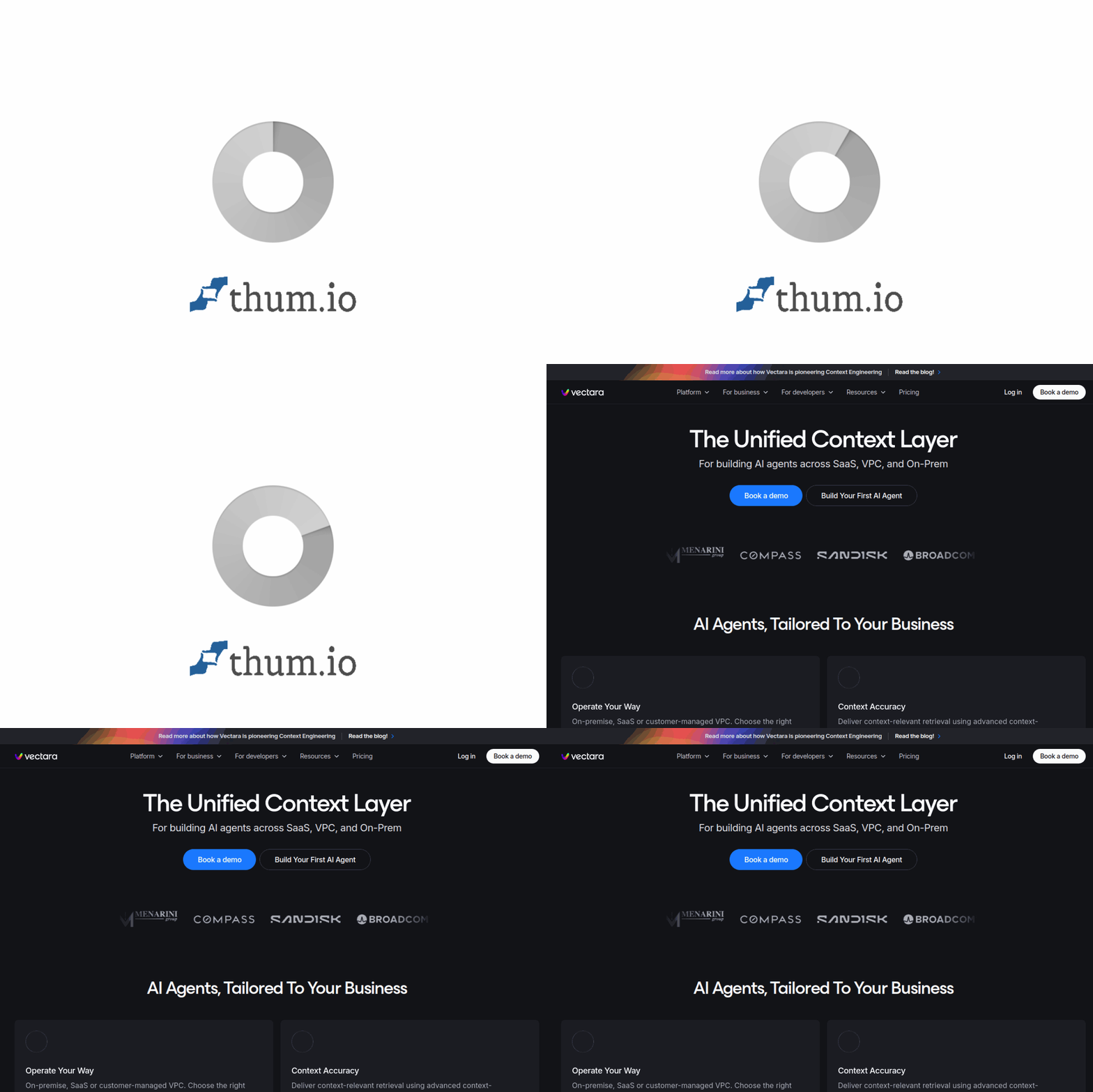
Introduction to Vectara
In the rapidly evolving world of artificial intelligence, businesses face a critical challenge: how to deploy AI agents that are both powerful and trustworthy. Vectara addresses this head-on by providing a unified context layer that works seamlessly across SaaS, VPC, and on-premise environments. Unlike many AI tools that lock you into a single model provider, Vectara is model-agnostic, meaning you can bring your own model (BYOM) or use the ones Vectara optimizes for you.
At its core, Vectara solves the problem of context accuracy. Large language models (LLMs) are incredibly capable, but they often “hallucinate” or generate incorrect information when they lack proper context. Vectara acts as a reliable memory and retrieval system for your AI agents, ensuring they always have the right information at the right time. This makes it an ideal platform for regulated industries like finance, healthcare, and legal, where data security and accuracy are non-negotiable.
This tutorial will walk you through everything you need to know to get started with Vectara, from initial setup to advanced features like policy-led enforcement and multimodal data support. Whether you are a developer building a proof-of-concept or an enterprise architect scaling to production, this guide is designed to be practical and beginner-friendly.
Getting Started with Vectara
Creating Your Account
Begin by visiting vectara.com. Click on the “Get Started” button, which will prompt you to create a free account. Vectara offers a generous free tier that allows you to experiment with up to 1,000 queries per month and 10,000 documents indexed. You can sign up using your email address or through single sign-on options like Google or GitHub.
Understanding the Dashboard
Once you log in, you will see the Vectara Console. The dashboard is organized into three main sections:
- Corpora: This is where you store and organize your data. Think of a corpus as a searchable knowledge base. You can create multiple corpora for different projects or departments.
- API Keys: These are used to authenticate your applications when they connect to Vectara. You can generate keys with specific permissions (read-only, read-write, or admin).
- Usage Analytics: Here you can monitor your query volume, latency, and error rates. This is essential for understanding how your AI agents are performing in real-time.
Setting Up Your First Corpus
To get started, click on “Create Corpus” in the Corpora section. You will need to provide:
- Corpus Name: Choose a descriptive name, such as “Customer Support Docs” or “Product Manuals”.
- Description: A short summary of what data this corpus will contain.
- Filter Attributes: These are metadata fields you can use to narrow down searches later. For example, you might add a “department” filter or a “date” filter.
- Embedding Model: Vectara supports multiple embedding models. If you are just starting, leave it on the default setting. You can always change it later.
After creating your corpus, you will receive a Corpus ID. Keep this handy, as you will need it when making API calls.
Key Features of Vectara
Model-Agnostic with BYOM Support
One of Vectara’s standout features is its model-agnostic architecture. This means you are not forced to use a specific LLM. You can bring your own model (BYOM) by connecting to OpenAI, Anthropic, Cohere, or any other provider via API. Alternatively, you can use Vectara’s built-in models, which are optimized for retrieval-augmented generation (RAG). This flexibility is crucial for enterprises that have already invested in custom models or need to comply with specific data sovereignty requirements.
Context-Accurate Retrieval
Vectara uses advanced context engineering to ensure that your AI agents retrieve the most relevant information. Instead of simple keyword matching, it employs dense vector search combined with hybrid retrieval techniques. This means it understands the semantic meaning behind queries, not just the literal words. For example, if a user asks “How do I reset my password?”, Vectara will retrieve documents about account recovery, even if they never use the word “reset”.
Policy-Led Enforcement Against Hallucinations
Hallucinations are the bane of AI applications. Vectara introduces a novel approach called policy-led enforcement. You can define rules that automatically detect when the AI is generating content that contradicts your source documents. For instance, you can set a policy that says “If the answer mentions a price, it must be within 5% of the documented price.” If the AI violates this rule, Vectara can either flag the response, correct it, or block it entirely. This is particularly valuable for financial services and healthcare, where accuracy is legally mandated.
Multimodal Data Support
Modern data is rarely just text. Vectara supports multimodal data, including text, tables, and images. When you upload a PDF that contains a chart, Vectara can extract the textual data from the chart and index it. Similarly, it can process tables from Excel files or HTML pages. This means your AI agents can answer questions like “What was the revenue in Q3?” by pulling data from a table in a quarterly report, even if that table is embedded in an image.
Scalable Deployment
Vectara is designed to scale from pilot to production without requiring re-engineering. You can start with a small corpus on the free tier, and when you are ready to go live, simply upgrade your plan. The underlying architecture handles sharding, replication, and load balancing automatically. This eliminates the common pain point of rebuilding your pipeline when moving from testing to production.
Always-On AI Governance
For regulated industries, governance is not optional. Vectara provides role-based access controls (RBAC) and policy-based access controls (PBAC). You can define who can query which corpora, what data they can see, and what actions they can perform. Audit logs track every query and response, giving you a complete trail for compliance purposes. This is a critical feature for organizations subject to GDPR, HIPAA, or SOC 2 regulations.
How to Use Vectara
Step 1: Ingesting Data
To make your data searchable, you need to ingest it into a corpus. Vectara supports several ingestion methods:
- API Ingestion: Use the Vectara REST API to upload documents programmatically. This is ideal for dynamic data sources like CRM systems or databases.
- File Upload: In the Console, you can upload files directly. Supported formats include PDF, DOCX, TXT, HTML, and CSV.
- Connectors: Vectara offers pre-built connectors for popular platforms like Salesforce, Confluence, and SharePoint. These connectors automatically sync your data on a schedule.
When ingesting, you can also add metadata to each document. For example, you might tag a document with “department: legal” or “version: 2.1”. This metadata can later be used for filtering.
Step 2: Querying Your Data
Once your data is indexed, you can query it using the Vectara API or the built-in search interface in the Console. A basic query looks like this:
POST https://api.vectara.io/v1/query
{
  "query": "What is the return policy?",
  "corpus_id": "your-corpus-id",
  "num_results": 5
}
Vectara will return the most relevant passages from your corpus, along with a relevance score. You can then pass these passages to an LLM to generate a natural language answer. Vectara provides SDKs for Python, JavaScript, Java, and Go to make this integration seamless.
Step 3: Setting Up Policies
To use policy-led enforcement, navigate to the “Policies” section in the Console. Here you can create rules based on:
- Source Consistency: The AI’s response must be directly supported by the retrieved documents.
- Numerical Accuracy: Numbers in the response must match the source data within a tolerance you define.
- Factual Grounding: The response must include citations to the source documents.
When a policy is violated, you can choose one of three actions:
- Alert: Log the violation and continue.
- Correct: Automatically replace the hallucinated content with the correct information from the source.
- Block: Prevent the response from being sent to the user and return an error message instead.
Step 4: Integrating with Your AI Agent
To connect Vectara to your AI agent, you will typically use the retrieval-augmented generation (RAG) pattern. Here is a simplified Python example:
import vectara

client = vectara.Client(api_key="your-api-key")

# Step 1: Retrieve relevant context
results = client.query(
    corpus_id="your-corpus-id",
    query="What are the terms of service?",
    num_results=3
)

# Step 2: Pass context to your LLM
context = "n".join([r.text for r in results])
prompt = f"Based on this context: {context}nAnswer the question: What are the terms of service?"

# Step 3: Get the LLM response (using OpenAI as an example)
import openai
response = openai.ChatCompletion.create(
    model="gpt-4",
    messages=[{"role": "user", "content": prompt}]
)

print(response.choices[0].message.content)
Vectara also offers a Serverless RAG API that handles the entire pipeline for you, including the LLM call. This is perfect for teams that want to get started quickly without writing complex integration code.
Tips for Success with Vectara
Start with a Small, Clean Dataset
When you are first learning Vectara, avoid the temptation to dump all your data into a single corpus. Instead, start with a small, well-organized dataset of 50-100 documents. This will make it easier to debug issues and understand how Vectara’s retrieval works. Once you are comfortable, you can scale up.
Use Metadata Filters Strategically
Metadata filters are powerful, but they can also be overwhelming if you create too many. Focus on filters that align with your most common use cases. For example, if you are building a customer support bot, filters like “product_name”, “issue_type”, and “date” are highly useful. Avoid adding filters that will rarely be used, as they add complexity without value.
Test Your Policies Thoroughly
Policy-led enforcement is one of Vectara’s most powerful features, but it requires careful tuning. Start with a single policy, such as “source consistency”, and test it with 20-30 queries that you know the correct answers to. Review the violations and adjust the policy threshold accordingly. Over time, you can add more policies, but always test them in a staging environment before deploying to production.
Monitor Latency and Cost
Vectara’s usage analytics are your best friend. Keep an eye on query latency, especially if you are using a large corpus or complex embedding models. If latency is too high, consider reducing the number of results returned per query or using a faster embedding model. Similarly, monitor your query volume to avoid unexpected costs. The free tier is generous, but production use will require a paid plan.
Leverage the Community and Documentation
Vectara has an active community and extensive documentation. If you get stuck, check the official documentation at docs.vectara.com. There are also example projects on GitHub that demonstrate common use cases like building a chatbot, a search engine, or a document summarizer. Do not hesitate to ask questions in the community forums; the team is responsive and helpful.
Plan for Production Early
Even if you are just building a prototype, think about how you will handle production requirements. Consider questions like:
- How will you handle authentication for end-users?
- What is your data retention policy?
- How will you handle high traffic volumes?
Vectara’s architecture is designed to scale, but your application code needs to be ready too. Implement rate limiting, caching, and error handling from the start. This will save you significant refactoring time later.
Conclusion
Vectara is a powerful, flexible platform that brings enterprise-grade context accuracy to AI agents. Its model-agnostic approach, combined with policy-led enforcement and multimodal support, makes it a standout choice for organizations that need reliable, scalable, and secure AI deployments. By following this tutorial, you have learned how to set up your first corpus, ingest data, query it, and enforce policies. You have also gained practical tips for optimizing performance and preparing for production.
Whether you are building a simple FAQ bot or a complex regulatory compliance system, Vectara provides the tools you need to succeed. Start experimenting today, and see how context-accurate retrieval can transform your AI applications.

Vectara
Unified context layer for building AI agents across environments.