Introduction to Mwmbl: A New Era of Search
In an age where online search is dominated by a handful of corporate giants, concerns about privacy, data collection, and algorithmic bias have never been more pressing. Enter Mwmbl (pronounced “mumble”), a refreshing alternative that reimagines what a search engine can be. Unlike mainstream options that rely on advertising revenue and user tracking, Mwmbl is a completely independent, open-source, and non-profit search engine. Its mission is simple: to provide transparent, community-driven search results without compromising your privacy.
Mwmbl is not just another search tool; it is a statement. It operates without venture capital, without corporate owners, and without the pressure to monetize your clicks. Instead, it relies on a global community of volunteers who contribute to its development and index. This tutorial will guide you through everything you need to know to start using Mwmbl effectively, from its core philosophy to practical daily usage tips. Whether you are a privacy-conscious user, a developer curious about open-source projects, or simply someone tired of targeted ads, Mwmbl offers a genuine alternative.
Getting Started with Mwmbl
Accessing the Search Engine
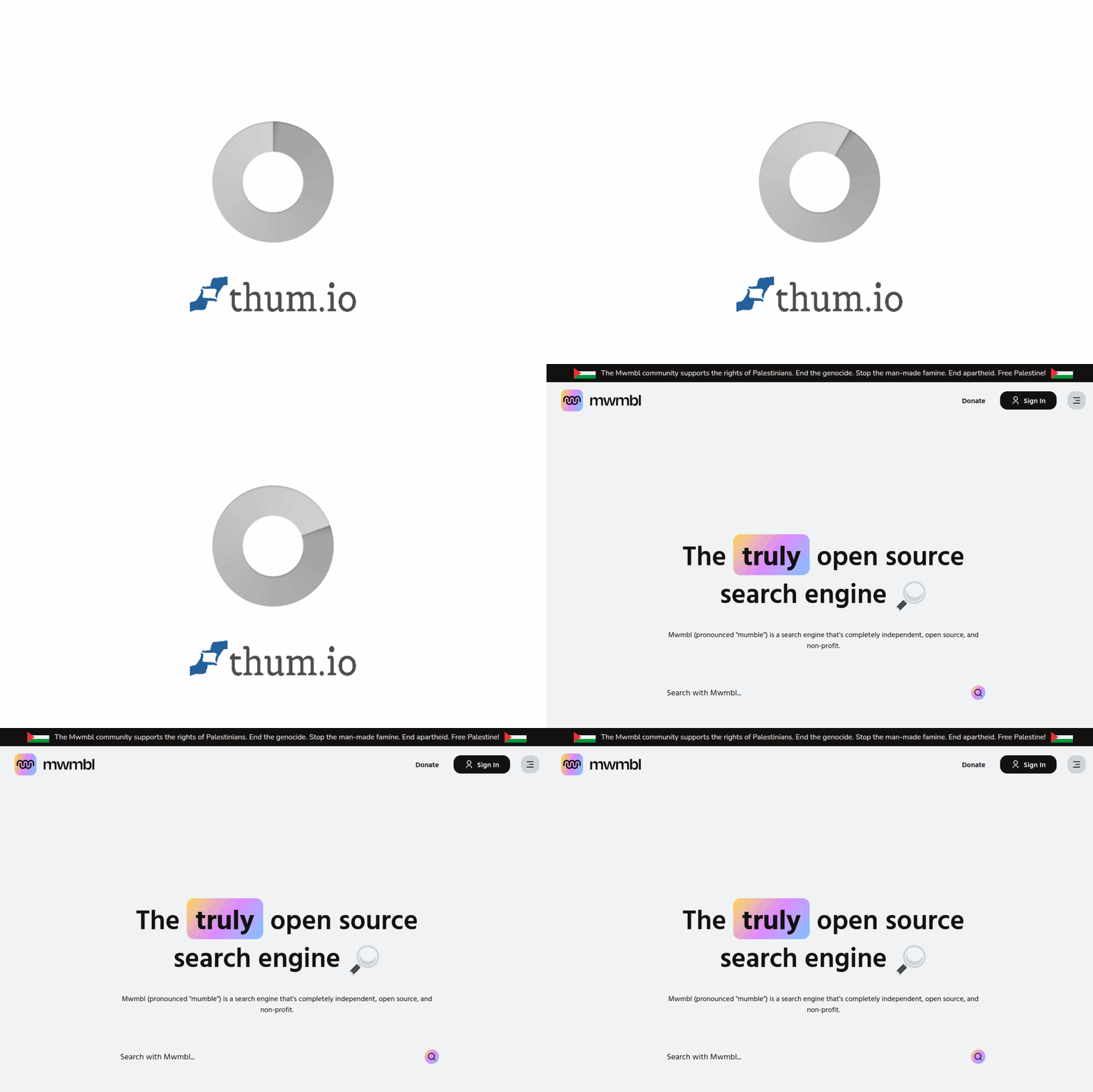
Getting started with Mwmbl is remarkably straightforward. You do not need to create an account, install any software, or provide any personal information. Simply open your web browser and navigate to https://mwmbl.org/. The homepage is minimalistic and clean, featuring a single search bar centered on the screen. This design reflects the tool’s core philosophy: search should be simple and free from distractions.
Setting Mwmbl as Your Default Search Engine
For the best experience, you may want to set Mwmbl as your default search engine in your browser. Here is how to do it in the most popular browsers:
- Google Chrome: Go to Settings > Search Engine > Manage Search Engines. Click “Add,” then enter “Mwmbl” as the name, “mwmbl.org” as the shortcut, and “https://mwmbl.org/?q=%s” as the URL. After adding, click the three dots next to it and select “Make default.”
- Mozilla Firefox: Go to Settings > Search. Under “Default Search Engine,” select “Add Search Engine.” Enter the name “Mwmbl,” the URL “https://mwmbl.org/?q=%s,” and optionally an alias like “mw.” Click “Add.”
- Microsoft Edge: Go to Settings > Privacy, Search, and Services > Address Bar and Search. Under “Manage Search Engines,” click “Add,” enter the details as above, and set it as default.
- Safari (macOS): While Safari does not directly support custom search engines easily, you can use a third-party extension like “Search Engine Switcher” or simply bookmark Mwmbl and use it manually.
Once set, you can type any query directly into your browser’s address bar and Mwmbl will handle the search.
Key Features of Mwmbl
1. Open Source and Transparent
Mwmbl’s entire codebase is publicly available on platforms like GitHub. This means anyone—from security researchers to curious users—can inspect exactly how the search engine works. There are no hidden algorithms, no secret ranking factors, and no black-box data processing. This transparency builds trust and allows the community to contribute improvements.
2. Non-Profit and Independent
Mwmbl is not owned by a corporation. It is a non-profit project run by volunteers. This independence ensures that search results are not influenced by advertisers, investors, or corporate interests. The goal is to serve the user, not a shareholder.
3. Community-Driven Development
The direction of Mwmbl is shaped by its community. If you have ideas for new features, find bugs, or want to help index the web, you can get involved. The project encourages contributions of all kinds, from coding to content curation.
4. Privacy Focused
Mwmbl does not track your searches. It does not store your IP address, create user profiles, or use cookies for advertising purposes. When you perform a search, your query is processed anonymously. This is a fundamental departure from mainstream search engines that build detailed profiles of your interests, habits, and location.
5. Collaborative Indexing
Unlike Google or Bing, which use massive data centers to crawl the web, Mwmbl relies on a community-driven indexing system. Volunteers can run a small program on their computers to help crawl and index websites. This distributed approach reduces costs and keeps the project sustainable without corporate funding.
6. Minimalist Interface
The Mwmbl interface is intentionally sparse. There are no ads, no suggested posts, no news feeds, and no unnecessary widgets. You get a search bar, your results, and nothing else. This reduces distractions and speeds up your search experience.
How to Use Mwmbl Effectively
Performing a Basic Search
Using Mwmbl is as simple as typing a query into the search box and pressing Enter. For example, if you search for “how to plant tomatoes,” Mwmbl will return a list of relevant web pages. The results are ranked based on a combination of community votes, link analysis, and other transparent algorithms.
Understanding Search Results
Each result in Mwmbl typically includes a title, a short description (snippet), and the URL. Unlike mainstream engines, you will not see sponsored results or paid placements. Every link is organic. You may notice that some results have a small “vote” icon. This is part of the community feature: users can upvote or downvote pages to improve the quality of the index over time.
Using Advanced Search Techniques
While Mwmbl does not yet support the full range of advanced operators found in Google, you can still refine your searches using some common techniques:
- Quotation Marks: Use double quotes to search for an exact phrase. For example, searching for “climate change effects” will return pages that contain that exact phrase.
- Minus Sign: Exclude a word by placing a minus sign directly before it. For example, jaguar -car will show results about the animal, not the car brand.
- Site-Specific Search: You can limit results to a specific domain by using the site: operator. For example, site:wikipedia.org quantum physics will only show results from Wikipedia.
- OR Operator: Use uppercase OR to search for either of two terms. For example, laptop OR notebook reviews will return results containing either word.
Contributing to the Index
One of Mwmbl’s most unique features is that you can help build its index. If you find a useful website that is not yet in the database, you can add it manually. On the search results page, there is often a link or button that says “Add this page” or “Submit URL.” Clicking this allows you to contribute the page to the community index. This is especially helpful for niche websites, blogs, or local resources that might be overlooked by larger crawlers.
Running a Crawler Node
For more advanced users, Mwmbl offers the ability to run a “crawler node” on your personal computer. This is a lightweight program that helps the search engine discover and index new web pages. By running a node, you directly support the infrastructure of the search engine. Detailed instructions for setting this up are available on the Mwmbl website under the “Get Involved” section. It is important to note that this is entirely optional and requires some technical comfort.
Tips for Getting the Most Out of Mwmbl
Be Patient with the Index
Mwmbl is a young project. Its index is significantly smaller than Google’s or Bing’s. This means that for very obscure or very recent content, you might not find what you are looking for. However, for general knowledge, popular websites, and community-driven content, it performs admirably. As more people contribute to indexing, the database will grow. Patience and participation are key.
Use Multiple Search Engines Strategically
While Mwmbl is excellent for privacy-focused and community-vetted searches, it is perfectly acceptable to use it alongside other engines. For example, you might use Mwmbl for everyday queries, research, and learning, but switch to a specialized engine for real-time news, local business listings, or very specific technical documentation. The goal is not to abandon all other tools but to reduce your reliance on data-hungry giants.
Contribute to the Community
The strength of Mwmbl lies in its community. If you find a broken link, a spammy result, or a great resource that is missing, take a moment to report it or add it. Most interfaces have a simple feedback mechanism. Over time, these small contributions make a huge difference in the quality of search results for everyone.
Bookmark Your Favorite Searches
Because Mwmbl does not track your history, it cannot offer personalized recommendations or saved searches. To compensate, you can use your browser’s bookmark feature to save frequently used searches. For example, if you regularly search for “Python programming tutorials,” bookmark the results page. This creates a quick shortcut without relying on the search engine to remember it for you.
Spread the Word
Mwmbl’s growth depends on user adoption and community involvement. If you find value in the tool, consider sharing it with friends, family, or colleagues who care about privacy. You can also support the project financially through donations, which help cover server costs and development expenses. Every bit of support helps maintain this independent alternative.
Check for Updates
Since Mwmbl is under active development, new features and improvements are released regularly. Occasionally visit the official website or follow the project on social media (if available) to stay informed. You might discover new search operators, interface enhancements, or ways to get involved.
Understand the Limitations
It is important to approach Mwmbl with realistic expectations. It is not a direct replacement for Google in terms of sheer size and speed. However, it excels in areas where mainstream engines fall short: privacy, transparency, and community ownership. By understanding these trade-offs, you can use Mwmbl where it shines and supplement it with other tools when necessary.
Use the “Random” Feature for Discovery
Mwmbl sometimes includes a “random” button or feature that takes you to an unexpected page from its index. This is a fun way to discover new content and explore the web without a specific goal. It mirrors the early days of the internet when serendipitous discovery was common.
Final Thoughts
Mwmbl represents a bold step toward a more democratic and private internet. By choosing to use it, you are voting for a different kind of web—one where users, not corporations, have control. This tutorial has covered the basics of getting started, the key features, practical usage tips, and ways to contribute. The most important step is to simply try it. Type a query into mwmbl.org today, and experience search in its purest form. As the community grows and the index expands, Mwmbl has the potential to become a genuine, sustainable alternative for millions of users worldwide.