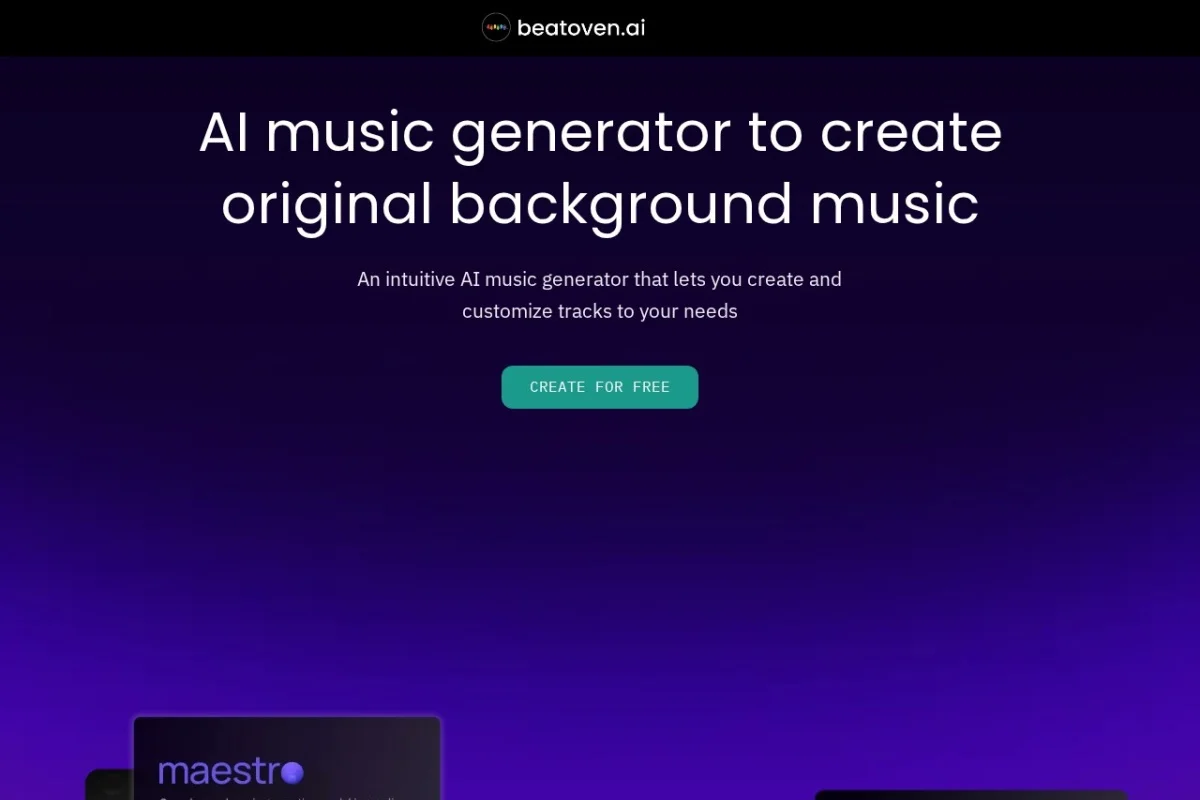
Introduction to Beatoven.ai
In the modern content creation landscape, finding the perfect background music that is both original and royalty-free can be a significant challenge. Many creators struggle with licensing fees, copyright claims, or the time-consuming process of composing music from scratch. Beatoven.ai offers a revolutionary solution to this problem. It is an advanced AI-powered music generation platform designed to produce original, royalty-free background music tailored specifically for videos, podcasts, and games.
What sets Beatoven.ai apart is its commitment to ethical AI development. The platform collaborates with real artists to train its algorithms, ensuring that the generated music maintains a high standard of musicality and emotional depth. Unlike generic stock music libraries, Beatoven.ai allows you to customize your track by selecting the mood, genre, and length, giving you complete creative control. The result is a unique piece of music that fits your project perfectly, without any copyright concerns.
This tutorial will guide you through everything you need to know about Beatoven.ai, from setting up your account to exporting your final track. Whether you are a seasoned video editor, a podcast host, or an indie game developer, this beginner-friendly guide will help you unlock the full potential of this powerful tool.
Getting Started with Beatoven.ai
Creating Your Account
To begin using Beatoven.ai, navigate to the official website at https://www.beatoven.ai/. Click on the “Sign Up” button located in the top right corner of the homepage. You can register using your Google account or your email address. The process is straightforward and takes less than a minute. Once you have verified your email, you will be taken to your personal dashboard.
Understanding the Dashboard
The Beatoven.ai dashboard is designed with simplicity in mind. On the left-hand side, you will find the main navigation menu, which includes options like “Create New Track,” “My Tracks,” and “Settings.” The central area is your workspace, where you will build and customize your music. The interface is clean and intuitive, making it easy for beginners to navigate without feeling overwhelmed.
Pricing and Plans
Beatoven.ai operates on a freemium model. When you first sign up, you receive a limited number of free credits to generate a few tracks. This allows you to test the platform and see if it meets your needs. For more extensive use, such as generating multiple tracks for a series of videos or a full game soundtrack, you can choose from several paid subscription plans. These plans offer a higher number of monthly credits, longer track lengths, and priority support. Always check the official website for the most up-to-date pricing information.
Key Features of Beatoven.ai
AI-Generated Royalty-Free Music
The core feature of Beatoven.ai is its ability to generate completely original music using artificial intelligence. Every track you create is unique and is not sampled from existing songs. This means you can use the music in your projects without worrying about copyright strikes, licensing fees, or attribution requirements. The music is truly yours to use.
Customizable Mood, Genre, and Length
Unlike simple music generators that produce random sounds, Beatoven.ai gives you granular control over the output. You can specify the mood of your track (e.g., happy, sad, tense, inspiring), the genre (e.g., cinematic, electronic, lo-fi, acoustic), and the exact length of the music. This level of customization ensures that the generated track aligns perfectly with the emotional tone and duration of your content.
Ethical AI with Artist Collaborations
Beatoven.ai takes a responsible approach to AI development. The platform does not simply scrape the internet for music data. Instead, it collaborates with professional musicians and composers. These artists contribute original compositions and provide feedback to train the AI model. This ethical framework ensures that the generated music is not only high-quality but also respects the rights and creativity of human artists.
Seamless Integration for Various Media
Whether you are creating a YouTube video, a podcast episode, or a video game level, Beatoven.ai is designed to fit into your workflow. The platform outputs standard audio file formats (such as WAV or MP3) that can be easily imported into any video editor, audio workstation, or game engine. The interface is also responsive, allowing you to work on a desktop, tablet, or even a mobile browser.
How to Use Beatoven.ai: A Step-by-Step Guide
Step 1: Create a New Project
From your dashboard, click on the “Create New Track” button. You will be prompted to give your project a name. This is helpful for organizing your work, especially if you are creating multiple tracks for different projects. Name your track something descriptive, such as “Documentary Intro Music” or “Podcast Background.”
Step 2: Select Your Mood
The first major customization step is choosing the mood of your music. Beatoven.ai offers a range of emotional tones, including Calm, Happy, Sad, Tense, Inspirational, and Playful. Click on the mood that best represents the feeling you want your audience to experience. For example, if you are creating a background track for a serious podcast discussion, “Calm” or “Tense” might be appropriate. For a travel vlog, “Happy” or “Inspirational” would work well.
Step 3: Choose Your Genre
After selecting the mood, you will choose a genre. The available genres include Cinematic, Electronic, Lo-Fi, Acoustic, Pop, and Jazz, among others. Each genre has its own unique instrumentation and rhythm. For instance, “Cinematic” is excellent for dramatic video intros, while “Lo-Fi” is perfect for study streams or relaxing podcasts. Take your time to listen to the short previews provided for each genre to get a sense of what they sound like.
Step 4: Set the Track Length
Next, you will specify the exact duration of your music. You can set the length from as short as 15 seconds to several minutes, depending on your subscription plan. Use the slider or type in the exact time. It is important to match the length to your content. For example, if your video intro is 30 seconds long, set the track length to 30 seconds. This prevents the music from cutting off abruptly or looping awkwardly.
Step 5: Generate Your Track
Once you have configured the mood, genre, and length, click the “Generate” button. The AI will take a few moments to compose your custom track. You will see a progress bar indicating that the music is being created. This is the most exciting part of the process, as you wait to hear a completely original piece of music designed just for you.
Step 6: Preview and Refine
After the generation is complete, you will be able to play the track directly in your browser. Listen to it carefully. Does it match the vibe you were aiming for? If you are satisfied, you can move to the next step. If not, Beatoven.ai allows you to make adjustments. You can click the “Regenerate” button to create a new version with the same settings, or you can go back and change the mood or genre to try a different combination.
Step 7: Download Your Music
When you are happy with the track, click the “Download” button. You will be given options for the audio file format, typically WAV (high quality) or MP3 (smaller file size). Choose the format that best suits your project. WAV is recommended for professional video editing, while MP3 is fine for podcasts or web use. The file will be saved directly to your computer, ready to be imported into your editing software.
Tips for Getting the Best Results from Beatoven.ai
Tip 1: Experiment with Mood and Genre Combinations
Do not be afraid to try unusual combinations. For example, a “Sad” mood combined with “Electronic” genre can create a unique, atmospheric sound that is perfect for a reflective tech review. Similarly, “Tense” with “Acoustic” can produce an eerie, stripped-back track ideal for a horror game. The AI is trained on a wide variety of styles, so experimenting often leads to the most creative results.
Tip 2: Use the Right Track Length for Your Content
One of the most common mistakes beginners make is generating a track that is too long or too short. If your video is exactly 60 seconds long, generate a 60-second track. If you are creating a loop for a game, consider generating a shorter track (e.g., 15-30 seconds) and looping it in your game engine. This approach often sounds more natural than a long track that changes dynamics unexpectedly.
Tip 3: Layer Multiple Tracks for Complexity
For advanced projects, consider generating two or three different tracks from Beatoven.ai and layering them in your video editor. For instance, you can have a main melody track and a separate ambient pad track. By adjusting the volume levels of each layer, you can create a rich, complex soundscape that sounds professionally produced.
Tip 4: Save Your Settings for Future Projects
If you find a mood and genre combination that works perfectly for your brand or series, make a note of it. Beatoven.ai saves your previous projects in the “My Tracks” section. You can revisit these tracks and use the “Remix” feature to create variations. This ensures consistency across your content, which is important for building a recognizable audio brand.
Tip 5: Use Beatoven.ai for Non-Obvious Applications
While Beatoven.ai is marketed for videos, podcasts, and games, its utility extends further. Consider using it for:
- Presentations: Add background music to slideshows and business presentations to keep your audience engaged.
- Meditation Apps: Generate calming, nature-inspired tracks for mindfulness or meditation sessions.
- Retail Spaces: Create custom background music for your store or café without paying for commercial licenses.
- Personal Projects: Use it to create music for home videos, wedding slideshows, or social media stories.
Tip 6: Respect the Ethical AI Model
Beatoven.ai prides itself on being an ethical AI platform. When you use the service, you are supporting a model that compensates human artists. Always credit the platform if you feel inclined, but it is not required. More importantly, avoid trying to reverse-engineer or manipulate the generated tracks in ways that violate the terms of service. Respect the tool, and it will serve you well.
Tip 7: Check Your Audio Levels
When you download your track, the volume level might be different from what you expect. Before finalizing your video or podcast, import the Beatoven.ai track into your editing software and check its loudness. You may need to adjust the gain or use a compressor to ensure it sits well beneath your dialogue or sound effects without overpowering them.
Conclusion
Beatoven.ai is a game-changer for content creators who need high-quality, original background music without the hassle of licensing or composition. Its intuitive interface, combined with powerful customization options, makes it accessible to beginners while still offering depth for experienced producers. By following the steps outlined in this tutorial, you can quickly generate music that enhances your videos, podcasts, and games, giving them a professional polish that captivates your audience.
The platform’s commitment to ethical AI and artist collaboration ensures that you are not only getting great music but also supporting a sustainable creative ecosystem. So, whether you are a YouTuber looking for the perfect intro track, a podcaster needing a subtle background bed, or a game developer seeking dynamic soundscapes, Beatoven.ai is a tool worth integrating into your workflow. Start creating today and discover how easy it is to bring your projects to life with the perfect soundtrack.

Beatoven.ai
AI-powered royalty-free music generator for content creators.