Introduction to Fireworks AI
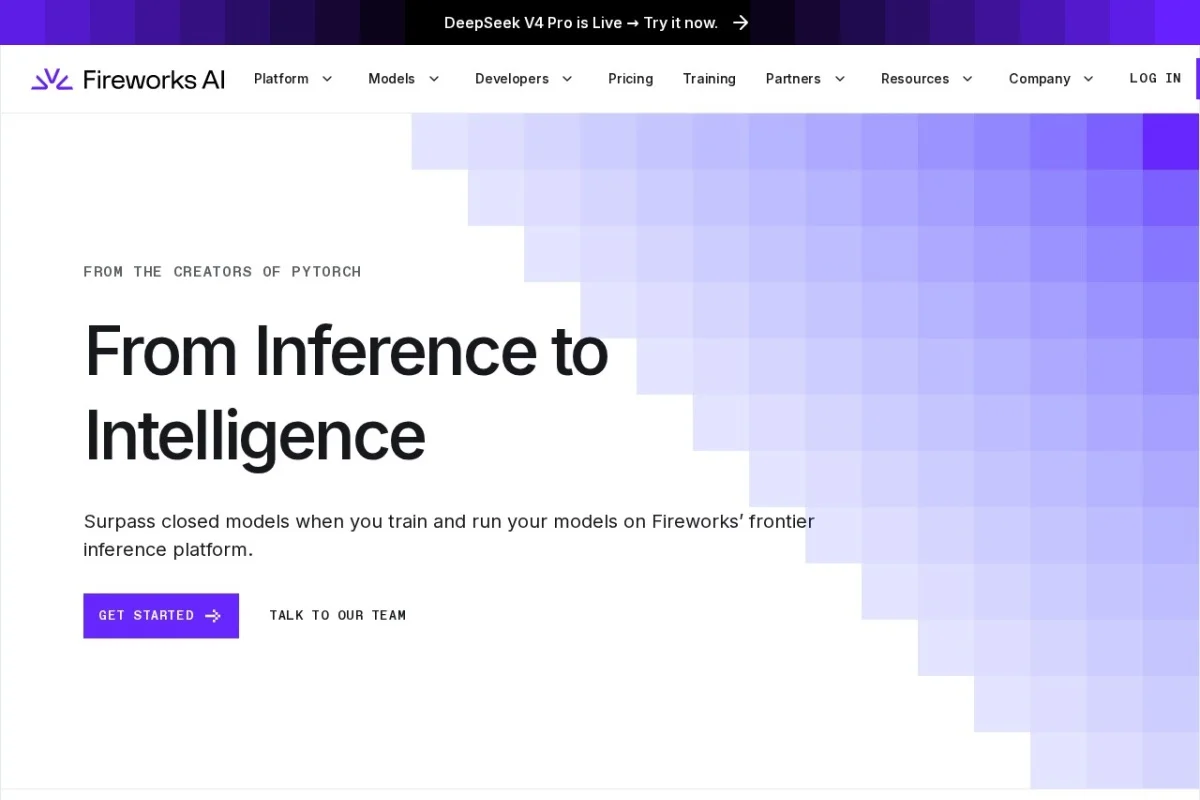
Fireworks AI is a high-performance inference platform designed for developers and organizations that need to run generative AI models at scale. Unlike many AI platforms that lock you into proprietary models, Fireworks AI focuses on providing instant, optimized access to the best open-source models available today. This means you can leverage cutting-edge models like DeepSeek, Kimi, and Gemma without the complexity of managing your own infrastructure.
The platform is built around three core pillars: speed, quality, and cost. Fireworks AI optimizes model inference to deliver low-latency responses while maintaining high accuracy. Whether you are building a code assistant, a conversational chatbot, an agentic system (AI that can take actions), or a multimedia processing pipeline, Fireworks AI provides the tools to move from experimentation to production with minimal friction. A key selling point is the ability to integrate with just a single line of code, making it accessible for both beginners and experienced AI engineers.
This tutorial will walk you through everything you need to know to get started, understand the key features, and use the platform effectively. By the end, you will be able to set up your first AI project, choose the right model, and deploy it with confidence.
Getting Started with Fireworks AI
Getting started on Fireworks AI is straightforward. You do not need to install heavy software on your local machine. The platform is cloud-based and accessible via a web interface and API.
Step 1: Create an Account
Navigate to https://fireworks.ai/ and click on the Sign Up button. You can register using your email address or through a Google or GitHub account. The free tier provides a generous amount of credits, which is perfect for experimentation and learning.
Step 2: Explore the Dashboard
Once logged in, you will see the main dashboard. This is your control center. Key sections include:
- Playground: A web-based interface where you can test models interactively.
- API Keys: Where you generate and manage your API keys for programmatic access.
- Models: A library of all available open-source models.
- Deployments: Where you manage your production endpoints.
Step 3: Generate Your First API Key
To use Fireworks AI in your own applications, you need an API key. Go to the API Keys section in the dashboard. Click Create API Key, give it a name (e.g., “MyFirstApp”), and copy the key. Store it securely – you will not be able to see it again after you close the window.
Step 4: Choose a Model
Fireworks AI hosts dozens of models. For beginners, we recommend starting with DeepSeek-V2 or Gemma-2. These models are well-balanced for general-purpose tasks like conversation and code generation. You can filter models by task (e.g., chat, code, vision) in the Models section.
Key Features of Fireworks AI
Understanding the features will help you choose the right approach for your project. Fireworks AI is not just an API; it is a comprehensive platform.
Access to Leading Open-Source Models
Fireworks AI provides instant access to a curated selection of the most powerful open-source models. This includes:
- DeepSeek Models: Excellent for complex reasoning, mathematics, and coding tasks.
- Kimi Models: Optimized for long-context understanding, ideal for processing large documents.
- Gemma Models: Google’s lightweight models, great for efficient deployment and mobile applications.
- Mistral and Llama Models: Popular choices for general conversational AI.
All models are pre-optimized for inference speed, meaning you get the best performance without having to tweak settings manually.
Optimized Inference for Speed, Quality, and Cost
This is the core of Fireworks AI. The platform uses advanced techniques like quantization and speculative decoding to make models run faster and cheaper than standard implementations. For example, a model that might take 5 seconds to respond on a local machine can respond in under 1 second on Fireworks AI. This optimization is automatic, so you do not need to be an AI engineer to benefit from it.
Multimodal Capabilities
Fireworks AI supports more than just text. You can work with:
- Text: Standard conversational and code generation.
- Vision: Upload images and ask the model to analyze them (e.g., “Describe this image” or “Extract text from this photo”).
- Speech: Integrate with speech-to-text and text-to-speech models for voice applications.
This makes it a one-stop platform for building rich, interactive AI applications.
Enterprise-Grade RAG (Retrieval-Augmented Generation)
For businesses that need to ground AI responses in their own private data (e.g., internal manuals, customer databases), Fireworks AI offers built-in RAG capabilities. You can upload documents, and the system will index them for secure, fast retrieval. This ensures the AI answers questions based on your specific knowledge base, not just public internet data. It is fully secure and compliant for enterprise use.
Agentic Systems Support
Fireworks AI supports the development of agentic systems – AI that can use tools, browse the web, or perform actions on your behalf. The platform provides structured output formats (like JSON) that make it easy for the AI to interact with other software APIs.
How to Use Fireworks AI
Now, let’s get practical. We will cover three common use cases: using the Playground, making API calls, and setting up a RAG system.
Using the Playground (No Coding Required)
The Playground is the easiest way to test models. Follow these steps:
- Click on Playground in the left menu.
- Select a model from the dropdown menu (e.g., deepseek-v2-chat).
- In the System Prompt box, you can set the behavior of the AI. For example, type: “You are a helpful coding assistant who writes clean Python code.”
- In the User Prompt box, type your question, such as: “Write a Python function to sort a list of dictionaries by a specific key.”
- Click Submit. The model will generate a response instantly.
You can adjust parameters like Temperature (controls randomness) and Max Tokens (controls response length) to fine-tune the output.
Making API Calls (For Developers)
To integrate Fireworks AI into your own application, use the REST API. Here is a beginner-friendly example using Python and the requests library.
Step 1: Install the requests library (if you haven’t already)
pip install requests
Step 2: Write the code
Create a Python file called fireworks_test.py and paste the following code. Replace YOUR_API_KEY with the key you generated earlier.
import requests

url = "https://api.fireworks.ai/inference/v1/chat/completions"
api_key = "YOUR_API_KEY"

payload = {
    "model": "accounts/fireworks/models/deepseek-v2-chat",
    "messages": [
        {"role": "system", "content": "You are a helpful assistant."},
        {"role": "user", "content": "Explain quantum computing in simple terms."}
    ],
    "max_tokens": 200,
    "temperature": 0.7
}

headers = {
    "Authorization": f"Bearer {api_key}",
    "Content-Type": "application/json"
}

response = requests.post(url, json=payload, headers=headers)
print(response.json()["choices"][0]["message"]["content"])
Step 3: Run the script
Open your terminal and run: python fireworks_test.py. You will see a clear, concise explanation of quantum computing.
Note: You can change the model field to any model available on Fireworks AI. For vision tasks, you would include a base64 encoded image in the payload. Fireworks AI provides excellent documentation for all endpoints.
Setting Up a Simple RAG System
RAG (Retrieval-Augmented Generation) allows your AI to answer questions based on your own documents. Here is a simplified workflow:
- Prepare your documents: Gather PDFs, Word files, or plain text files. For this example, let’s use a company policy manual.
- Upload to Fireworks AI: In the dashboard, go to Knowledge Bases (under the RAG section). Click Create Knowledge Base, give it a name, and upload your documents. The system will automatically chunk and index them.
- Query the knowledge base: Use the API to ask questions. The code is similar to the chat example above, but you add a context parameter pointing to your knowledge base ID. The AI will then answer using only the information from your uploaded documents.
This is extremely powerful for customer support bots, internal HR assistants, and legal document analysis.
Tips for Getting the Most Out of Fireworks AI
To ensure you build efficient, high-quality applications, keep these practical tips in mind.
Tip 1: Start with the Right Model
Do not always default to the largest model. For simple tasks like summarization or translation, smaller models like Gemma-2-2B are faster and cheaper. For complex reasoning, use DeepSeek-V2. Test a few models in the Playground before committing to one in production.
Tip 2: Master the System Prompt
The system prompt is your most powerful tool for controlling AI behavior. Be specific. Instead of saying “Be helpful,” say “You are a customer support agent for a software company. Answer politely, and if you don’t know the answer, say so and offer to connect the user to a human agent.” This dramatically improves response quality.
Tip 3: Optimize for Cost
Fireworks AI charges based on the number of tokens processed (input + output). To save money:
- Use the max_tokens parameter to limit response length.
- Keep your input prompts concise. Remove unnecessary context.
- Use smaller models for high-volume, simple tasks.
Tip 4: Use Structured Output for Agentic Systems
If you are building an AI that needs to call functions or return data in a specific format (e.g., JSON), set the response_format parameter to {“type”: “json_object”} in your API call. This forces the model to output valid JSON, making it easy to parse and use in your code.
Tip 5: Monitor Your Usage
The dashboard provides real-time analytics on your API usage, latency, and error rates. Check this regularly. If you see high error rates, it might mean your prompt is too complex or your API key is being used incorrectly. The platform also offers logging to help you debug.
Tip 6: Leverage the Community and Documentation
Fireworks AI has an active community and comprehensive documentation. If you get stuck, check the Docs section on their website. They provide code examples for Python, Node.js, curl, and more. Also, look at their example projects for inspiration on building chatbots, code assistants, and search engines.
Tip 7: Experiment with Multimodal Inputs
Do not limit yourself to text. If your application involves user-uploaded images (e.g., a receipt scanner), test the vision models. The API accepts image URLs or base64-encoded images. This can unlock features like automatic document processing or content moderation.
Conclusion
Fireworks AI democratizes access to powerful open-source AI models by handling the complex infrastructure and optimization for you. Whether you are a hobbyist building a fun chatbot or an enterprise deploying a critical RAG system, the platform provides the speed, quality, and flexibility you need. By following this tutorial, you have learned how to create an account, explore models, make API calls, and apply best practices. The next step is to build something amazing – start with a simple project, test it in the Playground, and then scale it to production with confidence.
