Introduction to Dyno AI: Your Partner in Practical AI Integration
Artificial intelligence is no longer a futuristic concept reserved for tech giants. It has become an accessible, powerful tool that can transform how small and medium-sized businesses operate. However, the gap between understanding AI’s potential and actually implementing it effectively can feel intimidating. This is where Dyno AI steps in. Unlike generic AI platforms that offer one-size-fits-all solutions, Dyno AI provides practical, hands-on consulting services designed to help businesses like yours integrate artificial intelligence into everyday workflows. Whether you need a custom chatbot to handle customer inquiries, automated processes to save time, or a long-term AI strategy, Dyno AI tailors its approach to your specific business needs.
This tutorial will walk you through everything you need to know about Dyno AI, from understanding its core philosophy to getting started with your first project. By the end, you will have a clear roadmap for leveraging this platform to make AI work for you—without needing a degree in computer science.
Getting Started with Dyno AI
What Makes Dyno AI Different?
Before diving into the technical steps, it is important to understand what sets Dyno AI apart. Many AI tools require you to adapt your business processes to fit their software. Dyno AI does the opposite. It begins by analyzing your existing workflows, pain points, and goals. Then, it designs custom AI solutions that fit seamlessly into your operations. This consultative approach means you are not just buying a product; you are partnering with a team that guides you from strategy to deployment.
Step 1: Visit the Dyno AI Website
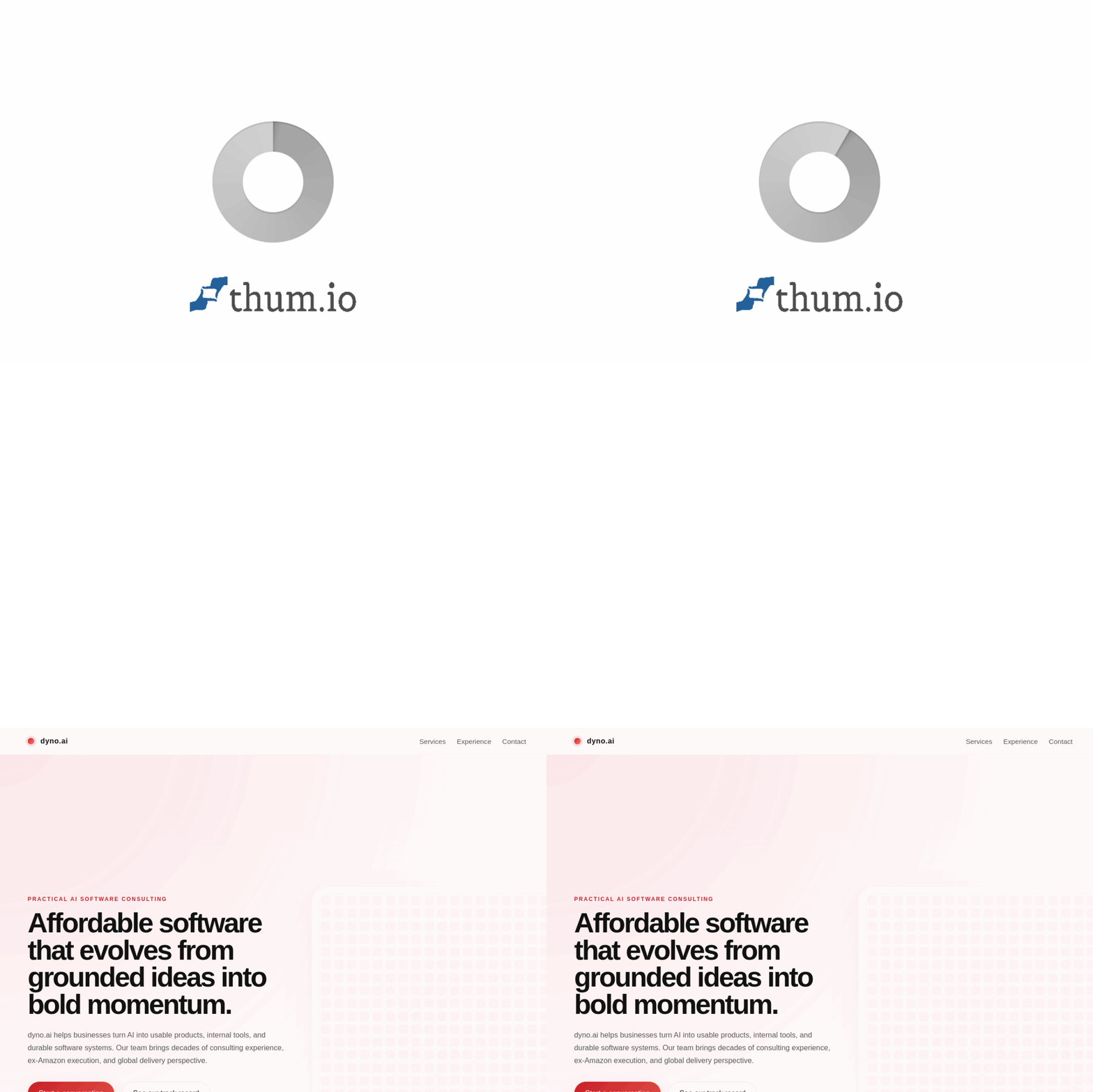
Start by going to https://dyno.ai/. The homepage is clean and professional, designed to help you quickly understand what the company offers. You will see sections highlighting their services, such as custom AI software development, chatbot integration, and workflow automation. Take a few minutes to browse these sections to get a feel for the language they use and the types of case studies they present.
Step 2: Identify Your Business Needs
Before contacting Dyno AI, take a sheet of paper or open a document and answer these questions:
- What repetitive tasks consume the most time for your team?
- Do you receive a high volume of customer questions that could be answered automatically?
- Are there manual data entry or reporting processes that could be streamlined?
- What is your budget for an initial AI project?
- Do you have a clear goal, such as reducing response time by 50% or cutting operational costs?
Having clear answers will help Dyno AI’s consultants propose a solution that fits your exact situation.
Step 3: Reach Out for a Consultation
On the Dyno AI website, look for a “Contact” or “Get Started” button. This will typically lead you to a form where you can describe your business, your challenges, and what you hope to achieve with AI. You do not need to be technical here. Simply write in plain English. For example, “We run a small e-commerce store and spend four hours a day answering the same shipping questions. We want a chatbot that can handle these.” A Dyno AI representative will then reach out to schedule a free initial consultation.
Step 4: The Discovery Phase
During the consultation, a Dyno AI consultant will ask detailed questions about your current technology stack, team size, and customer interaction points. They will also discuss your long-term vision. This is not a sales pitch; it is a discovery phase. The consultant will take notes and, within a few days, provide you with a proposal that outlines a custom solution, a timeline, and a cost estimate.
Key Features of Dyno AI
Dyno AI’s platform is built around four core service areas. Understanding each will help you determine which is most relevant to your business.
Custom AI Software Development
Off-the-shelf software rarely fits every business perfectly. Dyno AI’s custom development service builds AI-powered tools from the ground up, designed specifically for your processes. This could include a predictive analytics dashboard for your sales team, a document processing system for your legal department, or a personalized recommendation engine for your online store. The key benefit is that the software works exactly how you need it to, without unnecessary features that complicate things.
AI Chatbot Integration
Chatbots are one of the most common entry points into AI, but a poorly designed chatbot can frustrate customers. Dyno AI creates chatbots that understand your business context. They are trained on your specific products, policies, and frequently asked questions. Integration is handled with your existing platforms, such as your website, Facebook Messenger, or Slack. The result is a virtual assistant that can handle inquiries, book appointments, or even process simple orders, freeing your human team for more complex tasks.
Workflow Automation Solutions
Many businesses run on repetitive manual tasks: sending follow-up emails, updating spreadsheets, generating reports, or routing tickets. Dyno AI’s workflow automation solutions use AI to identify these patterns and build automated sequences. For example, if you run a real estate agency, Dyno AI could create a system that automatically sends property suggestions to clients based on their search history, then schedules a viewing if they show interest. The automation is intelligent, meaning it learns and improves over time.
AI Consulting and Strategy
Not every business needs a full-blown AI system immediately. Sometimes, what you need most is a roadmap. Dyno AI’s consulting service helps you understand where AI can have the biggest impact on your business. They will audit your current operations, identify quick wins, and create a phased plan that aligns with your budget. This service is especially valuable for business owners who know they should adopt AI but are unsure where to start.
Scalable AI Deployment
As your business grows, your AI tools need to grow with you. Dyno AI builds solutions with scalability in mind. Whether you add more users, more data, or more complex tasks, the system can expand without a complete rebuild. They also provide ongoing support and monitoring to ensure performance remains optimal.
How to Use Dyno AI: A Practical Walkthrough
Let’s walk through a realistic scenario to show you exactly how Dyno AI works in practice. Imagine you own a small online boutique that sells handmade candles. You have a website, an Instagram shop, and a customer service email. Your main pain points are answering the same questions about shipping times and scent descriptions, and manually updating your inventory spreadsheet.
Step 1: Initial Consultation
You contact Dyno AI via their website form, explaining your situation. A consultant schedules a 30-minute video call. During the call, you discuss your current tools (Shopify for the website, Gmail for customer service, and a Google Sheet for inventory). The consultant asks about your busiest times of day and the most common customer complaints. You mention that customers often ask if a candle is “strong enough” for a large room, which you currently answer manually.
Step 2: Solution Design
Within a week, Dyno AI sends you a proposal. It includes two main components:
- A chatbot for your website and Instagram that can answer shipping questions, describe scent strengths based on room size, and provide personalized recommendations. The chatbot will be trained on your product descriptions and shipping policies.
- An automation script that connects your Shopify sales data to your Google Sheet inventory, updating stock levels in real-time. It will also send you a weekly summary email with best-selling products and low-stock alerts.
Step 3: Development and Training
You approve the proposal, and Dyno AI begins development. Their team builds the chatbot using a custom AI model that understands natural language. They provide you with a simple dashboard where you can upload your product data and FAQs. You do not need to write any code. For the inventory automation, they use secure API connections to link Shopify and Google Sheets. You are given a test environment to try everything before it goes live.
Step 4: Testing and Feedback
Dyno AI encourages you to test the chatbot with your team for a few days. You ask it tricky questions to see how it responds. You notice it handles 90% of queries correctly, but sometimes misunderstands questions about “candle burn time.” You report this to Dyno AI, and they adjust the training data within 24 hours. This iterative process ensures the final product is reliable.
Step 5: Deployment and Monitoring
Once you are satisfied, Dyno AI deploys the chatbot to your website and Instagram. The inventory automation goes live simultaneously. They set up monitoring tools that alert them if the chatbot encounters an unusual error or if the automation fails to sync. You receive a simple weekly report showing how many conversations the chatbot handled and how much time it saved your team.
Step 6: Ongoing Optimization
After a month, Dyno AI reviews the data. They notice that many customers ask about candle gift sets, which you do not currently offer. They suggest adding a “gift set” option to your product line based on this customer demand. This is the power of AI consulting: the data reveals opportunities you might have missed.
Tips for Getting the Most Out of Dyno AI
To ensure your experience with Dyno AI is successful, keep these practical tips in mind.
Start Small, Think Big
It is tempting to try to automate everything at once. Resist this urge. Start with one specific, high-impact problem, such as customer service response time or inventory management. Once that solution is running smoothly, you can expand to other areas. Dyno AI’s consultants will help you prioritize.
Prepare Your Data
AI systems learn from data. Before your consultation, gather any documents, FAQs, product lists, or process descriptions you have. The more organized your data, the faster Dyno AI can build an accurate solution. For example, if you want a chatbot, compile a list of the top 50 questions you receive and your standard answers.
Involve Your Team Early
Your employees will be the ones using the AI tools. Involve them in the discovery phase. Ask them what tasks they find most repetitive or frustrating. When they feel heard, they are more likely to embrace the new system. Dyno AI also offers training sessions to help your team feel comfortable with the tools.
Set Clear Success Metrics
Define what success looks like before the project begins. Do you want to reduce response time from 24 hours to 1 hour? Save 10 hours of manual work per week? Increase sales by 15% through personalized recommendations? Having clear metrics allows Dyno AI to measure the impact of their work and adjust as needed.
Be Patient with the Learning Curve
No AI system is perfect on day one. Your chatbot might misunderstand some questions, or your automation might need minor tweaks. This is normal. Dyno AI provides ongoing support, so report any issues quickly. The system will improve over time as it processes more data and as you refine your requirements.
Think About Long-Term Scalability
When discussing your project with Dyno AI, mention your growth plans. If you expect to double your customer base in the next year, the AI solutions need to handle that increase. Dyno AI’s scalable deployment feature is designed for this, but it helps if they know your trajectory upfront.
Use the Consulting Service Even If You Are Not Ready to Build
If you are unsure about committing to a full project, book a consulting session anyway. The strategic advice alone can save you from making costly mistakes. Dyno AI’s consultants can recommend simpler tools or even free resources that fit your current stage, building trust for when you are ready to invest more.
Conclusion: Taking the First Step with Dyno AI
Dyno AI bridges the gap between the promise of artificial intelligence and the reality of running a business. By focusing on practical, custom solutions rather than generic software, they help you solve real problems without unnecessary complexity. Whether you need a chatbot that actually understands your products, an automation that saves hours of manual work, or a long-term strategy that keeps you ahead of the competition, Dyno AI provides the expertise and support to make it happen.
The AI revolution is not about replacing humans; it is about empowering them to focus on what matters most. With Dyno AI, you gain a partner who understands your business, builds tools that fit your workflow, and helps you grow sustainably. Your next step is simple: visit https://dyno.ai/, schedule that first conversation, and discover how practical AI can transform your day-to-day operations. The future of your business is waiting, and Dyno AI is ready to help you build it.
