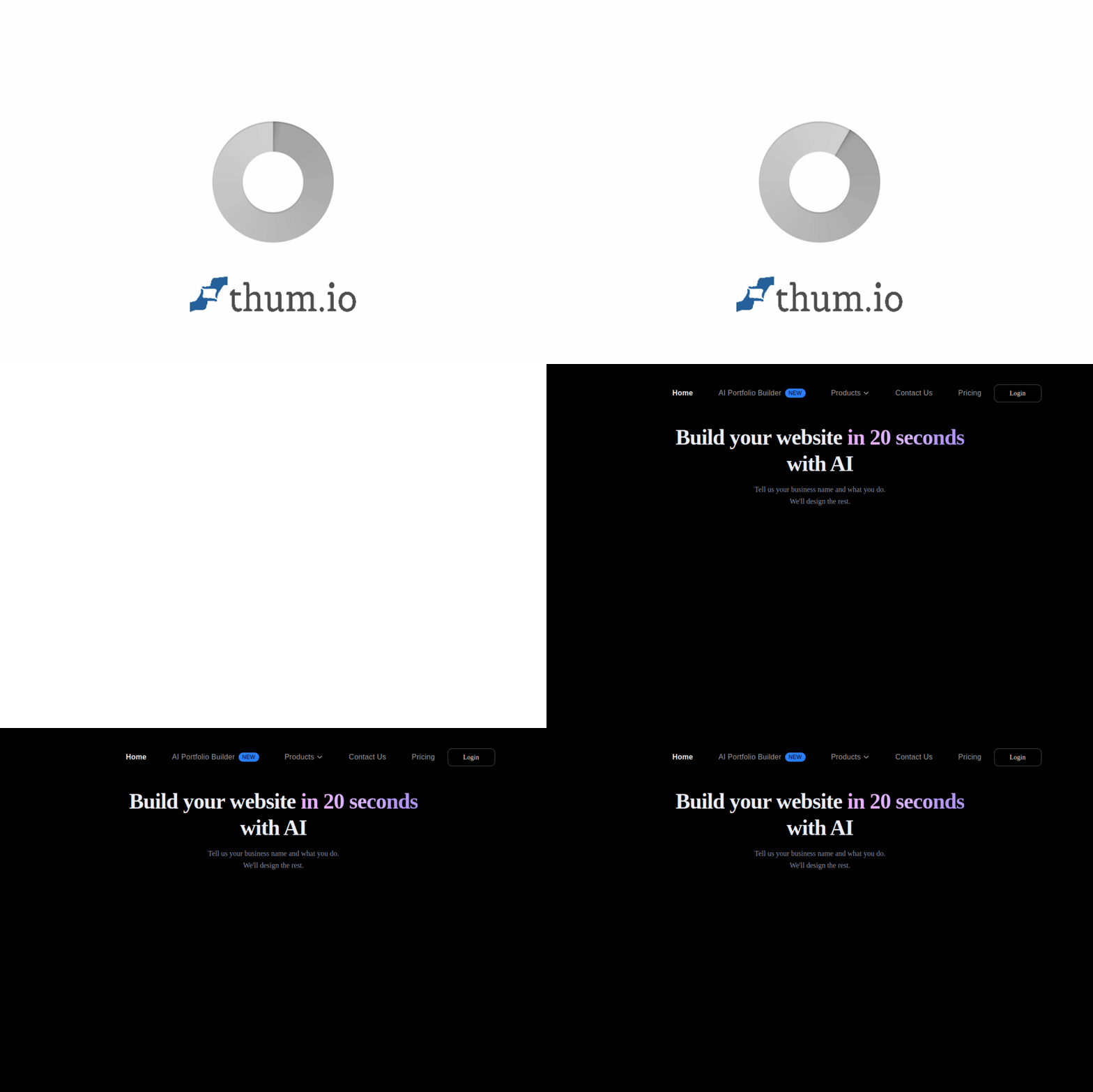
Introduction
In today’s digital world, having a professional online presence is no longer optional for small businesses. However, the traditional route to building a website often involves hiring expensive freelancers, struggling with complicated platforms, or spending weeks learning to code. Butternut AI Website Builder changes this completely. This innovative tool allows you to create a fully functional, beautifully designed website in just 20 seconds by simply describing your business. It handles everything from layout and images to copywriting and SEO optimization, making it an ideal solution for entrepreneurs, freelancers, and small business owners who need to get online quickly without technical skills or a large budget. This tutorial will guide you through every aspect of Butternut AI, from first login to publishing your finished site.
Getting Started with Butternut AI
Creating Your Account
Getting started with Butternut AI is refreshingly simple. Visit the official website at https://butternut.ai/. You will see a clean, inviting interface with a clear call to action. Click the “Get Started” or “Try Butternut AI” button. The platform does not require a credit card to begin, which removes any pressure. You can sign up using your Google account or with an email address and a password. Once you verify your email (if required), you are immediately taken to the dashboard where the magic begins.
Understanding the Dashboard
After logging in, you will see a minimalistic dashboard. Butternut AI is designed to be clutter-free. The main action is a text input field where you will describe your business. You will also see options to view any previously created websites or start a new project. Take a moment to familiarize yourself with the layout. There are no confusing menus or overwhelming settings at this stage. The entire philosophy of the tool is to reduce complexity, so the dashboard reflects that.
Key Features of Butternut AI
Instant Website Generation
This is the flagship feature. By providing a simple description of your business—such as “a vegan bakery in Austin, Texas” or “a mobile dog grooming service in Chicago”—the AI processes your input and generates a complete, multi-page website in approximately 20 seconds. This includes a homepage, about page, services or products page, and contact page. The AI selects relevant stock images, writes engaging copy tailored to your business, and arranges everything into a professional layout. This eliminates the need to start from a blank canvas or choose from hundreds of generic templates.
Customization Tools
While the AI does an impressive job, you retain full control over the final look and feel. Butternut AI offers a user-friendly editor that allows you to:
- Change Colors: Adjust the primary and secondary color schemes to match your brand identity.
- Replace Images and Videos: Swap out AI-selected stock photos with your own product photos, team pictures, or promotional videos.
- Edit Text and Copy: Rewrite any section of the generated content. You can change headlines, service descriptions, and calls to action directly on the page.
- Manage Pages: Add new pages (like a blog or gallery), delete unnecessary ones, or reorder the navigation menu.
Built-in Hosting and Domain
One of the most significant barriers for new business owners is finding reliable hosting and buying a domain name. Butternut AI includes free hosting and a free SSL certificate (which secures your site and builds trust with visitors). Furthermore, the platform provides a custom domain name free for the first year. This means you can have a professional web address like “yourbusiness.com” without the usual annual cost. After the first year, renewal fees apply, but they are competitive with standard domain registrars.
SEO and Marketing Tools
A beautiful website is useless if nobody can find it. Butternut AI includes built-in SEO optimization. The AI automatically generates meta titles, descriptions, and proper heading structures to help your site rank higher in search engines. Additionally, the platform features an AI blog writer. You can generate blog posts relevant to your industry with just a topic prompt. This helps you maintain an active website, which search engines reward, and positions you as an authority in your field.
Design Styles and Language Support
Butternut AI understands that different businesses require different aesthetics. You can choose from multiple design styles such as modern, minimalist, bold, or elegant before generating your site. This ensures the final result aligns with your brand personality. The platform also supports multiple languages, allowing you to generate and edit your website in languages other than English, making it a global solution.
How to Use Butternut AI: A Step-by-Step Guide
Step 1: Describe Your Business
On the main dashboard, you will find a text box labeled something like “Describe your business.” Be specific but concise. Instead of writing “I have a coffee shop,” write “A specialty coffee shop in Portland, Oregon, focusing on single-origin espresso drinks and homemade pastries.” The more detail you provide, the better the AI can tailor the content and images. Include your location, target audience, and unique selling points. Once ready, click the “Generate” button.
Step 2: Review the Generated Website
Within 20 seconds, Butternut AI will present you with a complete website preview. Take your time to scroll through all the pages. The AI typically creates a homepage with a hero section, an “About Us” section, a services or products area, testimonials, and a contact form. Look at the generated copy. Does it accurately represent your voice? Are the images relevant? Do not worry if it is not perfect; the next steps are all about refinement.
Step 3: Customize Your Design
Click the “Edit” or “Customize” button to enter the editor. Here you can:
- Change the Color Palette: Click on any colored element. A color picker will appear. You can enter a specific hex code (e.g., #2C3E50 for a dark blue) or use the visual picker. Apply changes globally or per section.
- Replace Images: Hover over an image. You will see an option to delete it or upload a new one. Use high-quality images of your actual products, your storefront, or your team. Butternut AI also allows you to search for free stock images directly within the editor if you need placeholder visuals.
- Edit Text: Simply click on any text block. A text editor will appear, allowing you to change the font, size, alignment, and wording. Rewrite the AI-generated copy to sound more like you. For example, change “We provide excellent service” to “We treat your pets like family.”
- Add or Remove Sections: You can drag and drop sections to reorder them. Add a new section like “FAQ” or “Gallery” using the “Add Section” button. Remove sections you do not need.
Step 4: Manage Your Pages
Look for the “Pages” or “Menu” option in the editor. Here you can see the list of pages the AI created (typically Home, About, Services, Contact). You can:
- Rename Pages: Change “Services” to “What We Offer.”
- Add New Pages: Click “Add Page.” You can create a blank page or use the AI to generate content for a new page. Name it “Blog” or “Portfolio” and let the AI fill in initial content.
- Delete Pages: Remove any page that is not relevant to your business.
- Set the Homepage: Ensure your main page is set as the homepage in the navigation settings.
Step 5: Add Videos and Multimedia
Videos can significantly increase engagement. In the editor, look for a “Video” block or element. You can upload your own video file or embed a YouTube or Vimeo link. Place a video on your homepage to introduce yourself, or add a product demo video to your services page. Butternut AI handles the embedding code automatically.
Step 6: Configure SEO Settings
Before publishing, click on the “SEO” or “Settings” tab. The AI will have already filled in some basic information, but you should review it:
- Meta Title: This is the title that appears in search engine results. Make it compelling and include your primary keyword (e.g., “Best Vegan Bakery in Austin | Green Leaf Bakery”).
- Meta Description: A short summary (around 155 characters) that appears under the title in search results. Encourage clicks by including a benefit (e.g., “Enjoy fresh, organic pastries delivered to your door. Order now!”).
- URL Slug: Ensure your page URLs are clean and descriptive (e.g., “yourdomain.com/services” instead of “yourdomain.com/page123”).
Step 7: Set Up Your Domain
Butternut AI offers a free custom domain for the first year. In the settings, you will find a “Domain” section. You can search for an available domain name (e.g., “greenleafbakery.com”). If it is available, the platform will guide you through connecting it to your website. This process is automated and usually takes just a few minutes. If you already own a domain from another provider, you can point it to your Butternut AI site by following the provided DNS instructions.
Step 8: Preview and Publish
Before going live, use the “Preview” button to see your website exactly as visitors will see it on desktop and mobile devices. Check for broken links, typos, or layout issues. Test the contact form to ensure it sends emails to your inbox. Once you are satisfied, click the “Publish” button. Your website is now live on the internet. Butternut AI handles all the technical aspects of hosting and security.
Tips for Getting the Most Out of Butternut AI
Be Detailed in Your Business Description
The quality of your generated website directly depends on the quality of your input. Do not write just “plumber.” Write “Emergency plumbing services in Miami, specializing in water heater repair and drain cleaning, available 24/7.” Include your location, services, and unique value proposition. This gives the AI rich material to work with.
Use Your Own Images
Stock photos are convenient, but they do not build trust like real photos. Take pictures of your workspace, your team, your products, or your completed projects. Upload these into the editor. A website with authentic images converts visitors into customers far more effectively.
Rewrite the AI Copy to Sound Like You
The AI generates grammatically correct and professional copy, but it might lack your personal voice. Read each section aloud. Does it sound like something you would say to a customer? If not, rewrite it. Inject your personality, humor, or passion. Customers connect with people, not bots.
Leverage the AI Blog Writer
Search engines love fresh content. Use the AI blog writer to generate weekly or bi-weekly posts. Write about topics relevant to your industry. For example, a bakery could write “5 Tips for Choosing the Perfect Wedding Cake” or “The Health Benefits of Sourdough Bread.” This improves your SEO and gives visitors a reason to return to your site.
Test Your Contact Forms and Links
After publishing, send yourself a test message through the contact form. Make sure all links on your site (social media icons, email addresses, navigation links) work correctly. A broken form means lost business. Check this weekly.
Update Your Site Regularly
A static website can make your business look inactive. Update your services, add new testimonials, change seasonal promotions, and post new blog articles. Butternut AI makes editing easy, so there is no excuse for an outdated site. Spend 15 minutes each month refreshing your content.
Use Analytics to Improve
Butternut AI provides basic analytics or can integrate with tools like Google Analytics. Pay attention to which pages get the most visits. If your “Services” page is popular, consider expanding it. If your “About” page has a high bounce rate, improve the content or add a video. Data-driven decisions lead to better results.
Conclusion
Butternut AI Website Builder is a game-changer for small business owners who need a professional website without the headache of traditional development. By combining instant AI generation with powerful customization tools, free hosting, and SEO features, it removes every barrier to entry. Whether you are launching a new venture or revamping an old site, this platform empowers you to create something you can be proud of in minutes, not months. Follow this tutorial step by step, apply the tips provided, and you will have a live, optimized website that works hard for your business. No coding, no freelancers, no excuses. Start building your future today at https://butternut.ai/.

Butternut AI Website Builder
AI-powered website builder that creates sites in 20 seconds.