Introduction
In an increasingly globalized world, fluency in English is a powerful asset for career advancement, academic success, and personal growth. However, traditional methods of learning—such as classroom courses or hiring a private tutor—can be expensive, inflexible, and often fail to provide the consistent speaking practice that leads to real confidence. This is where Loora steps in.
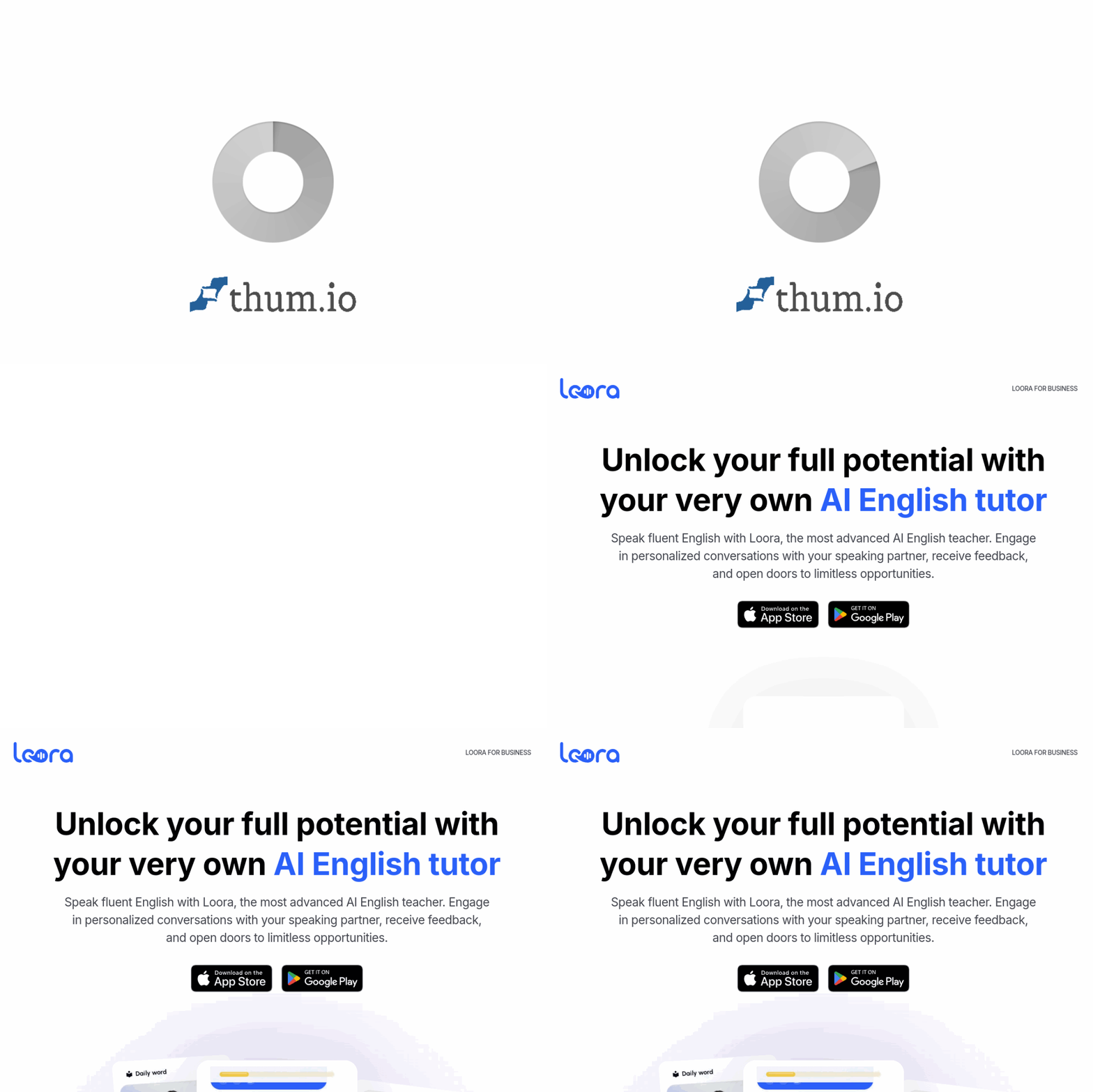
Loora is an advanced AI English speaking tutor designed to help you achieve fluency through natural, personalized conversations. Unlike generic language apps that focus on vocabulary drills or multiple-choice questions, Loora leverages cutting-edge large language models trained specifically for English learning. It acts as a patient, always-available conversation partner that listens to you, corrects your mistakes in real time, and adapts to your skill level. Whether you are a beginner struggling with basic sentences or an advanced learner aiming to polish your business communication, Loora aims to replace the need for expensive one-on-one human tutors.
Available on both iOS and Android, Loora offers a mobile-first experience that fits into your daily routine. You can practice during your commute, while doing chores, or during a break at work. The app also offers a Business version for organizations looking to upskill their teams. This tutorial will guide you through everything you need to know to get started, use the app effectively, and maximize your learning outcomes.
Getting Started
1. Downloading and Installing
To begin your journey with Loora, visit the official website at https://loora.ai/. From there, you will find direct links to download the app from the Apple App Store (for iOS) or Google Play Store (for Android). The app is free to download, though it operates on a subscription model for full access to all features.
2. Creating Your Account
After installation, open the app. You will be prompted to create an account. You can sign up using your email address or, in some cases, link your Google or Apple account for convenience. Make sure to use a valid email address as you may receive progress reports and tips.
3. Setting Up Your Profile and Level
Once your account is created, Loora will ask you a series of questions to assess your current English proficiency. Be honest about your level—whether you are a complete beginner, intermediate, or advanced. This initial assessment is crucial because it allows the AI to tailor conversations to your specific needs. You may also be asked about your learning goals (e.g., travel, business, daily conversation) and your interests (e.g., sports, technology, cooking). This helps Loora choose topics that are engaging and relevant to you.
4. Understanding the Interface
The main screen of Loora is clean and minimal. You will see a large “Start Conversation” button or a microphone icon. There is usually a text area where the AI’s responses appear, along with a transcript of your speech. You will also find a settings menu where you can adjust the speed of the AI’s speech, enable or disable subtitles, and manage your subscription. Take a few minutes to explore these settings to make the experience comfortable for you.
Key Features
Personalized AI English Speaking Partner
Unlike static chatbots, Loora uses a large language model that is specifically fine-tuned for English language teaching. This means it can hold dynamic, context-aware conversations. It remembers what you talked about in previous sessions and can refer back to it. For example, if you discussed your favorite hobby yesterday, Loora might ask you a follow-up question about it today. This creates a sense of continuity that mimics real human interaction.
Real-Time Feedback on Pronunciation and Grammar
One of the standout features of Loora is its ability to provide instant feedback. As you speak, the app listens and analyzes your pronunciation, grammar, and word choice. If you mispronounce a word, the AI will gently correct you and may even ask you to repeat it. If you make a grammatical error, Loora will show you the correct form and explain why your version was incorrect. This immediate correction is invaluable because it prevents you from practicing mistakes repeatedly.
Conversations Tailored to Your Level
Loora dynamically adjusts the complexity of its language. If you are a beginner, it will use simple vocabulary and short sentences. As you improve, it will introduce more complex structures, idioms, and industry-specific terms. This adaptive learning ensures that you are always challenged but never overwhelmed.
Available 24/7 on Mobile
The app is designed for convenience. You do not need to schedule appointments or wait for a tutor. Loora is available whenever you are, on your smartphone. This means you can practice for five minutes while waiting for coffee or dive into a longer 30-minute session in the evening. The mobile-first design also means the app works well with your device’s microphone and speaker.
Business Version for Organizations
Loora also offers a specific solution for businesses. Companies can enroll their employees to improve their English communication skills. The Business version includes administrative dashboards to track progress, custom industry-specific vocabulary, and bulk subscription management. This is particularly useful for multinational corporations or customer service teams that need to communicate in English.
How to Use Loora
Step 1: Starting a Conversation
Tap the “Start Conversation” button on the home screen. Loora will greet you and ask an opening question based on your profile and past conversations. For example, it might say, “Hello! How was your weekend?” or “Let’s talk about your favorite book.” Simply speak your response clearly into your phone’s microphone. Do not worry about making mistakes—that is part of the learning process.
Step 2: Receiving and Responding to Feedback
After you finish speaking, Loora will process your audio. It will then display your spoken text on the screen, along with any corrections. For example, if you said, “Yesterday I go to the store,” Loora might highlight the word “go” and show the correction: “went.” It will then explain that “go” is present tense but you need past tense because of “yesterday.” The AI will then ask you to repeat the corrected sentence. Do not skip this step—repeating the correct version helps cement the learning.
Step 3: Navigating the Conversation
You can let the conversation flow naturally, or you can steer it. If you want to change the topic, simply say something like, “Can we talk about cooking?” or “I want to practice ordering food.” Loora is designed to follow your lead. You can also ask the AI to slow down, repeat itself, or explain a word. For instance, you can say, “What does ‘negotiate’ mean?” and Loora will provide a definition and an example sentence.
Step 4: Using the Transcript and History
After each session, Loora saves a transcript of your conversation. You can review this later to see the corrections and your own speech. This is a great way to track your progress. Look for patterns in your mistakes. Do you always forget to add “s” for third-person singular? Do you struggle with the “th” sound? Use this data to focus your practice.
Step 5: Practicing Specific Scenarios
Loora offers scenario-based practice. In the menu, you might find options like “Job Interview,” “Ordering at a Restaurant,” “Making a Phone Call,” or “Business Meeting.” These are pre-built scenarios that simulate real-life situations. They are excellent for building practical vocabulary and confidence. To use these, select a scenario from the menu, and Loora will play the role of the interviewer, waiter, or colleague.
Step 6: Tracking Your Progress
Check your progress dashboard regularly. Loora tracks metrics such as the number of conversations completed, words spoken, accuracy rate, and common error types. This data helps you see your improvement over weeks and months. Celebrate small victories, such as a reduction in grammar errors or an increase in your speaking time.
Tips for Getting the Most Out of Loora
Speak Out Loud and Clearly
The app works best when you speak in a normal volume and pace. Do not whisper or mumble, as the AI needs clear audio to analyze your pronunciation. If you are in a quiet environment, you will get the best results. If you are in a noisy place, try using a headset with a microphone.
Practice Daily, Even for Short Periods
Consistency is more important than duration. Practicing for 10 minutes every day is far more effective than practicing for two hours once a week. Make Loora a habit. Set a daily reminder on your phone. The app is designed for short, frequent sessions, so do not feel pressured to have long conversations every time.
Embrace Your Mistakes
Many learners feel embarrassed when they make errors. Remember that Loora is a non-judgmental AI. Every mistake is a learning opportunity. When the app corrects you, do not get frustrated. Instead, repeat the corrected sentence aloud several times. This repetition helps your brain and mouth form new habits.
Use the “Repeat” Function
If you do not understand what Loora said, do not just guess. Ask the app to repeat itself. You can say, “Can you say that again?” or “Please repeat.” This is a natural part of conversation and helps you train your listening skills. You can also ask Loora to slow down its speech in the settings menu.
Expand Your Topics
Do not stick to the same topics every day. Use the scenario feature to practice different contexts. One day, practice a job interview. The next day, talk about your hobbies. The day after, try a business negotiation. This variety exposes you to different vocabulary, sentence structures, and accents. It also prepares you for the unpredictability of real-world conversations.
Review Your Transcripts
Spend five minutes after each session reviewing the transcript. Look at the words you mispronounced or the grammar corrections. Write down the most common mistakes in a notebook or digital note. This active review reinforces the lessons from the AI.
Set Specific Goals
Instead of a vague goal like “I want to speak better English,” set specific, measurable goals. For example: “I will have 10 conversations this week,” or “I will reduce my grammar errors by 20% in one month.” Loora’s progress dashboard can help you track these numbers. Share your goals with the app by telling it what you want to achieve, and it will adjust the difficulty accordingly.
Use the Business Version if Applicable
If you are learning English for work, ask your employer if they have a subscription to Loora Business. This version includes vocabulary relevant to your industry, such as finance, IT, or hospitality. It also allows managers to assign specific modules to teams. Even if you are an individual learner, you can customize your profile to focus on business English.
Stay Patient and Positive
Language learning is a marathon, not a sprint. You will have days where you feel like you are not progressing. That is normal. Trust the process. The AI is constantly adapting to you. Over time, you will notice that you hesitate less, your sentences become more complex, and you understand the AI’s responses more quickly. Celebrate these small wins.
Conclusion
Loora represents a new frontier in language learning. By combining the power of advanced AI with the convenience of a mobile app, it offers a realistic and effective path to English fluency. It is not a replacement for real-world practice, but it is an excellent supplement—or even a primary tool—for building your speaking confidence. Whether you are preparing for an exam, a job interview, or simply want to travel with ease, Loora can be your dedicated, 24/7 practice partner.
Start by downloading the app, setting up your profile, and having your first conversation today. Remember to speak clearly, embrace your mistakes, and practice consistently. With time and effort, you will hear a noticeable improvement in your fluency. For more information or to sign up for the Business version, visit https://loora.ai/.

Loora - AI English Tutor
Personal AI English tutor for fluent speaking practice.