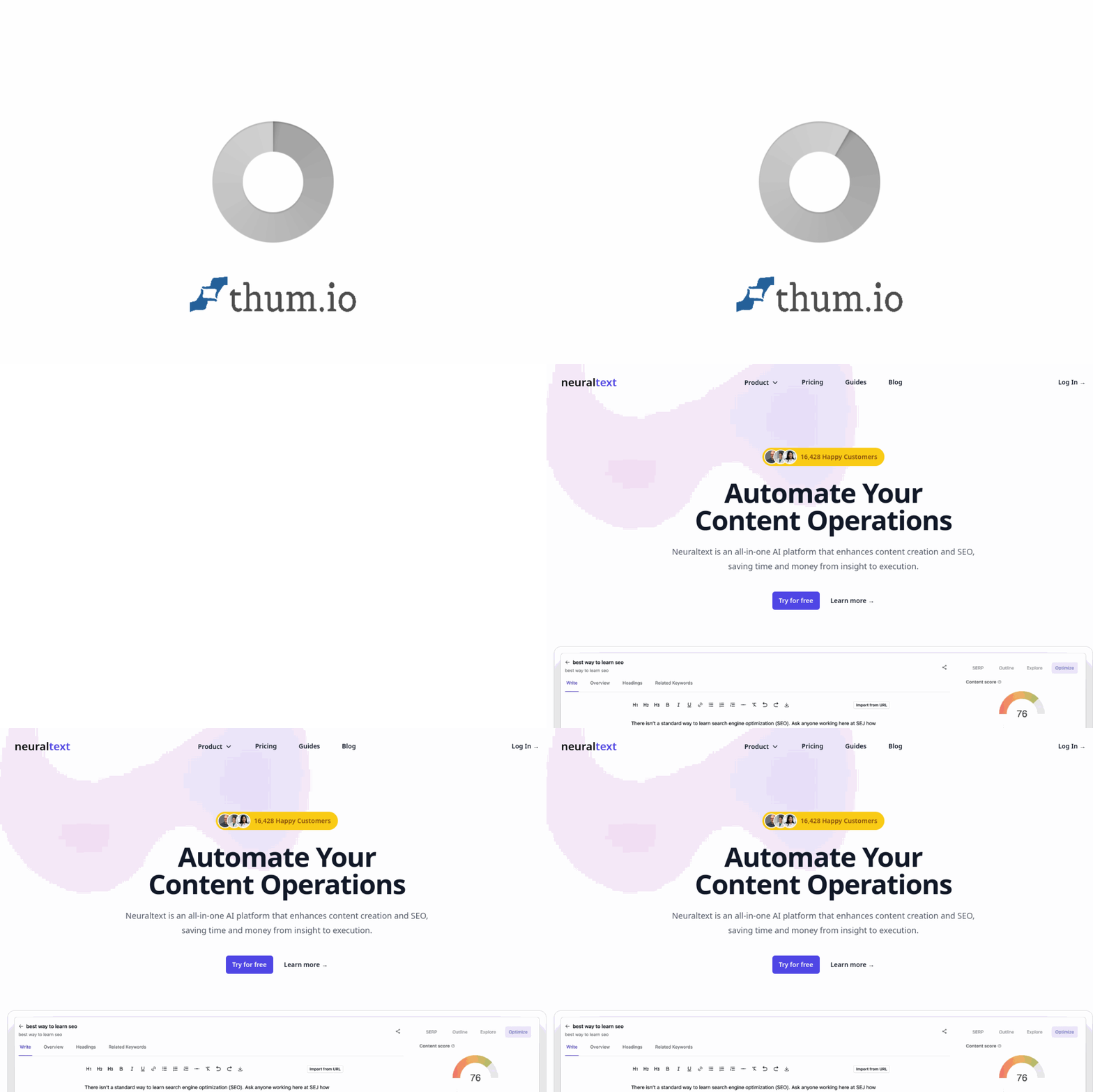
Introduction: What is NeuralText and Why Use It?
In the competitive world of digital marketing, creating content that ranks well on search engines while genuinely helping your audience is a constant challenge. You need to research keywords, understand search intent, analyze competitors, write compelling copy, and track performance—all while managing your time and budget.
NeuralText is an all-in-one AI platform designed to streamline this entire workflow. It combines an AI writing assistant with powerful SEO tools, allowing you to move from insight to execution without switching between multiple subscriptions or tools. Whether you are a freelance writer, a small business owner, or part of an in-house marketing team, NeuralText helps you save time and money by automating research, writing, and analysis tasks.
This tutorial will walk you through everything you need to know to get started with NeuralText, from setting up your account to using its most powerful features for content creation and search engine optimization.
Getting Started with NeuralText
Creating Your Account
Visit the official website at https://www.neuraltext.com/. Click on the “Start Free Trial” or “Sign Up” button. You can register using your email address or by connecting your Google account. NeuralText offers a free trial, so you can explore the core features before committing to a paid plan.
Understanding the Dashboard
Once you log in, you will see the main dashboard. This is your command center. The left-hand sidebar contains the primary navigation menu. Here is a quick overview of the main sections you will use:
- Projects: This is where you organize your content. You can create a new project for each website, client, or content campaign.
- AI Writing: This is the text editor where you use the AI assistant to generate, rewrite, and improve your content.
- Keyword Tools: Access keyword clustering, SERP analysis, and the “People Also Ask” tool here.
- Content Analytics: Connect your Google Search Console account to monitor how your content is performing in search results.
- Free Tools: NeuralText offers several free utilities, including the SERP Schema Extractor and keyword grouping tools.
Setting Up Your First Project
To keep your work organized, start by creating a project. Click on “Projects” in the sidebar, then click the “New Project” button. Give your project a name (for example, “Company Blog” or “Client A Website”). You can optionally add a target keyword for the project, but this is not mandatory. Once created, you can add multiple documents (articles or pages) inside this project.
Key Features of NeuralText
NeuralText is packed with features, but the most powerful ones fall into four main categories. Understanding these will help you get the most out of the tool.
1. Content Brief Creation with SERP Data
Before you write a single word, you need a roadmap. NeuralText’s Content Brief feature analyzes the top-ranking pages on Google for your target keyword. It extracts key information such as:
- Common headings used by competitors.
- Word count range for top-ranking articles.
- Key terms and phrases you should include.
- Questions people are asking related to your topic.
This brief acts as a blueprint, ensuring your article covers everything needed to compete in search results.
2. Keyword Clustering Aligned with Search Intent
Keyword clustering is the process of grouping related keywords together. Instead of writing separate articles for every keyword variation, you can create one comprehensive article that targets an entire cluster. NeuralText automatically analyzes keywords based on search intent (informational, commercial, transactional, or navigational). This helps you build a logical site structure and avoid cannibalizing your own rankings.
3. Content Analytics with Google Search Console Integration
Writing content is only half the battle; you also need to know if it is working. NeuralText integrates directly with your Google Search Console account. This feature allows you to:
- See which keywords your pages are ranking for.
- Track impressions, clicks, and click-through rates (CTR).
- Identify pages that are underperforming and need optimization.
- Discover new keyword opportunities based on real search data.
4. AI Writing Assistant with Autocompletion and Paraphrasing
The AI writing assistant is the core of NeuralText. It is not just a simple text generator; it understands context and can help you in several ways:
- Autocompletion: Start typing a sentence, and the AI will suggest how to finish it.
- Long-form generation: Provide a title or a few bullet points, and the AI will write entire paragraphs or sections.
- Paraphrasing: Rewrite existing sentences or paragraphs to improve clarity, change the tone, or avoid plagiarism.
- Outline generation: Ask the AI to create a structured outline for your article based on a keyword.
5. Free Tools: People Also Ask and SERP Schema Extractor
NeuralText offers valuable free tools that do not require a paid subscription:
- People Also Ask (PAA): Enter a keyword, and the tool extracts the “People Also Ask” questions from Google’s search results. These questions are excellent for creating FAQ sections or blog post subtopics.
- SERP Schema Extractor: This tool analyzes a webpage’s structured data (schema markup). It helps you understand what rich snippets your competitors are using (e.g., star ratings, recipes, FAQs) so you can implement similar markup on your own pages.
How to Use NeuralText: A Step-by-Step Guide
Let’s walk through a practical workflow: researching a topic, creating a content brief, writing the article, and checking its performance.
Step 1: Research with Keyword Clustering
Go to the “Keyword Tools” section in the sidebar and select “Keyword Clustering.” Enter a broad topic keyword (for example, “best running shoes”). NeuralText will fetch a list of related keywords from Google. The tool will automatically group these keywords into clusters based on search intent (e.g., “best running shoes for flat feet” is informational, “buy running shoes online” is transactional). Review the clusters and choose one to target with your article. Save the cluster for later use.
Step 2: Generate a Content Brief
Inside your project, create a new document. Click on the “Generate Brief” button (often located near the top of the editor). Enter your main target keyword (e.g., “best running shoes for beginners”). NeuralText will analyze the top 10 to 20 search results. After a few seconds, you will see a detailed brief containing:
- Suggested title ideas.
- Common headings (H2s and H3s) used by competitors.
- Important terms to include in your text.
- Questions to answer in your article.
Use this brief as your outline. You can drag and drop headings to reorder them, or delete sections that are not relevant.
Step 3: Write with the AI Assistant
With your brief ready, it is time to write. Click on the “AI Writing” tab within your document. You will see a text editor with a toolbar. Here is how to use the key writing features:
- Autocomplete: Start typing a sentence. After a few words, press the “Tab” key or click the “Autocomplete” button. The AI will suggest a continuation. You can accept it, modify it, or generate another suggestion.
- Write from Outline: If you have your headings in place, click on a heading and then use the “Write Section” command. The AI will generate a paragraph or two for that specific section based on the context of your article.
- Paraphrase: Highlight a sentence or paragraph you have written. Click the “Paraphrase” button. The AI will rewrite the text while keeping the original meaning. This is great for improving flow or avoiding repetitive phrasing.
- Expand: If a section feels too short, highlight it and use the “Expand” command to add more detail.
Remember to always review and edit the AI-generated text. NeuralText is a powerful assistant, but your human judgment and brand voice are essential for quality content.
Step 4: Optimize with SERP Analysis
After finishing a draft, return to the “Content Brief” view. Compare your article against the SERP analysis. Have you included all the common headings? Did you answer the questions listed in the brief? Use the “Questions” section to add an FAQ at the end of your article. This simple step can significantly improve your chances of ranking for featured snippets.
Step 5: Connect Google Search Console for Analytics
To track how your article performs, connect your Google Search Console account. Go to “Content Analytics” in the sidebar. Click “Connect to Google Search Console” and follow the authorization prompts. Select the website property you want to track. Once connected, NeuralText will pull in your search performance data. You can filter by date, country, and device. Look for pages with high impressions but low clicks—these are prime candidates for optimization (e.g., improving the title tag or meta description).
Step 6: Use Free Tools for Extra Insights
While working on your content, take advantage of the free tools:
- People Also Ask: Enter your main keyword. Copy the list of questions. Add the most relevant ones as H2 or H3 headings in your article, and answer them concisely.
- SERP Schema Extractor: Enter the URL of a top-ranking competitor page. See what schema types they use (e.g., FAQ, HowTo, Product). Implement similar schema on your own page using a WordPress plugin or manual code.
Tips for Getting the Most Out of NeuralText
Tip 1: Always Start with a Brief
Do not skip the content brief step. Even if you think you know the topic well, the brief provides data-driven insights that you might miss. It ensures your article is competitive from the start. The brief is your strategic plan.
Tip 2: Use Clusters to Build Topic Authority
Instead of writing isolated articles, use keyword clustering to build topic clusters. For example, if you have a main article about “digital marketing strategies,” create supporting articles for each cluster (e.g., “SEO strategies,” “social media strategies,” “email marketing strategies”). Link them together. This helps search engines understand your expertise on the broader topic.
Tip 3: Edit and Fact-Check AI Output
NeuralText is highly accurate, but it is not perfect. The AI may occasionally generate outdated information, overly generic statements, or sentences that do not match your brand voice. Always read through the generated text, fact-check statistics, and add your unique insights. The best content combines AI efficiency with human creativity.
Tip 4: Leverage the Paraphrase Tool for Repurposing
If you have existing content (like an old blog post or a guest article), use the paraphrase tool to rewrite it for a new platform. You can quickly turn a long article into a LinkedIn post, a newsletter, or a social media thread. This saves time and helps you maintain a consistent publishing schedule.
Tip 5: Monitor Analytics Regularly
Do not just publish and forget. Check your Content Analytics at least once a month. Look for pages that are gaining traction (rising impressions) and pages that are losing ground. For underperforming pages, update the content using NeuralText’s brief tool to see what new information or headings you should add. This iterative process is key to long-term SEO success.
Tip 6: Experiment with Different AI Writing Commands
NeuralText offers more than just autocomplete. Try commands like “Write a conclusion,” “Generate a list of bullet points,” or “Create a meta description.” Each command serves a specific purpose. Experimenting with these will help you understand how to get the exact output you need for different parts of your content.
Tip 7: Use the Free Tools Even if You Are Not a Paid User
If you are on the free trial or evaluating the tool, make sure to test the People Also Ask and SERP Schema Extractor. These tools provide immediate value for any content creator or SEO professional. They are excellent for quick research without needing to open multiple browser tabs.
Conclusion
NeuralText is more than just an AI writing assistant; it is a comprehensive content operations platform that bridges the gap between SEO research and content execution. By following the workflow outlined in this tutorial—starting with keyword clustering, generating a data-driven brief, writing with AI assistance, and monitoring performance through Search Console integration—you can create content that ranks higher, reaches the right audience, and saves you significant time and money.
Whether you are a beginner just starting with SEO or an experienced marketer looking to streamline your process, NeuralText provides the tools you need to work smarter. Start with the free trial, practice the steps above, and you will quickly see how this platform can transform your content strategy from a guessing game into a data-driven success.

NeuralText - AI Writing Assistant and SEO Tools
All-in-one AI platform for content creation and SEO optimization.