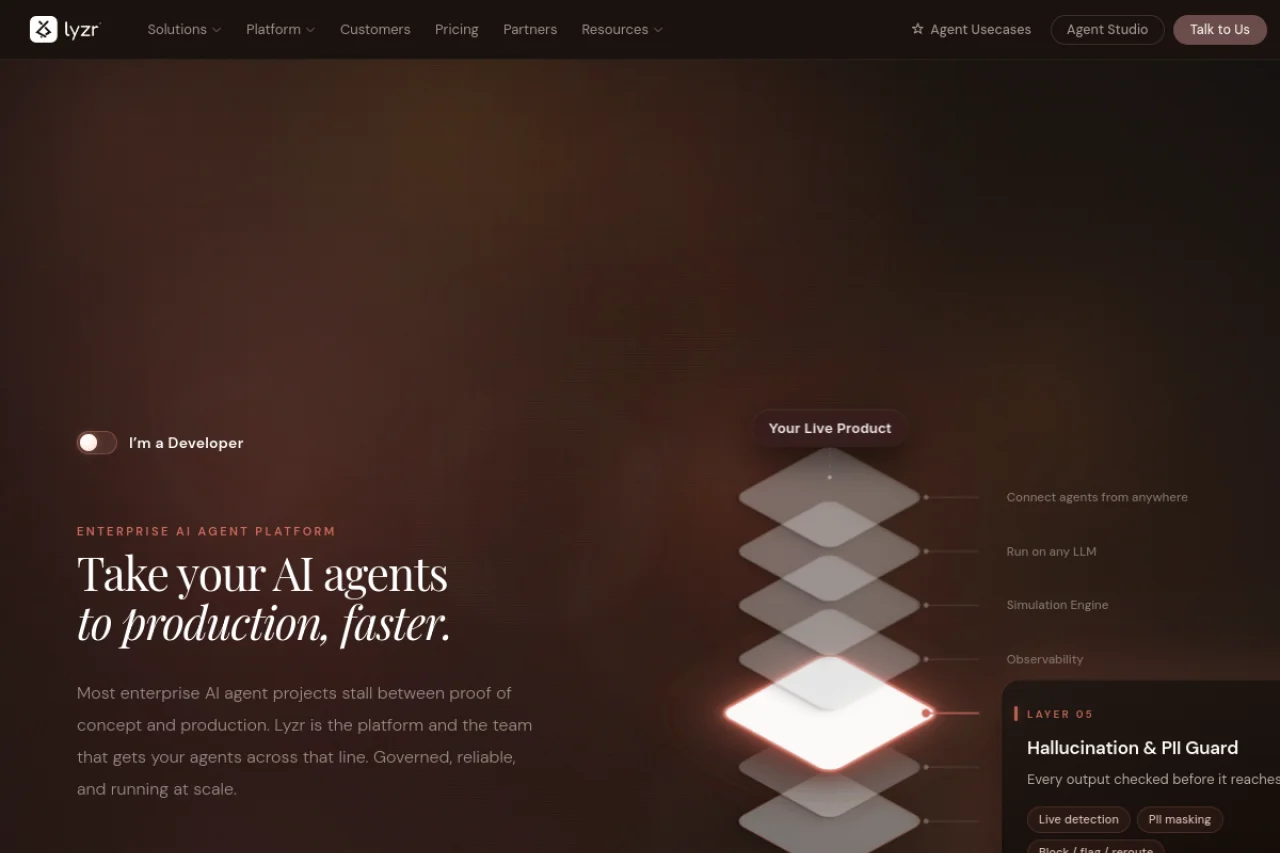
Introduction to Lyzr AI Agent Platform
Artificial intelligence is evolving rapidly, and one of the most exciting developments is the rise of autonomous AI agents. These are not just chatbots that answer questions; they are intelligent systems that can plan, execute tasks, interact with external tools, and make decisions with minimal human intervention. The Lyzr AI Agent Platform is a purpose-built infrastructure that enables developers and businesses to build, deploy, and scale these autonomous agents quickly and efficiently.
Whether you are a startup founder looking to automate customer support, a developer wanting to create a personal assistant that interacts with your databases, or an enterprise aiming to streamline complex workflows, Lyzr provides the essential building blocks. It abstracts away much of the complexity involved in connecting large language models (LLMs) to real-world data sources and APIs, allowing you to focus on the logic and behavior of your agents.
This tutorial will guide you through the entire process, from understanding the core philosophy of the platform to deploying your first autonomous agent in a production environment. By the end, you will have a practical understanding of how to leverage Lyzr to build powerful, scalable AI solutions.
Getting Started with Lyzr
Before you dive into building agents, it is important to set up your environment and understand the foundational concepts. Lyzr is designed to be developer-friendly, but having a clear roadmap will save you time.
Prerequisites
- Basic Programming Knowledge: Familiarity with Python or JavaScript is helpful, as Lyzr provides SDKs for these languages. However, the platform also offers a visual interface for simpler use cases.
- An LLM API Key: Lyzr is model-agnostic, but you will need access to an LLM provider such as OpenAI, Anthropic, or a local model via an API. Have your API key ready.
- A Lyzr Account: Visit https://www.lyzr.ai and sign up for an account. The free tier is sufficient for experimentation and learning.
Installation and Setup
Once you have your account, you will need to install the Lyzr SDK. Open your terminal and run the following command for Python:
pip install lyzr-sdk
After installation, you must authenticate your environment. You will find your API key in the Lyzr dashboard under “Settings” or “API Keys”. Set it as an environment variable or pass it directly in your code:
import os
os.environ[“LYZR_API_KEY”] = “your_lyzr_api_key_here”
Understanding the Core Concepts
- Agent: The autonomous entity that performs tasks. It has a goal, a set of tools, and a memory system.
- Tool: A function or API endpoint that the agent can call. This could be a web search, a database query, a calculator, or a custom API.
- Knowledge Base: A repository of documents or data that the agent can reference to answer questions or make decisions. Lyzr supports uploading PDFs, text files, and connecting to databases.
- Workflow: A predefined sequence of steps that the agent follows to accomplish a complex task.
Key Features of Lyzr AI Agent Platform
Lyzr distinguishes itself from other AI agent frameworks through a combination of speed, scalability, and developer experience. Here are the features that make it a powerful choice for production-grade applications.
1. Rapid AI Agent Deployment
Traditional AI development often involves weeks of boilerplate code for integrating models, managing state, and handling errors. Lyzr reduces this to minutes. With a few lines of code, you can instantiate an agent, equip it with tools, and set it loose on a task. The platform handles the underlying orchestration, including retries, timeouts, and context management.
2. Autonomous Task Execution
This is the core value proposition. Lyzr agents are not simple if-this-then-that scripts. They use reasoning loops to break down complex goals into smaller sub-tasks. For example, if you ask an agent to “research the top three competitors for my product and write a summary report,” the agent will autonomously decide to perform web searches, compare data, and then generate a document using a writing tool. It can adapt its plan based on intermediate results.
3. Integration with Multiple Data Sources
An agent is only as useful as the data it can access. Lyzr provides pre-built connectors for popular data sources including SQL databases, cloud storage (AWS S3, Google Cloud Storage), REST APIs, and document stores. You can also build custom tools using the SDK. This allows your agents to pull real-time inventory data, customer records, or internal knowledge base articles.
4. Scalable Production Infrastructure
Many AI projects fail when moving from a prototype to production due to latency, cost, or reliability issues. Lyzr is built on a cloud-native architecture that automatically scales. It handles concurrent requests, manages memory efficiently, and provides observability through logs and metrics. You can deploy agents as microservices behind a load balancer without worrying about the underlying infrastructure.
5. Developer-Friendly APIs
Lyzr offers both a REST API and a Python SDK. The API is designed with clear endpoints for creating agents, triggering tasks, and retrieving results. The SDK provides a more intuitive, object-oriented interface. Extensive documentation and code examples are available on the Lyzr website.
How to Use Lyzr: A Step-by-Step Guide
Let us walk through a practical example: building an AI agent that monitors a company’s social media mentions and drafts a response. This will demonstrate the core workflow of creating an agent, equipping it with tools, and deploying it.
Step 1: Define Your Agent’s Goal and Tools
First, think about what your agent needs to do. For our social media monitor, the agent needs two primary tools: a “Social Media Search” tool and a “Draft Response” tool. In Lyzr, you can either use a built-in tool or create a custom one.
To create a custom tool using the SDK:
from lyzr import Tool
def search_social_media(query):
# This is a placeholder for an API call to a social media listening platform
return f”Found 5 mentions for: {query}”
search_tool = Tool(
name=”social_media_search”,
func=search_social_media,
description=”Searches social media for mentions of a given keyword.”
)
Step 2: Instantiate the Agent
Now, create the agent and attach the tool. You will also need to configure the LLM backend.
from lyzr import Agent
agent = Agent(
name=”SocialMediaMonitor”,
llm=”openai/gpt-4″, # Or your preferred model
tools=[search_tool],
instructions=”You are a social media assistant. Monitor mentions and draft professional responses.”
)
Step 3: Provide a Knowledge Base (Optional)
To make the agent more effective, you can give it access to your company’s brand guidelines or FAQ documents. Upload a PDF to the Lyzr dashboard, and then attach it to the agent:
agent.add_knowledge_source(“brand_guidelines.pdf”)
Step 4: Deploy the Agent
Lyzr allows you to deploy your agent as an API endpoint with a single command. This makes it accessible from your application, a Slack bot, or a webhook.
agent.deploy(endpoint=”social-monitor”)
Once deployed, Lyzr provides you with a unique URL. You can now send tasks to this endpoint via HTTP POST requests.
Step 5: Trigger a Task
To execute the agent, you send a task request. This can be done via the SDK or a simple curl command.
response = agent.run(“Check for any negative mentions of our brand in the last hour and draft a public response.”)
print(response.output)
The agent will autonomously use the search tool, analyze the results, and then generate a draft response based on the knowledge base you provided. The entire process is logged in the Lyzr dashboard for review.
Step 6: Monitor and Iterate
After deployment, use the Lyzr dashboard to monitor your agent’s performance. You can view logs, see which tools it called, and check for errors. If the agent is not performing as expected, you can refine its instructions, add more tools, or update its knowledge base without redeploying the entire infrastructure.
Tips for Success with Lyzr
Building effective AI agents is both an art and a science. Here are practical tips to help you get the most out of the Lyzr platform.
Tip 1: Write Clear and Specific Instructions
The quality of your agent’s output is directly tied to the clarity of its instructions. Instead of saying “Handle customer queries,” specify: “You are a customer support agent for a SaaS company. You have access to the FAQ database. If the user asks about billing, escalate to the billing tool. Always be polite and concise.” The more context you provide, the fewer hallucinations or off-track behaviors you will encounter.
Tip 2: Start with a Minimal Set of Tools
It is tempting to give your agent every possible tool, but this can lead to confusion and inefficiency. Start with the two or three most essential tools. You can always add more later. A focused agent is more reliable than a jack-of-all-trades that might call the wrong tool at the wrong time.
Tip 3: Use the Knowledge Base for Static Information
Do not rely on the agent’s LLM to remember proprietary information. Upload your company’s policies, product specs, or historical data as a knowledge base. This grounds the agent in facts and reduces the risk of it making up incorrect information. Update the knowledge base regularly to keep the agent current.
Tip 4: Implement Human-in-the-Loop for Critical Tasks
For tasks that involve financial transactions, legal decisions, or sensitive communications, configure your agent to pause and request human approval before executing. Lyzr supports this via its workflow feature. You can set a step to require manual confirmation, ensuring that the agent acts as an assistant rather than an autonomous decision-maker in high-stakes scenarios.
Tip 5: Test with Edge Cases
Before deploying your agent to production, test it with unusual or difficult inputs. What happens if the user provides contradictory instructions? What if a tool returns an error? Lyzr has built-in error handling, but you should verify that the agent’s fallback behavior is graceful. Use the “debug” mode in the SDK to step through the agent’s reasoning process.
Tip 6: Optimize for Cost and Latency
Autonomous agents can make many LLM calls in a single task, which can become expensive. Monitor the token usage in the Lyzr dashboard. Consider using a smaller, faster model for simple tasks and reserving the powerful models for complex reasoning. You can also set a maximum number of steps the agent can take to prevent runaway costs.
Tip 7: Leverage the Community and Documentation
Lyzr has a growing community of developers. If you encounter a problem, check the official documentation at https://www.lyzr.ai first. The documentation includes tutorials, API references, and example projects. You can also join the community forums to ask questions and share your own agent recipes.
Conclusion
The Lyzr AI Agent Platform represents a significant leap forward in making autonomous AI agents accessible to developers and businesses. By abstracting away the complexities of orchestration, memory management, and infrastructure scaling, it allows you to focus on what matters: creating intelligent, useful agents that solve real problems. Whether you are automating a simple data entry task or building a complex multi-agent system for enterprise operations, Lyzr provides the tools and infrastructure you need to succeed. Start with a small project, iterate based on real-world feedback, and you will quickly see the transformative potential of autonomous AI agents.

Lyzr AI Agent Platform
Take your AI agents to production faster with Lyzr.