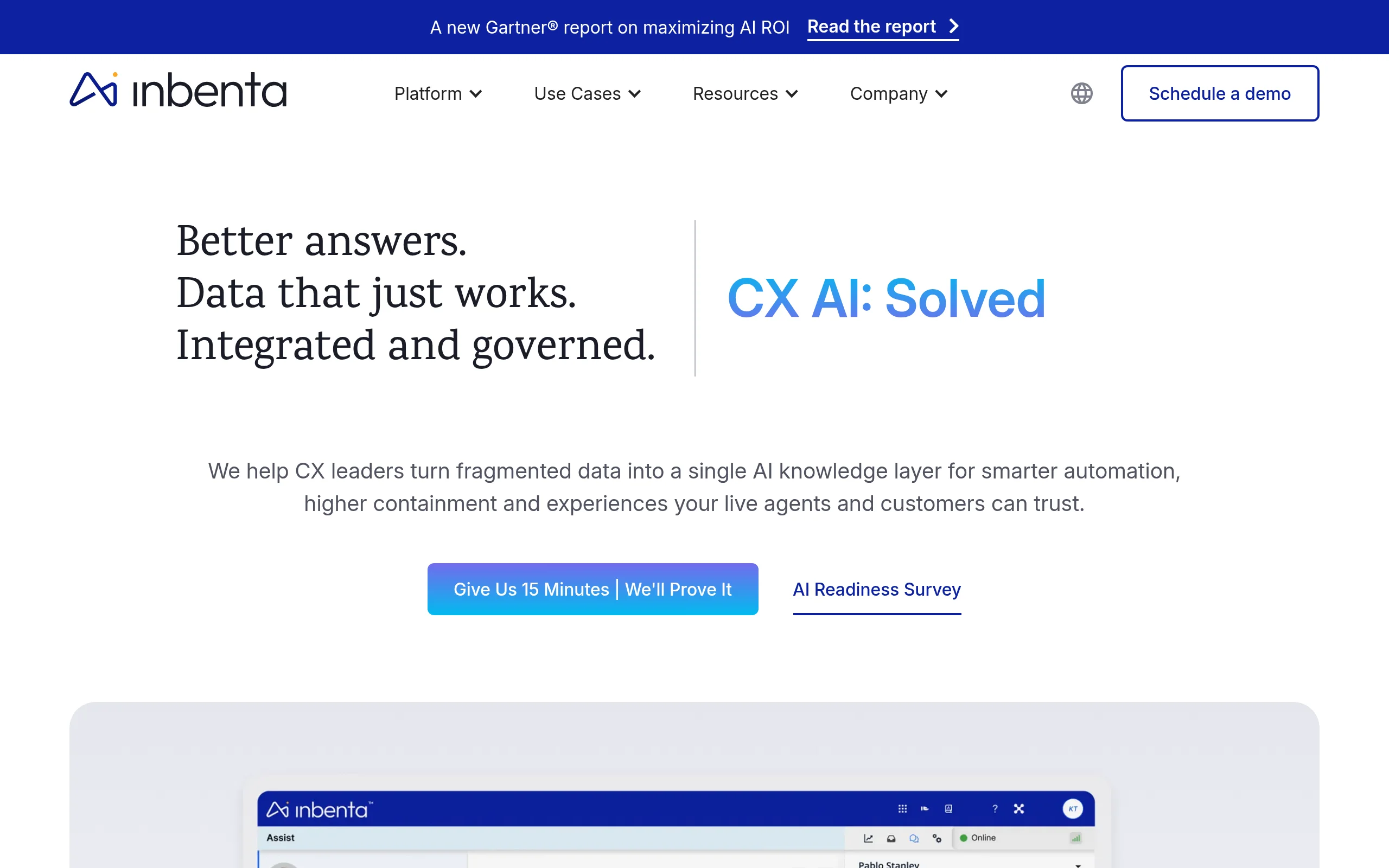
Mastering Customer Experience with Inbenta AI: A Comprehensive Beginner’s Tutorial
In today’s digital-first world, customers expect instant, accurate, and helpful support whenever and wherever they need it. Meeting these expectations can strain resources and fragment information across departments. Enter the Inbenta AI Customer Experience Platform. This enterprise-grade tool uses advanced Artificial Intelligence to unify your company’s knowledge and deploy it intelligently across all customer and employee touchpoints. This tutorial will guide you, a beginner, through the fundamentals of Inbenta, from its core concepts to practical steps for leveraging its power to transform your support operations.
Introduction: What is the Inbenta AI Platform?
At its heart, Inbenta is an AI layer that sits on top of your existing information. Unlike simple keyword-matching tools, Inbenta uses sophisticated Natural Language Processing (NLP) and semantic search technology. This means it understands the meaning and intent behind a user’s question, not just the specific words they typed. It connects questions to answers based on context, synonyms, and related concepts, much like a human expert would.
The platform pulls together fragmented data from FAQs, manuals, policy documents, and other sources to create a single, unified Knowledge Management system. This “brain” then powers two main customer-facing features: a Conversational AI chatbot/virtual agent and a super-smart Semantic Search bar for help centers. The result is a seamless, omnichannel experience where customers get consistent, trustworthy answers on your website, mobile app, or messaging platforms like Facebook Messenger, without always needing a human agent.
In short, Inbenta helps you achieve higher containment rates (resolving issues without human escalation), reduce support costs, and improve customer satisfaction by providing instant, accurate support 24/7.
Getting Started with Inbenta
Beginning your journey with Inbenta involves a few key steps, typically handled in collaboration with their team during onboarding.
Step 1: Initial Setup and Knowledge Base Foundation
Your first task is to build the foundation: your AI Knowledge Base. Inbenta will provide you with access to their backend dashboard.
- Data Gathering: Collect all your existing support documentation. This includes PDF manuals, FAQ pages, product guides, policy documents, and even past support tickets or chat logs.
- Knowledge Base Import: You can upload these documents directly. Inbenta’s AI will ingest and index the text, understanding the concepts within. Alternatively, you can write articles directly within Inbenta’s user-friendly editor.
- Structuring Content: Organize your knowledge into logical categories and subcategories (e.g., “Billing,” “Account Settings,” “Troubleshooting”). This helps both the AI and your human editors manage content effectively.
Step 2: Training the AI (The Crucial Step)
This is where the magic happens. Inbenta’s AI is powerful out-of-the-box, but training it on your specific vocabulary ensures peak performance.
- Synonyms and Jargon: Teach the AI your company’s specific terms. For example, if you call a “receipt” an “invoice” or use a specific product codename, you add these as synonyms. This ensures the AI knows “I need my invoice” and “Where’s my receipt?” are the same question.
- Intent Matching: You will review suggested questions (generated by the AI from your content) and link them to the correct answers. You can also add new, common ways customers phrase questions that you know from your support team’s experience.
Step 3: Deployment and Integration
Once your knowledge base is populated and initially trained, you can deploy it to your customers.
- Choosing Channels: Decide where you want the AI to appear. The most common starting points are a chatbot widget on your website and a semantic search bar in your help center.
- Technical Integration: Inbenta provides simple code snippets (JavaScript for the web widget, APIs for deeper integration) that your web development team can add to your site. The process is designed to be straightforward.
- Go Live: After integration, you can launch your AI-powered support features to a small group of users or to the entire public, starting to deflect tickets and answer questions immediately.
Key Features and How to Use Them
Let’s dive deeper into Inbenta’s core features and how you, as an administrator or content manager, will interact with them on a daily basis.
1. Knowledge Management System
This is the central hub for all your information.
- How to Use: Log into the Inbenta dashboard and navigate to the Knowledge Management section. Here, you can create new articles, edit existing ones, and organize them in a tree-like category structure. Use the rich text editor to format articles, add links, and embed videos. The key is to write clear, concise, and answer-focused content.
- Practical Tip: Regularly update articles based on new product features or policy changes. The AI’s performance is directly tied to the accuracy and completeness of the knowledge you feed it.
2. Semantic Search Engine
This powers the search bar in your help center, making it incredibly accurate.
- How to Use: Once integrated, customers simply type questions in natural language. You don’t “use” the search engine from the backend; you optimize for it by ensuring your knowledge base content is well-written and by adding relevant synonyms during the training phase.
- Practical Tip: Monitor the “Failed Queries” or “No Results Found” reports in the Inbenta analytics dashboard. These show you what customers are searching for but not finding. Create new articles or add synonyms to existing ones to fill these gaps.
3. Conversational AI (Chatbot/Virtual Agent)
This is the interactive chatbot that engages users in a dialogue.
- How to Use: In the dashboard, you’ll find the Dialog Manager or Conversation Studio. Here, you can design conversation flows. For most simple Q&A, the AI will automatically answer questions by drawing from the Knowledge Base. However, you can also build guided workflows for complex processes like password resets or tracking an order.
- Practical Tip: Always design a clear “escalation to human agent” path. The chatbot should gracefully recognize when a query is too complex and offer to connect the user to a live chat or ticket system, transferring the conversation history for context.
4. Natural Language Processing & Intent Recognition
This is the underlying technology that makes everything work.
- How to Use: You interact with this feature primarily through the training interface. When you see that the AI matched a customer question (“My payment didn’t go through”) to the wrong answer, you manually correct it. You then add alternative phrasings (“payment failed,” “charge declined,” “transaction error”) to teach the AI the intent behind those words.
5. Omnichannel Deployment
This refers to deploying the same AI brain across multiple platforms.
- How to Use: From the Inbenta dashboard, you can configure settings for different channels (web, mobile app, Facebook Messenger, etc.). While the core knowledge is shared, you can slightly tailor greetings or responses per channel. Integration typically involves working with the respective platform’s API, guided by Inbenta’s documentation.
6. AI-Powered Automation
This extends beyond answering questions to automating tasks.
- How to Use: Use the Dialog Manager to create workflows that integrate with your backend systems via APIs. For example, a workflow can: 1) Ask the user for their email and order number, 2) Use the Inbenta API to fetch order status from your database, and 3) Report it back to the user—all without human intervention.
Pro Tips for Success with Inbenta
To maximize your return on investment and create an exceptional AI-powered support experience, follow these best practices.
Tip 1: Start with High-Volume, Simple Queries
Don’t try to answer every possible question on day one. Analyze your existing support tickets and identify the top 20 most frequent, straightforward questions (e.g., “What is your return policy?”, “How do I change my password?”). Ensure your knowledge base has perfect answers for these and train the AI extensively on their variations. This will give you a quick win and demonstrate clear ROI.
Tip 2: Commit to Continuous Training
The AI is not a “set it and forget it” tool. Dedicate 30-60 minutes each week to review conversation logs and search analytics. Look for misunderstandings, failed queries, and user feedback. Continuously add new synonyms, refine answers, and create new articles. The more you train it, the smarter and more autonomous it becomes.
Tip 3: Maintain a Human-in-the-Loop Process
Use the AI to handle the repetitive questions, but ensure the handoff to a human agent is seamless. Configure your chatbot to collect the user’s name, issue summary, and any relevant details before the handoff. This improves the agent’s efficiency and customer satisfaction, as the user doesn’t have to repeat themselves.
Tip 4: Leverage Analytics for Insights
Inbenta’s dashboard provides rich analytics. Don’t just look at deflection rates. Dive into:
- Top Asked Questions: Reveals what information might be missing or hard to find on your main website.
- Knowledge Base Performance: Shows which articles are most and least used, helping you identify outdated or poorly written content.
- Customer Satisfaction (CSAT): If you enable post-interaction surveys, you can directly measure how users feel about the AI’s help.
Tip 5: Keep Your Content Conversational
Write your knowledge base articles as if you were explaining the answer to a customer in a chat. Use “you” and “we,” avoid overly technical jargon unless necessary, and break down complex procedures into simple, numbered steps. The AI excels at matching conversational user questions to conversational answers.
By following this tutorial, you are well on your way to implementing and managing a powerful AI customer experience strategy with Inbenta. Remember, success lies in a strong knowledge foundation, ongoing training, and a strategic focus on augmenting—not replacing—the human touch. Start small, iterate based on data, and watch as your AI becomes an indispensable member of your support team.

Inbenta AI Customer Experience Platform
An AI-powered platform for customer and employee experience using conversational AI and semantic search.