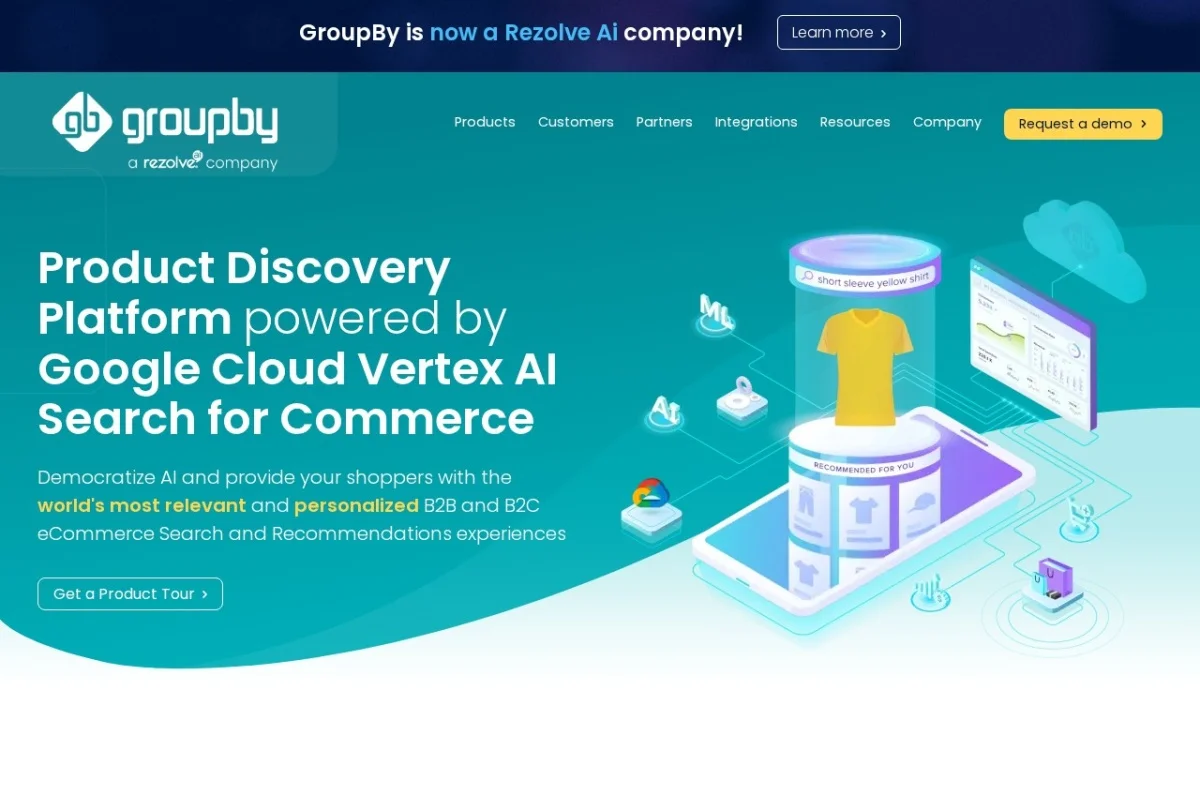
Mastering GroupBy’s Product Discovery Platform: A Complete Tutorial for Retailers
In the competitive world of eCommerce, the difference between a sale and an abandoned cart often comes down to one thing: relevance. Can shoppers find exactly what they’re looking for, or are they lost in a sea of generic results? This is where GroupBy’s Product Discovery Platform, powered by Google Cloud Vertex AI Search for Commerce, comes in. It’s an enterprise-grade solution designed to transform your online store’s search and discovery experience from frustrating to frictionless. This tutorial will guide you through everything you need to know to get started and leverage this powerful AI tool to boost your sales and customer satisfaction.
Introduction: What is the GroupBy Product Discovery Platform?
GroupBy’s platform is not just a search bar upgrade; it’s a comprehensive AI engine for your entire product discovery journey. At its core, it uses Google’s cutting-edge Vertex AI to understand shopper intent with incredible accuracy. Think of it as giving your website the brain of a world-class, in-store sales associate—one that never sleeps and knows your entire inventory intimately.
The platform unifies your often-scattered product data, customer behavior, and business rules into a single, intelligent system. It then uses this unified data to power several key areas: AI-powered search that understands natural language and typos, personalized recommendations that adapt to each visitor, and merchandising tools that let you strategically promote products. Whether you sell fashion, auto parts, electronics, or home goods, GroupBy helps replicate the helpful, guided experience of shopping in a physical store, but online.
The ultimate goal is clear: to increase conversion rates, average order value, and customer loyalty by ensuring shoppers see the most relevant products and content at every click.
Getting Started with GroupBy
Implementing GroupBy is a structured process handled by their team to ensure success. Here’s a beginner-friendly overview of what to expect.
Step 1: Initial Consultation and Planning
Your journey begins with a conversation with GroupBy’s experts. You’ll discuss your specific business goals, challenges with your current site search, and the types of products you sell. This is the time to define what success looks like for you—is it higher conversion from search, better upselling, or improved performance for complex product categories like automotive fitment?
Step 2: Data Integration and Enrichment
This is the most crucial technical phase. GroupBy will work with you to connect to your product data sources. This typically involves:
- Providing Product Feeds: You’ll supply your product data (often via PIM, ERP, or a feed file) containing titles, descriptions, SKUs, prices, images, and attributes (like color, size, material).
- Data Transformation: GroupBy’s platform enriches and cleanses this data. It standardizes attributes, fills in missing information, and structures it in a way that the Vertex AI models can best understand.
- Unifying Data Streams: The platform can also integrate other data, like real-time inventory levels or customer clickstream data, to make results even more dynamic and accurate.
Step 3: Configuration and Customization
Once your data is ingested, you’ll configure the platform’s behavior:
- Search Tuning: You can define business rules. For example, “always boost products with high profit margin for searches about ‘gifts'” or “prioritize in-stock items.”
- UI Integration: GroupBy provides the “brains,” but the “face” is your website’s front-end. Their team provides APIs and guidance to integrate the new search and recommendation results seamlessly into your existing site design, whether it’s a custom build or on Shopify/Salesforce Commerce Cloud.
- Fitment AI Setup (if applicable): For automotive, powersports, or other fitment-heavy retailers, this is where you’d configure the Year/Make/Model search logic specific to your catalog.
Step 4: Launch and Ongoing Optimization
After testing, you go live! But the work isn’t over. You’ll be given access to the platform’s dashboard to monitor performance and make ongoing tweaks, which leads us to the next section.
Key Features and How to Use Them
Let’s break down the platform’s core features and how you, as a merchant, will interact with them on a day-to-day basis.
1. AI-Powered eCommerce Search
What it is: This replaces your basic keyword-matching search with an intent-matching engine. It understands synonyms (“blouse” vs “shirt”), natural language queries (“warm winter coat for dog”), and even misspellings (“sammsung tv”).
How to Use & Manage It:
- Review Search Analytics: Regularly check the platform’s dashboard for top search queries, zero-result searches, and low-click queries. This tells you what customers are looking for and where they’re failing.
- Manage Synonyms: Use the dashboard to add custom synonyms specific to your industry. For example, ensure “cell phone,” “mobile,” and “smartphone” return similar results.
- Set Business Rules: Use the merchandising controls to manually boost, bury, or pin specific products for critical search terms. For a seasonal promotion, you can pin a key product to the top of results for a term like “back to school.”
2. Personalized Product Recommendations
What it is: The platform displays dynamic recommendation widgets—”Frequently Bought Together,” “Similar Products,” “Recently Viewed”—that are uniquely tailored to each user’s browsing behavior and the context of the page they’re on.
How to Use & Manage It:
- Widget Placement: Work with your web developers to strategically place recommendation widgets on high-impact pages: product detail pages, the shopping cart, and the homepage.
- Strategy Selection: In the dashboard, you can often choose which AI recommendation strategies to prioritize on different page types (e.g., margin-based upsells on the cart page, visual similarity on product pages).
- Monitor Performance: Track click-through rates and conversion lift from each widget type in the analytics suite to understand what resonates with your audience.
3. Product Merchandising Control
What it is: This is your direct control panel to influence search and category results without touching code. It balances AI-powered relevance with your strategic business goals.
How to Use & Manage It:
- Boost/Bury/Pin: For important campaigns, you can manually pin a product to position #1, boost a group of products to rank higher, or bury an out-of-stock item to the bottom.
- Collection Merchandising: Apply rules to entire categories or collections. For instance, in the “Clearance” category, you might set a rule to sort all products by “Discount % (High to Low)” by default.
- Schedule Campaigns: Plan your merchandising rules in advance. Schedule a boost on Valentine’s Day gifts to start on February 1st and end on the 15th automatically.
4. Fitment AI for Year/Make/Model Search
What it is: A game-changer for verticals like automotive. Shoppers select their vehicle’s year, make, and model, and the entire site filters to show only parts and accessories that are guaranteed to fit.
How to Use & Manage It:
- Configure Fitment Data: Ensure your product feed includes accurate application data (ACES format is standard). GroupBy will help map this data into their system.
- Implement the Selector: Place the vehicle selector prominently on your homepage and category pages. The platform’s AI will even guide users who don’t know their exact trim level.
- Leverage Cross-Sell: Use the confirmed vehicle data to power hyper-personalized recommendations (“Other customers with a 2020 Honda CR-V also bought these wiper blades”).
5. Advanced Analytics & Reporting
What it is: A comprehensive dashboard that shows you the direct business impact of your product discovery experience.
How to Use & Manage It:
- Track Core Metrics: Monitor Search Conversion Rate (the % of searchers who buy), Revenue per Visitor, and Click-Through Rate (CTR) on search results.
- Analyze Search Terms: Dive into the report of “zero-result searches” to identify gaps in your catalog or opportunities to add new synonyms.
- Measure Merchandising Impact: See A/B test results or measure the revenue impact of your manual boosting rules to prove ROI.
Pro Tips for Success with GroupBy
To truly master the platform, go beyond the basics with these strategic tips:
Tip 1: Treat Your Search Data as a Goldmine. The analytics aren’t just for IT; they’re for merchandising and marketing. The “zero-results” report is a list of customer demands you’re not meeting. The “top queries” report tells you what language your customers use, which should inform your product page content and SEO strategy.
Tip 2: Start with “Autopilot,” Then Refine. The Vertex AI models are powerful out-of-the-box. Initially, let the AI do its job. After collecting a few weeks of data, use the insights to make small, targeted merchandising adjustments. Don’t overrule the AI without data to back it up.
Tip 3: Personalize Beyond the Product. Remember that the platform can also personalize content. Use it to dynamically display relevant banners, blog posts, or buying guides based on the user’s search or browsing behavior, creating a fully unified journey.
Tip 4: Integrate for a 360-Degree View. The true power is unlocked when search data flows into your other systems. Share top search trend reports with your inventory procurement team. Use the “products viewed but not purchased” data to retarget customers with personalized ads via your CRM.
Tip 5: Iterate Constantly. eCommerce is not static. Run seasonal merchandising campaigns. Test new recommendation widget placements. Regularly review and update your synonym lists. The platform is a living tool that should evolve with your business.
By following this tutorial, you’re well on your way to transforming your eCommerce site from a static catalog into an intelligent, responsive, and highly effective sales engine. GroupBy’s Product Discovery Platform, powered by Google Vertex AI, provides the technology, but your strategic use of its features will deliver the results.

GroupBy Product Discovery Platform with Google Vertex AI
AI-powered eCommerce search and recommendation platform for B2B and B2C retailers.