📤 Share
📝 Summary
A to-do list app to organize your work and life.
🏷 Tags
⭐ Rating
📖 Tutorials

Todoist
📝 About This Tool
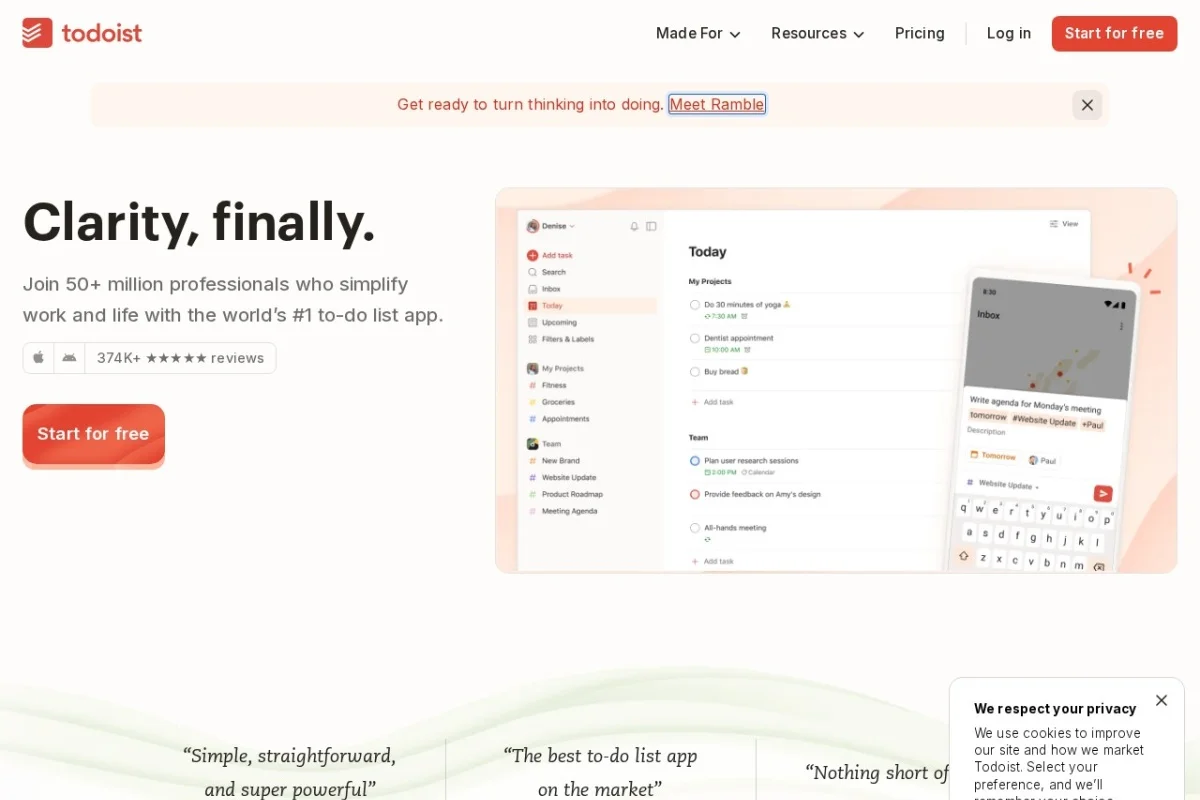
•Todoist is a task management and to-do list application that helps individuals and teams organize, prioritize, and collaborate on tasks. It allows users to create projects, set due dates, add labels and filters, and track productivity with karma points. Available across multiple platforms, it integrates with calendars, email, and other tools to streamline workflow.
⚡ Key Features
•Create and manage tasks with due dates and reminders
•Organize tasks into projects and sub-projects
•Use labels, filters, and priority levels
•Collaborate with shared projects and comments
•Track productivity with Todoist Karma
•Integrate with calendars, email, and 60+ apps
✨ Why Choose It
•Clean, intuitive interface suitable for personal and team use
•Powerful natural language input for quick task entry
•Cross-platform sync with offline access
•Built-in productivity tracking and gamification
👥 Who Is It For
•Individuals managing personal tasks and goals
•Remote teams and small businesses
•Students and educators
•Project managers and freelancers
❓ FAQ
Q: Is Todoist free to use?
A: Yes, Todoist offers a free plan with basic features, and paid Pro and Business plans for advanced functionality.
Q: Can I use Todoist offline?
A: Yes, Todoist works offline and syncs when you reconnect to the internet.
Q: Does Todoist integrate with other apps?
A: Yes, it integrates with Google Calendar, Outlook, Slack, Zapier, and over 60 other services.















