📤 Share
📝 Summary
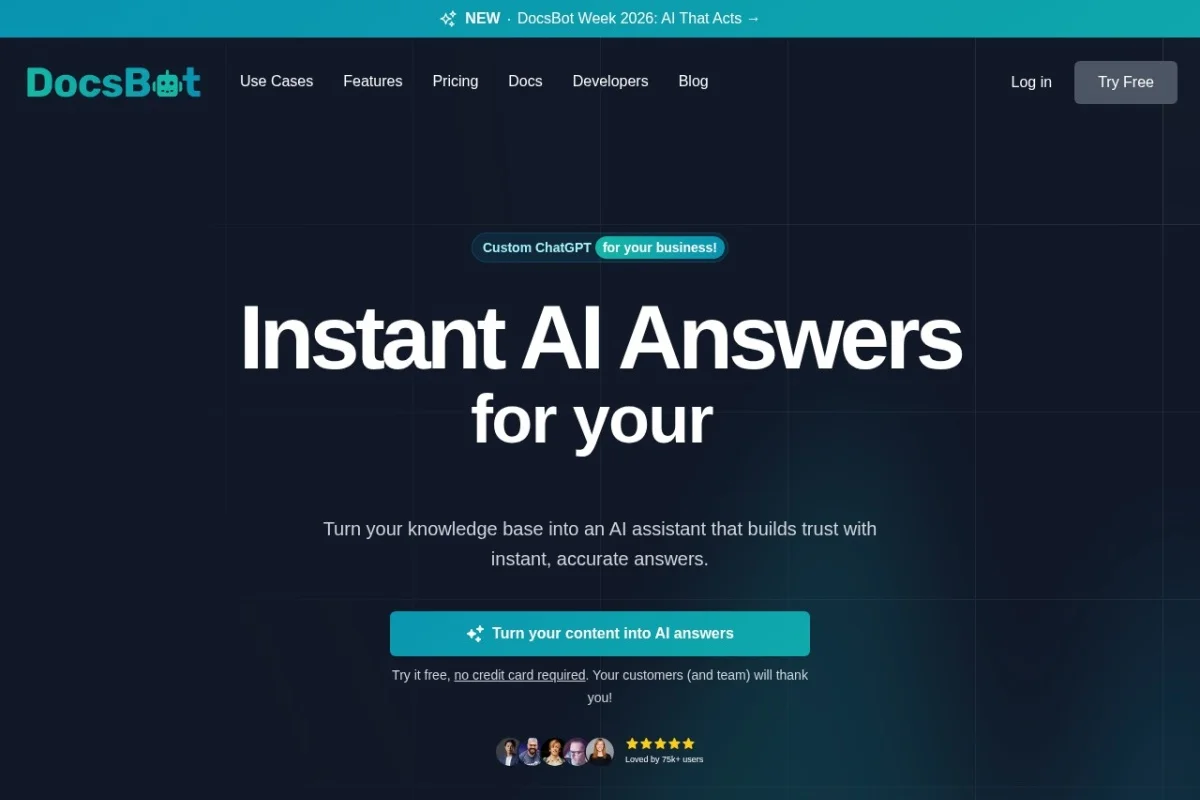
Create custom ChatGPT bots trained on your documentation and content for support and research.
🏷 Tags
⭐ Rating
📖 Tutorials

📝 About This Tool
•DocsBot AI is a platform that allows you to build custom AI chatbots by training them on your own documentation, website content, and other knowledge sources. It processes your information to create a specialized assistant that can answer questions, provide support, assist with presales, and help with research, all based on your specific content. You can then embed this bot into your website, help center, or connect it to other applications.
⚡ Key Features
•Configure bots with advanced privacy and model choices.
•Import content from 37+ sources like docs and websites.
•Test, refine, and add custom instructions for accuracy.
•Embed chatbot via dedicated interface or website widget.
•Connect to other apps via API, Zapier, or Make.
✨ Why Choose It
•Trained specifically on your proprietary documentation for accurate, context-aware answers.
•Supports a wide range of content sources and integration methods.
•Offers detailed logs and analytics for continuous bot improvement.
👥 Who Is It For
•Businesses needing automated customer support.
•Documentation teams and technical writers.
•Developers and SaaS companies.
•Sales and marketing teams for presales assistance.
❓ FAQ
Q: Does it work with languages other than English?
A: Yes. DocsBot understands and responds in any language you need, even if your documentation is multilingual.
Q: What kind of content can I train my DocsBot on?
A: You can import from over 37 sources including documentation files, websites, cloud storage, and help desk articles.
Q: How can I integrate the chatbot into my systems?
A: You can embed it as a widget on your website, use a dedicated chat link, or connect via API and automation tools like Zapier.