📤 Share
📝 Summary
Create smart text snippets and templates to eliminate repetitive typing.
🏷 Tags
⭐ Rating

Text Blaze: Snippets and Templates
📝 About This Tool
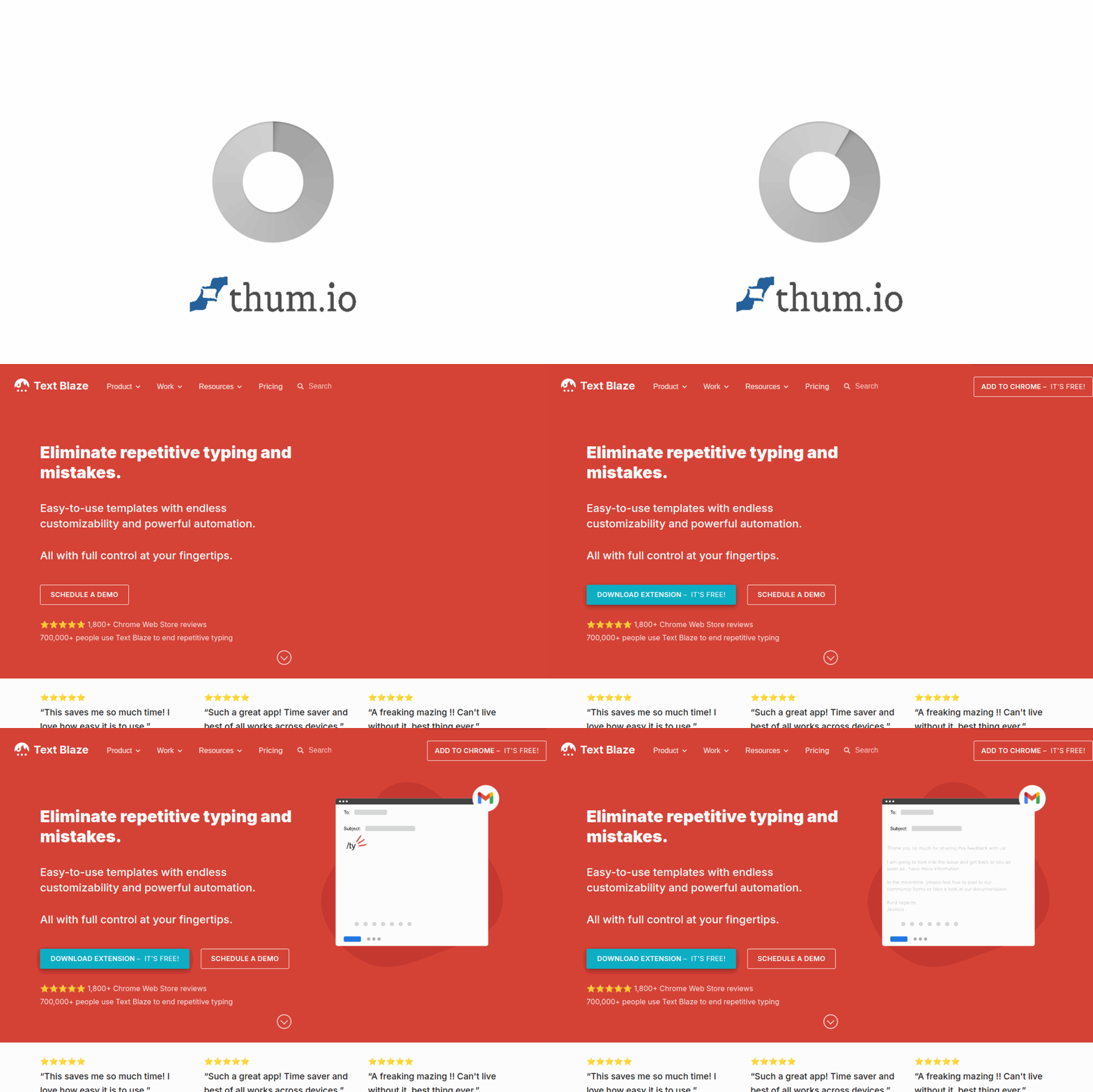
•Text Blaze is a Chrome extension that lets you create and use text snippets, templates, and dynamic forms to automate repetitive typing. It works in any text field on any website, allowing you to insert pre-written text, fill in variables, and use conditional logic. It helps boost productivity for tasks like email responses, support tickets, documentation, and data entry.
⚡ Key Features
•Create reusable text snippets and templates
•Insert dynamic variables and conditional logic
•Works in any text field on any website
•Share snippets with team members
•Use pre-built templates from the marketplace
✨ Why Choose It
•Works everywhere in the browser without switching apps
•Lightweight and fast with no learning curve
•Free to start with generous usage limits
👥 Who Is It For
•Customer support agents
•Sales professionals
•Recruiters
•Healthcare workers
•Anyone who types repetitive text
❓ FAQ
Q: Is Text Blaze free to use?
A: Yes, Text Blaze offers a free plan with core features and usage limits.
Q: Does it work on all websites?
A: It works in any text field on any website in Chrome, Edge, Brave, Vivaldi, and Opera.
Q: Can I share snippets with my team?
A: Yes, you can create and share snippet libraries with your team members.















