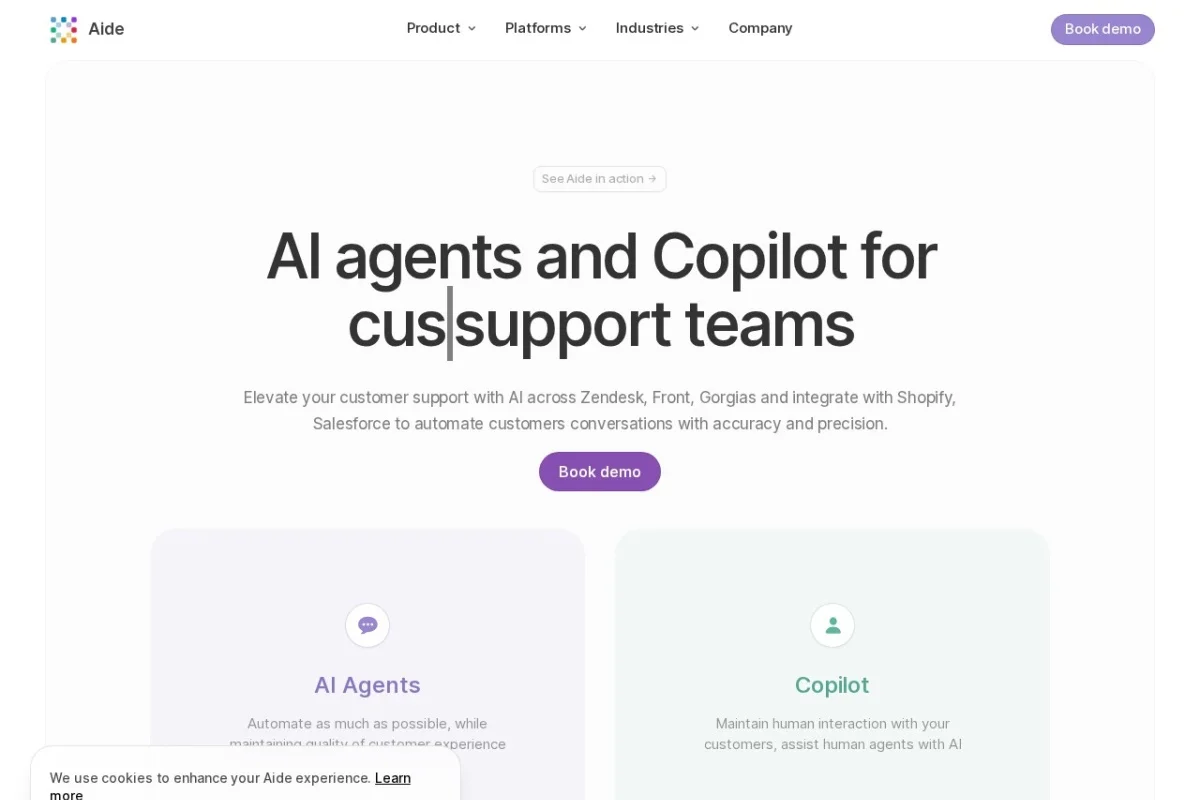
Mastering Customer Support with Aide: A Comprehensive Tutorial
In the fast-paced world of customer support, teams are constantly balancing the need for speed with the demand for high-quality, personalized service. Enter Aide, an AI platform built from the ground up to empower support teams. Aide doesn’t just offer a chatbot; it provides a dual-pronged AI solution: AI Agents that automate entire conversations and execute actions, and a Copilot that supercharges your human agents with real-time intelligence. This tutorial will guide you, step-by-step, from a complete beginner to a confident user, ready to deploy AI across your support operations on platforms like Zendesk, Front, Gorgias, Shopify, and Salesforce.
Introduction: What is Aide and Why Does Your Team Need It?
Aide is a specialized AI platform designed to transform how customer support teams operate. It addresses two critical pain points: handling repetitive, high-volume inquiries and empowering agents to resolve complex issues faster.
- AI Agents: These are autonomous bots you can deploy on your support channels (like email or chat) to have full conversations with customers. They can answer questions, look up information, and even perform actions like processing returns or checking order status by making API calls to your systems (e.g., Shopify, Salesforce). They work 24/7, handling tier-1 support and freeing your team for more nuanced work.
- Copilot: This is an AI assistant for your human agents. As they view a ticket, Copilot works in the background to instantly identify the core topic, pull up relevant guidance from your knowledge base, and suggest accurate responses. This slashes research time and ensures consistent, high-quality communication.
The magic of Aide lies in its deep integration with the tools you already use and its focus on actionable AI. It’s not just about answering questions; it’s about completing tasks and making your entire team more efficient.
Getting Started with Aide
Beginning your journey with Aide is a structured process. Follow these steps to set a solid foundation for your AI-powered support.
Step 1: Sign Up and Initial Platform Connection
Head to https://aide.app and sign up for an account. The onboarding process will guide you through connecting your primary support platform (like Zendesk or Front) and your core CRM or e-commerce platform (like Shopify or Salesforce). This integration is crucial as it allows Aide to read incoming tickets, send responses, and fetch real-time customer data. Ensure you have your admin credentials handy for these platforms to authorize the connection smoothly.
Step 2: Feeding Your AI – The Training Phase
An AI is only as good as its training. Aide simplifies this by letting you train your AI Agents and Copilot using your own historical data.
- Import Past Tickets: Upload a sample of past support tickets (especially resolved ones). Aide’s AI analyzes these to understand the types of questions you receive, the language your customers use, and the correct solutions your team provides.
- Connect Knowledge Base: Link your help center or internal knowledge articles. This gives Aide a repository of accurate, approved information to draw from when generating answers.
- Define Key Actions: Identify common customer requests that involve an action, such as “cancel my order,” “start a return,” or “update my subscription.” You’ll later teach your AI Agent how to perform these via API calls.
Step 3: Your First AI Agent – Configuration and Testing
Before going live, you’ll build and test your AI Agent in Aide’s safe environment.
- Navigate to the AI Agents section and create a new agent.
- Define its scope: What types of tickets should it handle? (e.g., password resets, tracking inquiries, store hours).
- Configure its capabilities: Which knowledge sources can it access? What actions is it permitted to take?
- Use the Simulated Testing Environment: This is a critical feature. Here, you can role-play as a customer and have full conversations with your untrained bot. Ask questions in different ways, throw curveballs, and see how it responds. This allows you to refine its answers and logic without any risk to real customers.
Key Features and How to Use Them Effectively
Now, let’s dive deeper into Aide’s core features and how you can leverage them for maximum impact.
1. Deploying and Managing AI Agents
What it is: The capability to launch autonomous AI bots on your connected support channels to handle conversations from start to finish.
How to Use It:
- After testing, deploy your AI Agent to a specific inbox or tag (e.g., all emails tagged “billing”).
- Set clear hand-off triggers. Define when the bot should escalate to a human agent. This could be when a customer says “speak to a human,” when the conversation reaches a certain complexity score, or when the requested action requires special approval.
- Monitor the agent’s performance through Aide’s analytics. Look at resolution rates, customer satisfaction, and hand-off frequency to continuously refine its training.
2. Training Bots with Past Data & Knowledge
What it is: The continuous process of improving your AI’s accuracy by providing it with your company’s unique data.
How to Use It:
- Regularly upload new batches of resolved tickets to keep the AI updated on recent issues and solutions.
- When you publish new help articles or update policies, re-sync your knowledge base in Aide’s settings.
- Use the “teach” function. If you spot an incorrect AI response in the logs, manually correct it. This feedback is used to retrain the model and prevent future mistakes.
3. The Simulated Testing Environment
What it is: A sandbox where you can exhaustively test your AI Agent’s conversation flows and logic before it interacts with a single customer.
How to Use It:
- Don’t just test the happy path. Try edge cases: “My order is late and I’m furious,” or ask two questions in one sentence.
- Test the action execution. Simulate a return request and verify the bot correctly triggers the intended API call to your order management system.
- Involve multiple team members in testing to gather diverse perspectives and question styles.
4. Seamless Bot-to-Human Hand-off
What it is: A smooth transition where the AI Agent transfers the entire conversation context to a human agent when it cannot resolve the issue.
How to Use It:
- Configure the hand-off to include the full conversation history in the ticket notes. The human agent should never have to ask the customer to repeat themselves.
- Set up internal alerts or dedicated queues for these hand-off tickets so they are prioritized.
- The AI Agent can even suggest a likely topic or category based on the conversation, giving the human agent a head start.
5. Bots Making API Calls for Context
What it is: Your AI Agent can proactively fetch real-time data from your connected systems (Shopify, Salesforce, etc.) during a conversation.
How to Use It:
- During agent configuration, define the API calls it’s allowed to make. For example: “Get order status by order number,” or “List recent customer purchases.”
- Train the bot to recognize when this data is needed. If a customer asks, “Where’s my order?”, the bot should automatically ask for an order number, then use the API to fetch and relay the tracking information.
- This transforms the bot from a simple Q&A machine into an actionable support representative.
6. Copilot: The AI Assistant for Human Agents
What it is: A real-time sidebar that activates when a human agent opens a ticket, providing instant topic detection, knowledge suggestions, and reply recommendations.
How to Use It:
- As your agents work, encourage them to glance at the Copilot sidebar first. Its automatic topic tags (e.g., “Refund Request,” “Technical Bug – Checkout”) instantly frame the issue.
- Click on the surfaced knowledge articles to pull verified information directly into the reply draft.
- Use the suggested replies as a starting point. Agents should personalize them with the customer’s name and specific details, but this eliminates typing from scratch.
7. Automatic Ticket Tagging
What it is: As tickets arrive, Aide’s AI analyzes the content and automatically applies relevant topic tags, even before a human sees them.
How to Use It:
- Use these auto-tags to create efficient triage and routing rules in your main support platform. All “Password Reset” tickets can go straight to the AI Agent, while “Escalated Complaint” tickets go to a senior agent.
- Analyze the tag dashboard to identify trending issues in real-time. A spike in “Shipping Delay” tags can alert your team to a logistical problem.
- This feature also ensures consistency in how tickets are categorized, improving reporting and analytics.
Pro Tips for Success with Aide
To truly excel with Aide, move beyond basic setup and adopt these strategic practices.
Start Small, Then Scale
Begin by deploying your AI Agent on a single, well-defined use case with high volume and low complexity—such as “order tracking” or “store locator” requests. Perfect its performance there. Once you have confidence and data, gradually expand its responsibilities to other ticket types.
Blend AI and Human Strengths
Adopt a mindset of collaboration, not replacement. Let the AI Agent handle the repetitive, factual work. Train your human agents to focus on complex problem-solving, empathy, and relationship-building. The seamless hand-off is key to this blended model.
Commit to Continuous Training
AI is not a “set it and forget it” tool. Designate a team member (e.g., a support lead) to be the “AI Trainer.” Their weekly task should be to review conversation logs, provide corrective feedback, and add new training data. This ongoing investment dramatically improves accuracy over time.
Leverage Data for Proactive Support
Use the insights from Aide’s automatic tagging and analytics proactively. If you see a surge in tickets about a specific feature, it might indicate a bug or a need for better user education. Use this to inform your product and content teams, potentially preventing future tickets.
Foster Agent Adoption of Copilot
For Copilot to be effective, your team must trust and use it. Incorporate it into your training for new hires. Frame it as a tool that eliminates the grunt work, allowing them to focus on the rewarding parts of customer service. Share success stories of how it helped resolve a tricky ticket quickly.
By following this tutorial, you are well on your way to transforming your customer support with Aide. Remember, the goal is to create a synergistic ecosystem where AI handles scale and speed, while your human experts deliver empathy and complex problem-solving. Start with a solid foundation, iterate based on data, and watch as your team’s efficiency and customer satisfaction soar.

Aide AI Agents and Copilot for Customer Support
Enterprise-grade AI platform for automating and assisting customer support teams across multiple platforms.