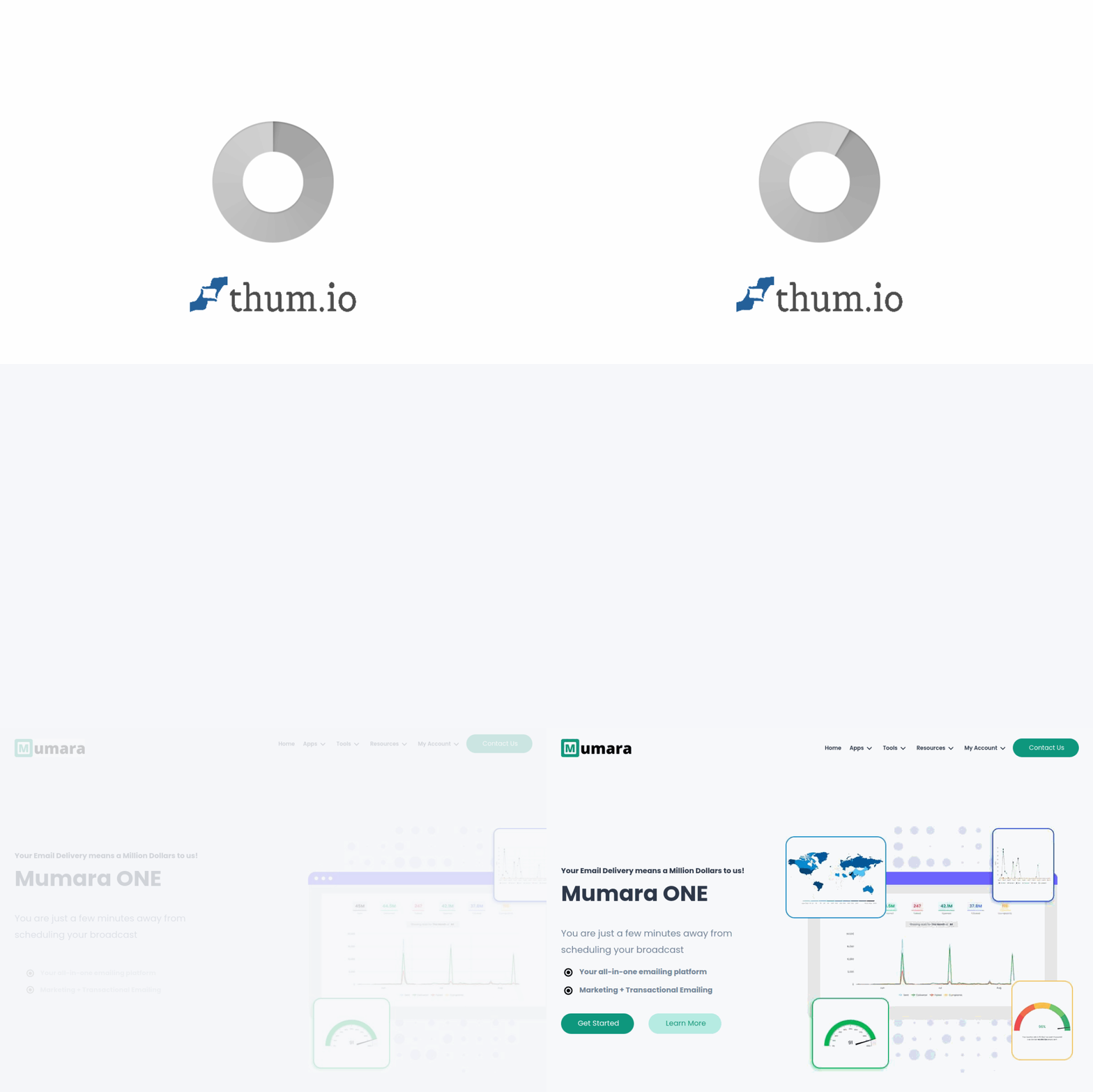
Introduction to Mumara Email Marketing Platform
Email marketing remains one of the most effective digital channels for nurturing leads, driving sales, and building long-term customer relationships. However, managing email campaigns at scale requires more than just a basic sending tool. Mumara is a comprehensive email marketing and automation platform designed to give businesses full control over their email operations. Unlike many mainstream email services that impose strict limits on sending volume or list size, Mumara is built for flexibility, deliverability optimization, and deep data analysis.
Whether you are a small business owner looking to send your first newsletter or a marketing agency managing multiple client campaigns, Mumara provides the infrastructure to create, send, and track email campaigns with precision. This tutorial will walk you through everything you need to know to get started with Mumara, from initial setup to advanced automation workflows. By the end of this guide, you will be able to confidently use Mumara to engage your audience effectively.
Getting Started with Mumara
Creating Your Account and Initial Setup
To begin using Mumara, navigate to the official website at https://mumara.com/. You will find options to sign up for a free trial or choose a paid plan that suits your business needs. Mumara offers different tiers based on the number of subscribers and features required. After registering, you will receive a confirmation email with login credentials.
Once logged in, the first step is to configure your sending infrastructure. Mumara supports both built-in sending servers and third-party SMTP services. For beginners, it is recommended to connect a dedicated SMTP server (such as Amazon SES, SendGrid, or your own mail server) to ensure high deliverability. Navigate to the Settings section and locate the Mail Servers tab. Here you can add your SMTP credentials, including hostname, port, username, and password. Mumara will test the connection automatically to confirm everything is working.
Verifying Your Domain and Sender Reputation
Before sending any campaigns, you must verify your sending domain. This step is crucial for deliverability. Mumara provides a simple interface to add SPF, DKIM, and DMARC DNS records. These records tell receiving mail servers that your emails are legitimate. In the Settings menu, find Domain Verification. Enter your domain name, and Mumara will generate the required DNS values. Copy these values to your domain provider’s DNS settings. Once the records propagate (which can take a few hours), Mumara will confirm your domain as verified.
Key Features of Mumara
Email Campaign Creation and Scheduling
Mumara offers a powerful drag-and-drop email builder that requires no coding knowledge. You can choose from a library of pre-designed templates or create your own from scratch. The editor allows you to add text, images, buttons, dividers, and social media links. Every element can be customized with your brand colors and fonts. Once your campaign is designed, you can schedule it for a specific date and time or send it immediately. Mumara also supports timezone-based sending, meaning your subscribers receive emails at the optimal time in their local time zone.
List Segmentation and Management
One of Mumara’s strongest features is its list management system. You can import subscribers via CSV files, manual entry, or API integration. Lists can be organized into groups and segments based on subscriber behavior, demographics, or custom fields. For example, you can create a segment of subscribers who opened your last campaign but did not click any link, or a segment of users who joined your list in the last 30 days. Segmentation allows you to send highly targeted messages, which improves engagement and reduces unsubscribes.
Automated Email Workflows
Automation is where Mumara truly shines. The platform includes a visual workflow builder that lets you set up complex email sequences without writing a single line of code. You can trigger workflows based on actions such as a new subscriber joining a list, a user clicking a specific link, or a purchase being made. Each workflow can include multiple steps, delays, conditions, and actions. For instance, you can create a welcome series that sends a thank-you email immediately, followed by a discount offer three days later, and a reminder email if the user does not open the first email.
Deliverability Monitoring and Optimization
Deliverability is the biggest challenge in email marketing. Mumara provides real-time monitoring tools to track your sender reputation, bounce rates, and spam complaints. The platform automatically suppresses invalid email addresses and manages bounces to protect your sender score. You can also run deliverability tests before sending a campaign to check if your emails are likely to land in the inbox or spam folder. Mumara integrates with seed testing services to give you a preview of how different email clients will treat your message.
Detailed Analytics and Reporting
After sending a campaign, Mumara generates comprehensive reports. You can view open rates, click-through rates, unsubscribes, bounces, and spam complaints. The reports are broken down by list, segment, and individual subscriber. Mumara also provides heatmaps showing where subscribers clicked within your email. For advanced users, the platform offers custom report exports and API access to pull data into your own analytics dashboards.
How to Use Mumara: Step-by-Step Guide
Step 1: Import Your Subscriber List
Go to the Lists section and click Create New List. Give your list a name, such as “Newsletter Subscribers” or “Product Launch List.” You can then import subscribers by uploading a CSV file. Ensure your CSV has columns for email addresses and any custom fields you want to use (e.g., first name, location, purchase history). Mumara will map the columns automatically. You can also add subscribers manually using the Add Subscriber button. Remember to comply with anti-spam laws: only import subscribers who have explicitly opted in to receive emails from you.
Step 2: Create a Segment
Segmentation allows you to target specific groups within your list. From the Lists menu, select your list and click Segments. Click Create Segment and define your criteria. For example, to target subscribers who have not opened any email in the last 60 days, select “Last Open Date” and set it to “more than 60 days ago.” Save your segment. You can use this segment for re-engagement campaigns or to exclude inactive users from regular mailings.
Step 3: Design Your Email Campaign
Navigate to Campaigns and click New Campaign. Choose a campaign type: Regular, Auto-Responder, or Automated Workflow. For a standard newsletter, select Regular. Give your campaign a name and choose your sender details (from name and email address). In the Content section, select a template or use the drag-and-drop editor to build your email. Add your message, include a clear call-to-action button, and ensure your branding is consistent. Preview your email on desktop and mobile views to check for formatting issues.
Step 4: Set Up Automation Workflows
Go to Automations and click Create Workflow. You will see a blank canvas. Drag a Trigger from the left panel onto the canvas. Common triggers include “Subscriber Added to List” or “Link Clicked.” Next, add an Action such as “Send Email.” Connect the trigger to the action with a line. You can add conditions (e.g., “If subscriber is in Segment X”) to create branching paths. Set delays between steps, such as “Wait 2 days.” Save your workflow and activate it. Mumara will automatically manage the sequence for every qualifying subscriber.
Step 5: Send or Schedule Your Campaign
After designing your campaign, review the Recipients section to ensure you are sending to the correct list or segment. You can also exclude certain groups, such as unsubscribed users. Under Schedule, choose to send immediately or set a future date and time. If you use timezone-based sending, select the option and Mumara will deliver the email according to each subscriber’s local time. Click Send or Schedule. Your campaign is now live.
Step 6: Analyze Your Results
After sending, go to the Reports section. Find your campaign in the list and click on it. You will see a dashboard with key metrics. Pay attention to the open rate, click-through rate, and bounce rate. If your open rate is low, consider improving your subject line or sender name. If your bounce rate is high, clean your list and remove invalid addresses. Use the heatmap to see which links received the most clicks. Export the report if you need to share it with your team.
Tips for Success with Mumara
Always Warm Up a New Sending Domain
If you are using a new domain or a fresh SMTP server, do not send large volumes immediately. Start with a small number of emails and gradually increase over several days or weeks. This process, known as “warming up,” builds trust with internet service providers (ISPs). Mumara has a built-in warm-up tool that automates this process by gradually increasing send volume while monitoring deliverability metrics.
Use Double Opt-In for List Growth
To maintain a high-quality list, enable double opt-in in your signup forms. This means new subscribers must confirm their email address by clicking a link in a verification email. While this reduces the speed of list growth, it ensures that every subscriber is genuinely interested and that your list contains valid, engaged contacts. Mumara supports double opt-in natively, and you can customize the confirmation email.
Test Before You Send
Always send a test email to yourself before sending to your full list. Check how the email renders in Gmail, Outlook, and Apple Mail. Mumara allows you to send test emails to multiple addresses at once. Also, use the Spam Test feature to check if your email might be flagged as spam. Adjust your content if the test shows issues, such as too many spam trigger words or missing authentication headers.
Segment Aggressively
Generic emails get ignored. Use Mumara’s segmentation capabilities to send highly personalized messages. For example, segment by purchase history to recommend related products, or segment by geographic location to promote local events. The more relevant your email is to each subscriber, the higher your engagement will be. Review your segments regularly and update them based on new data.
Monitor Your Sender Reputation Daily
Your sender reputation is the single most important factor in deliverability. Log into Mumara daily to check the Deliverability Dashboard. Look for sudden increases in bounce rates or spam complaints. If you notice a problem, pause your campaigns immediately and investigate. Common causes include sending to stale lists, using purchased email lists, or having a compromised sending server. Mumara provides alerts if your reputation drops below a safe threshold.
Re-Engage Inactive Subscribers
Subscribers who haven’t opened your emails in 6 months are unlikely to become active again. Use Mumara to create a re-engagement campaign targeting these users. Send a special offer or a “We miss you” email. If they still do not engage, remove them from your active list. This protects your sender reputation and keeps your metrics accurate. Mumara’s automation workflows make it easy to set up this process automatically.
Leverage A/B Testing
Mumara includes an A/B testing feature that allows you to test different subject lines, sender names, or email content. Send variant A to a small percentage of your list and variant B to another small percentage. After a set period, Mumara automatically sends the winning version to the remaining subscribers. This data-driven approach helps you continuously improve your campaign performance.
By following this tutorial, you now have a solid foundation for using Mumara to its full potential. Start with simple campaigns, experiment with automation, and always prioritize deliverability. With consistent practice and attention to your analytics, you will build a powerful email marketing engine that drives real business results.

Mumara Email Marketing Platform
Mumara is an email marketing automation platform for businesses.