📤 Share
📝 Summary
AI pair programming tool that works with LLMs in your terminal.
🏷 Tags
⭐ Rating
Aider – AI Pair Programming in Your Terminal
📝 About This Tool
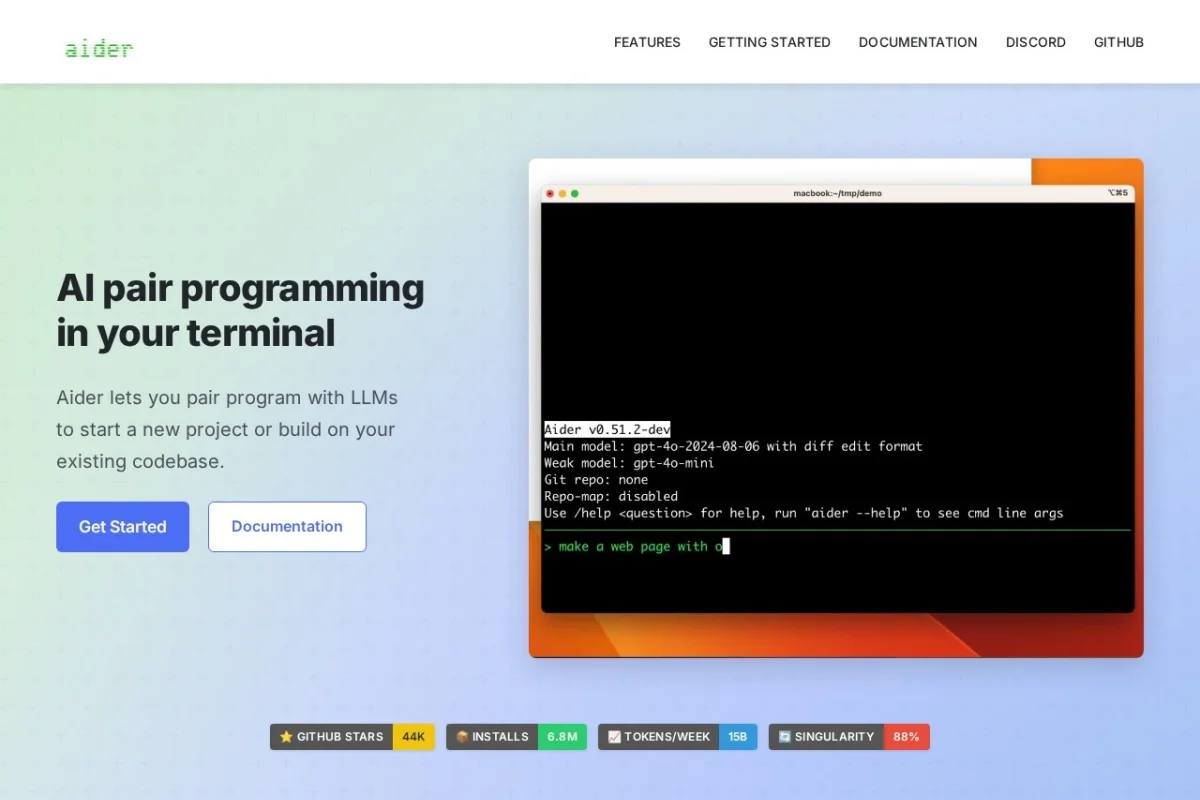
•Aider is an AI pair programming tool that runs in your terminal, allowing you to collaborate with large language models (LLMs) to start new projects or enhance existing codebases. It supports cloud and local LLMs, maps your entire codebase for better context, works with over 100 programming languages, integrates with Git for automatic commits, and offers features like voice-to-code, image and web page context, linting, and testing. It is open source and highly rated by developers.
⚡ Key Features
•Works with cloud and local LLMs (Claude, DeepSeek, OpenAI, etc.)
•Maps your entire codebase for better context in large projects
•Supports 100+ programming languages
•Automatic Git integration with sensible commit messages
•Voice-to-code functionality
•Add images and web pages for visual context
•Linting and testing automation
•Copy/paste integration with web chat interfaces
✨ Why Choose It
•Open source with 44K GitHub stars and 6.8M installs
•Works with both cloud and local LLMs, including free local models
•Automatically maps codebase for better performance in large projects
•Voice-to-code feature for hands-free coding
👥 Who Is It For
•Software developers and programmers
•Open source contributors
•Teams using AI for code assistance
•Developers working on large codebases
❓ FAQ
Q: What LLMs does Aider support?
A: Aider works best with Claude 3.7 Sonnet, DeepSeek R1 & Chat V3, OpenAI o1, o3-mini & GPT-4o, and can connect to almost any LLM, including local models.
Q: Is Aider free to use?
A: Aider is open source and free to install, but you may need API keys for cloud LLMs which have their own pricing.
Q: Can I use Aider with my existing codebase?
A: Yes, Aider maps your entire codebase to work well in larger projects and integrates with Git for version control.