📤 Share
📝 Summary
Collaborative interface design tool for teams.
⭐ Rating
📖 Tutorials

Figma
📝 About This Tool
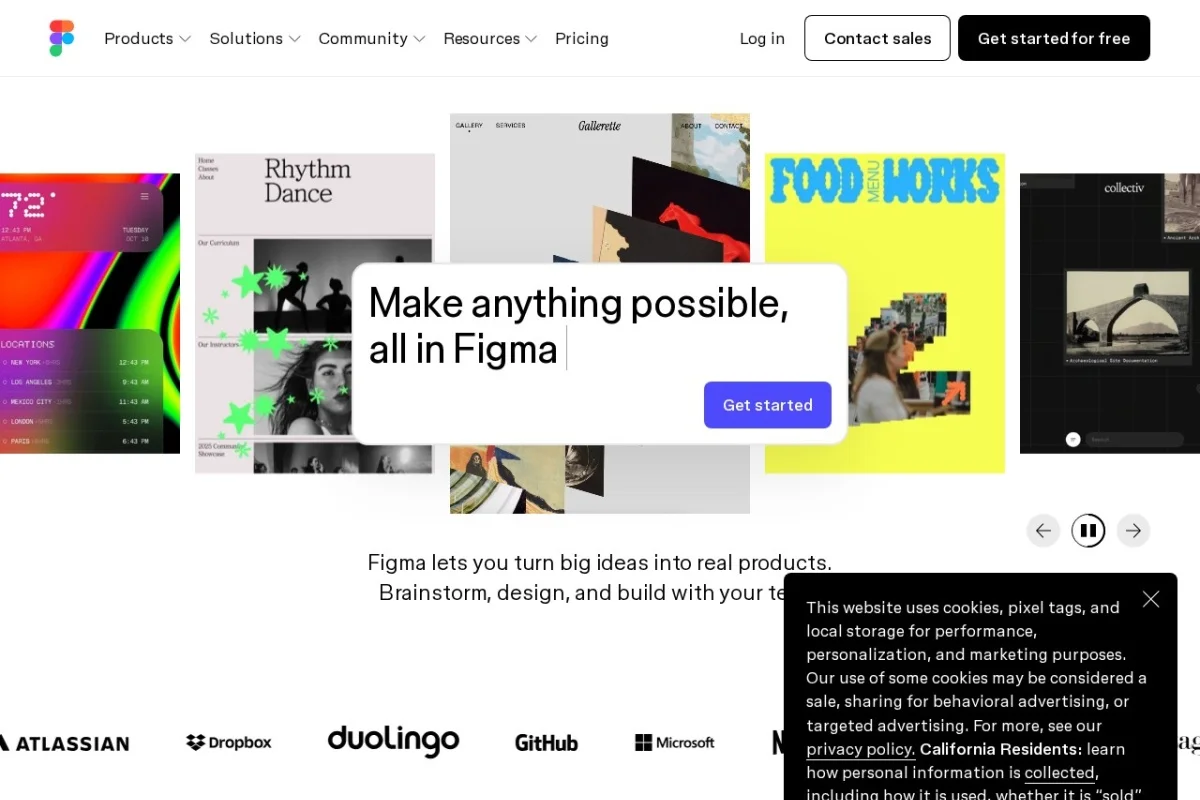
•Figma is a cloud-based collaborative interface design tool that enables teams to create, prototype, and iterate on digital designs in real-time. It combines vector editing, prototyping, and developer handoff in a single browser-based platform, allowing multiple users to work simultaneously on the same file. Figma supports design systems, component libraries, and version history, making it a central hub for UI/UX design workflows.
⚡ Key Features
•Real-time collaboration on design files
•Vector editing and prototyping tools
•Design system and component management
•Developer handoff with inspect mode
•Version history and branching
✨ Why Choose It
•Browser-based, no installation required
•Seamless real-time multi-user collaboration
•Unified platform for design, prototyping, and handoff
👥 Who Is It For
•UI/UX designers
•Product designers
•Design teams and agencies
•Developers and product managers
❓ FAQ
Q: Is Figma free to use?
A: Yes, Figma offers a free plan with core features for individuals and small teams.
Q: Can I use Figma offline?
A: Figma is primarily cloud-based, but the desktop app supports limited offline functionality.
Q: Does Figma support prototyping?
A: Yes, Figma includes built-in prototyping tools for creating interactive flows and animations.