📤 Share
📝 Summary
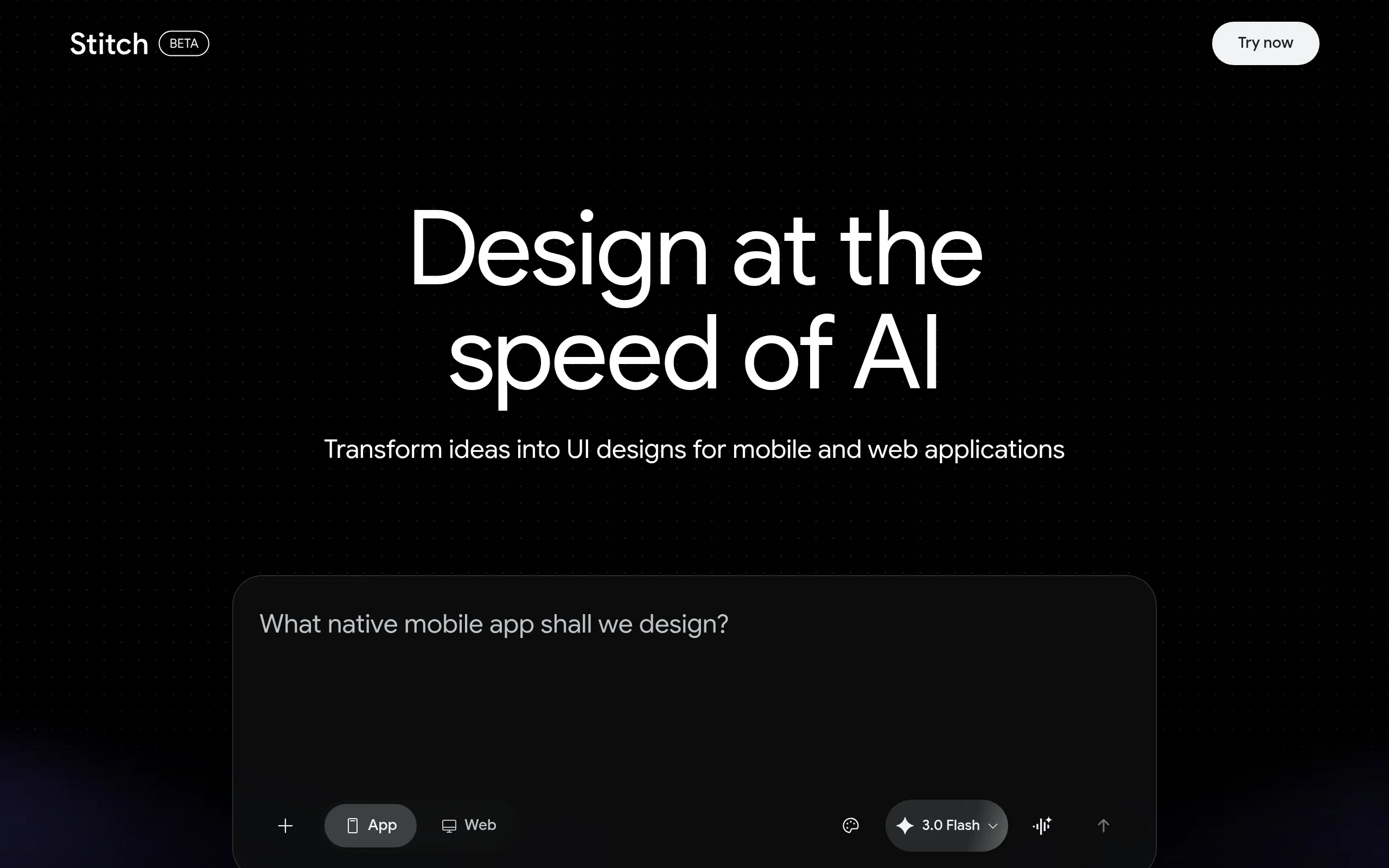
An AI-powered design assistant that generates UI designs from text descriptions.
⭐ Rating
📖 Tutorials

Galileo AI
📝 About This Tool
•Galileo AI is a design tool that uses artificial intelligence to transform text prompts into high-fidelity user interface designs. It helps designers and product teams rapidly create UI mockups, screens, and components by simply describing what they want in natural language, significantly speeding up the design process.
⚡ Key Features
•Generates UI designs from text prompts.
•Creates editable designs in Figma.
•Offers a library of UI components and patterns.
•Provides high-fidelity, production-ready outputs.
•Speeds up the initial design and ideation phase.
✨ Why Choose It
•Deeply integrated with Figma for a seamless workflow.
•Focuses specifically on UI/UX design, not just generic images.
•Produces structured, layered designs ready for iteration.
👥 Who Is It For
•UI/UX Designers
•Product Managers
•Startup Founders
•Frontend Developers
❓ FAQ
Q: What design tool does Galileo AI integrate with?
A: It is primarily integrated with Figma.
Q: Does it only generate images or actual editable designs?
A: It generates editable, layered UI designs.
Q: Is coding knowledge required to use it?
A: No, it works from natural language text prompts.