📤 Share
📝 Summary
Interactive browser-based tool to experiment with neural networks visually.
🏷 Tags
⭐ Rating

TensorFlow Neural Network Playground
📝 About This Tool
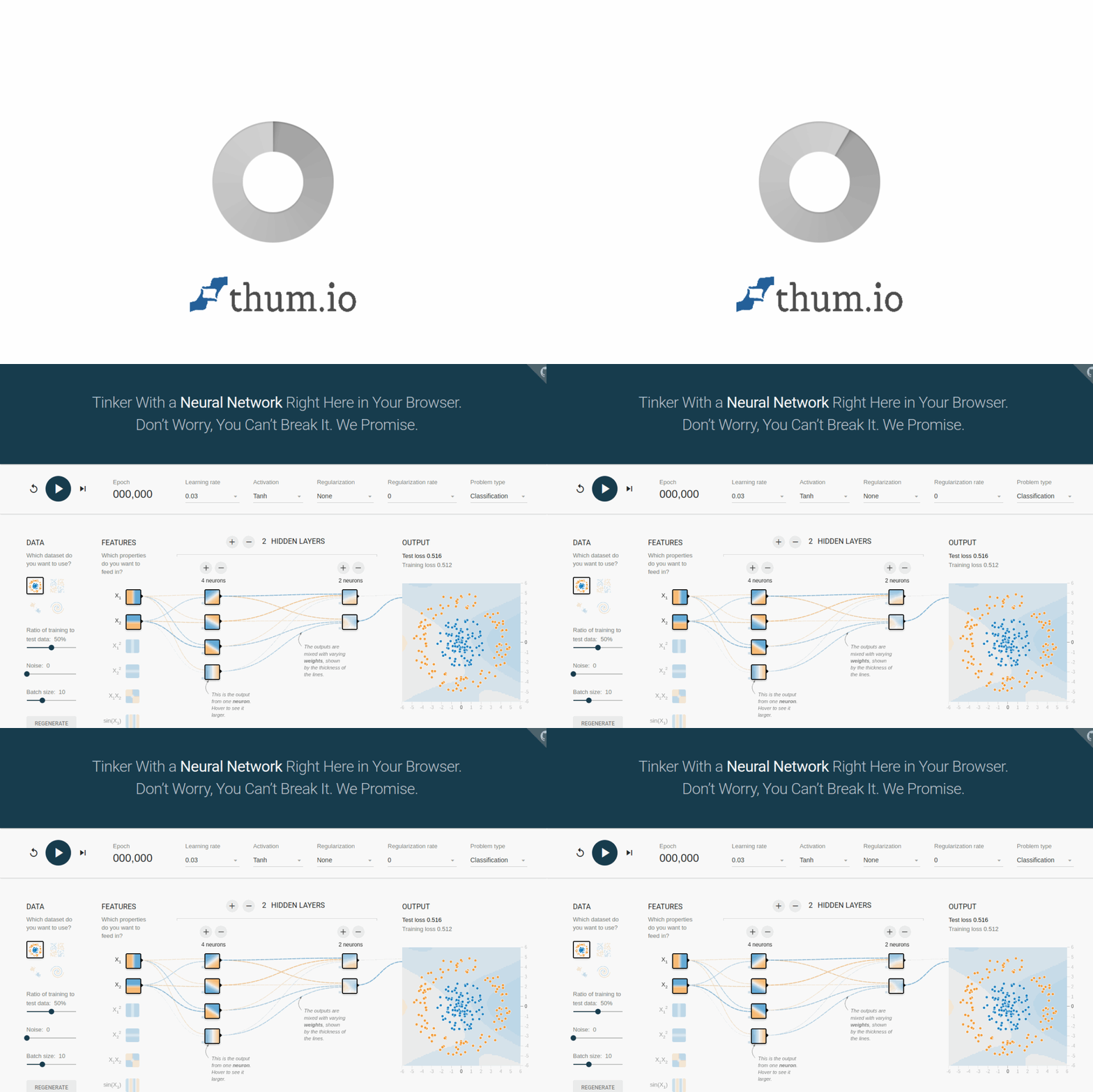
•TensorFlow Neural Network Playground is an interactive web-based tool that lets users tinker with a neural network directly in their browser. It provides a visual interface to adjust parameters like learning rate, activation functions, regularization, and network architecture, then see real-time feedback on training and test loss. Designed for learning and experimentation, it helps demystify how neural networks work by allowing hands-on manipulation without any setup or coding.
⚡ Key Features
•Adjustable learning rate, activation functions, regularization, and network layers
•Real-time visualization of training and test loss
•Multiple datasets and problem types (classification/regression)
•Interactive neuron weight and bias editing
•Color-coded output showing predictions and confidence
✨ Why Choose It
•No installation or coding required
•Immediate visual feedback for learning
•Open source and freely customizable on GitHub
👥 Who Is It For
•Students learning neural networks
•Educators teaching AI concepts
•Developers exploring deep learning basics
❓ FAQ
Q: What is a neural network?
A: It's a technique for building a computer program that learns from data, loosely based on how the human brain works.
Q: Can I repurpose this tool?
A: Yes, it's open source on GitHub under the Apache License.
Q: What do the colors mean?
A: Orange shows negative values, blue shows positive values; background color intensity indicates prediction confidence.